SCANIA T EXC LONGLINE RJL SCI FI SKIN
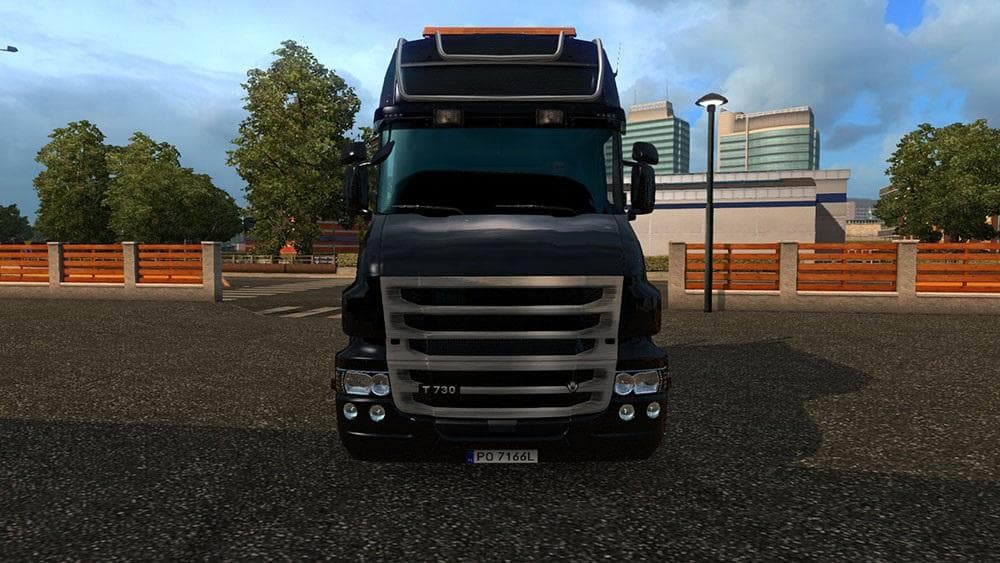
This ETS2 mod is a skin for the Scania T Exc Longline RJL truck, created by ETS2Mods. The mod was last updated on October 8, 2015, but details about the version
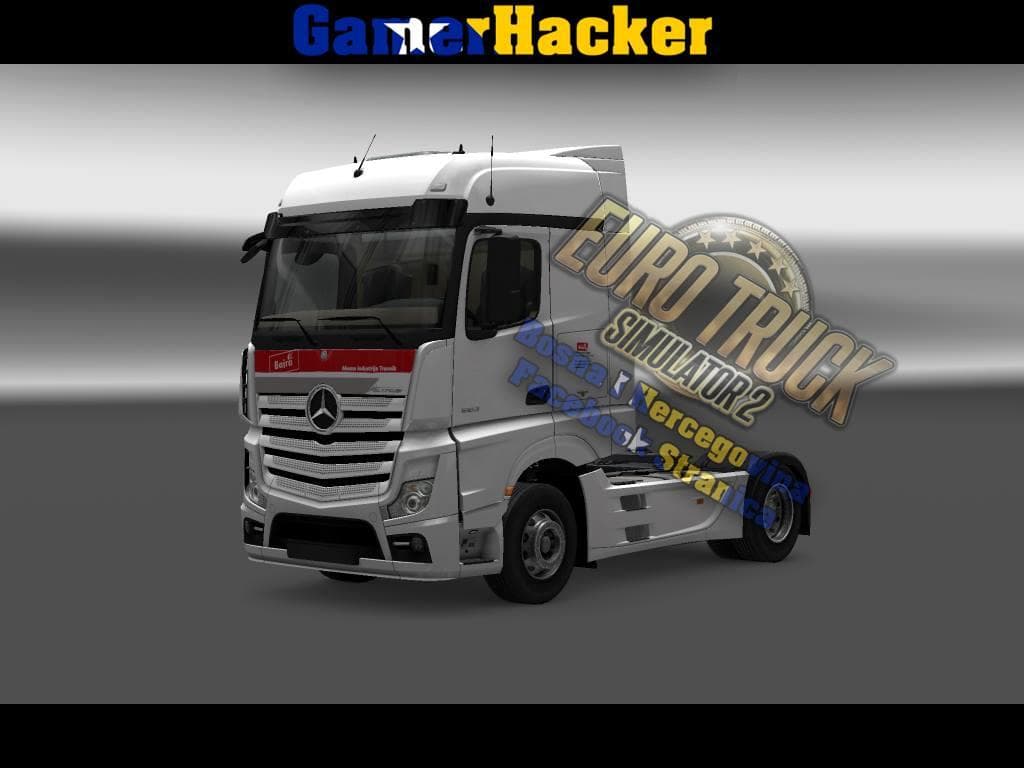
The SCANIA T EXC Longline RJL Sci Fi Skin is a paint job mod designed for the SCANIA T EXC Longline truck in Euro Truck Simulator 2. This type of mod doesn't alter the truck's model or performance but changes its external appearance, giving your vehicle a distinctive look inspired by science fiction themes. Skins like this one are applied through the game's paint shop and rely on the base truck model to function properly.
Skin mods such as this repaint existing trucks without affecting gameplay mechanics, making them straightforward additions to your setup. You just place the mod files into the appropriate 'mod' folder within your Euro Truck Simulator 2 directory, and then activate it via the in-game mod manager. Since it only affects visuals, it usually works well alongside other mods that add new trucks, maps, or gameplay features without conflicts.
When organizing your mod list, it's helpful to keep skins loaded after any mods that alter truck models. This ensures the skin can properly overwrite textures on the intended vehicle. Compatibility is generally not an issue unless another skin targets exactly the same truck slot. So if you run multiple skins for the same base truck, only one can be active at a time.
Players who enjoy customizing their fleet’s appearance will appreciate adding this sci-fi themed skin to their SCANIA T EXC Longline. It fits nicely into setups that include other cosmetic mods and can help personalize your driving experience across regions like Germany, Poland, and beyond. Fans of futuristic styles looking to refresh their truck’s exterior might find this mod worth trying out.
How to install
1. Download the .scs file. 2. Drop it into `Documents/Euro Truck Simulator 2/mod/`. 3. Enable in Mod Manager. 4. Apply the skin in the truck/trailer paint shop.
After the mod loads, save your game inside a safe area (parking lot or service) before deciding whether to keep it. If the game refuses to load with the mod enabled, check that all required DLCs are installed and that the supported ETS2 version chips on this page include your installed game patch.
Reviews
No ratings yetNo reviews yet — be the first to rate this mod.