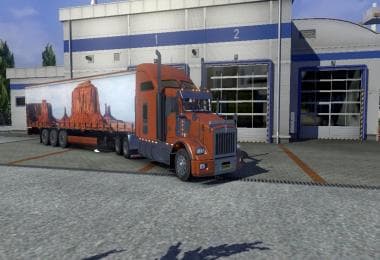
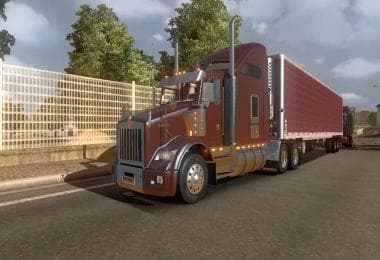
DC BLACK CHERRY AMERICAN TRAILER SKIN 01 V2
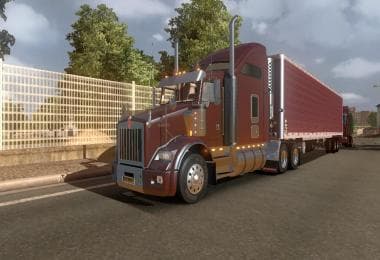
This mod is a skin for American trailers in Euro Truck Simulator 2, created by ETS2Mods. The version, file size, and supported ETS2 versions are unknown. Last u
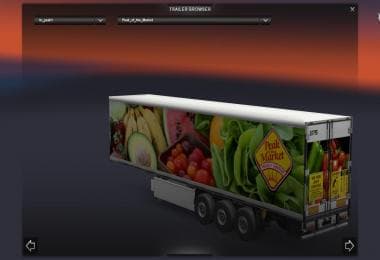
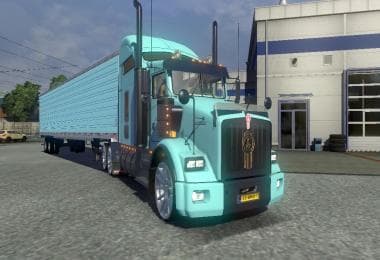
The DC BLACK CHERRY AMERICAN TRAILER SKIN 01 V2 is a repaint mod designed for trailers in Euro Truck Simulator 2. It updates the trailer's appearance with a dark cherry color scheme and includes subtle details like reskinned mudflaps and restored corner brackets on the doors. This skin doesn't alter the trailer model itself but changes its look, fitting neatly into the category of skins that enhance visual variety without affecting gameplay mechanics.
Skins like this one are applied through the paint shop and depend on having the compatible base trailer model installed first. They offer an easy way to customize your fleet’s style without adding extra weight or complexity to the game. Since it’s a repaint, it won’t conflict with mods that change trailer physics or add new trailers, but you do need to remove any previous version of this particular skin before installing the update to avoid load order issues.
This type of mod suits players who want a personalized touch for their trailers while sticking to existing models. It blends well with larger mod setups that include American-themed trucks and trailers, especially if you prefer a consistent aesthetic across your vehicles. The subtle adjustments like recolored mudflaps show attention to detail beyond just slapping on a new paint job.
For those running multiple skins or large collections, keeping track of versions helps maintain compatibility. Replacing older versions of this skin avoids texture overlap problems or visual glitches. Generally, skins from ETS2Mods have straightforward installation procedures typical for repaint mods in ETS2, making them accessible even if you’re not deep into mod management.
If you're focused on American trucking themes and appreciate smaller visual tweaks that add character to your trailers, this mod fits right in. It’s particularly useful if you’re updating from an earlier Black Cherry skin version and want those refinements incorporated without changing how your game handles trailer models.
How to install
1. Download the .scs file. 2. Drop it into `Documents/Euro Truck Simulator 2/mod/`. 3. Enable in Mod Manager. 4. Apply the skin in the truck/trailer paint shop.
After the mod loads, save your game inside a safe area (parking lot or service) before deciding whether to keep it. If the game refuses to load with the mod enabled, check that all required DLCs are installed and that the supported ETS2 version chips on this page include your installed game patch.
Reviews
No ratings yetNo reviews yet — be the first to rate this mod.