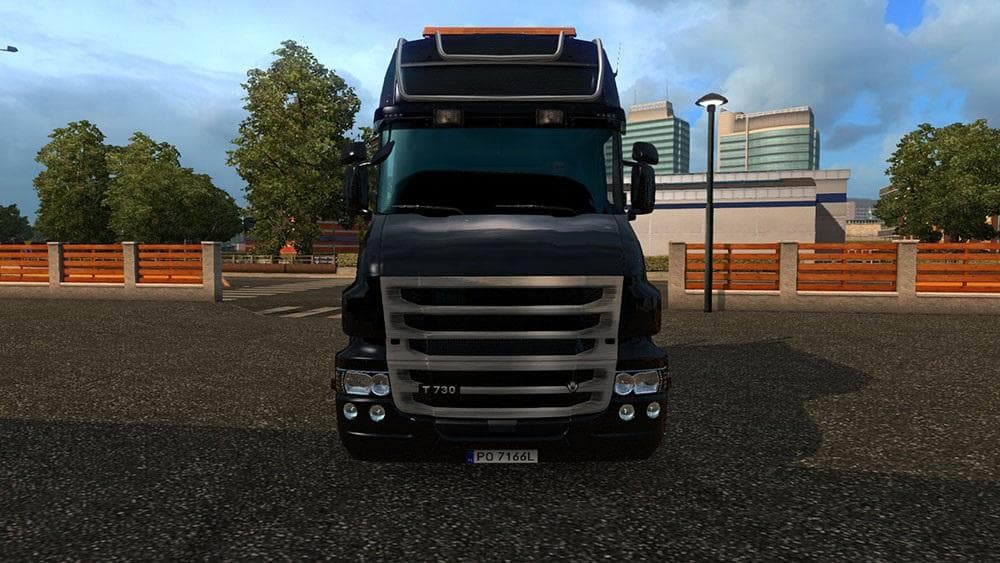
DC-BLACK CHERRY AMERICAN TRAILER SKIN V1
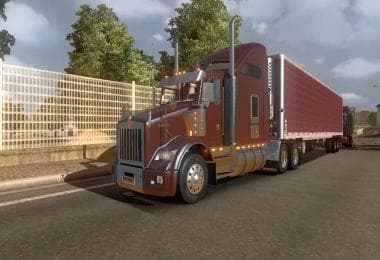
This mod is a skin for American trailers in Euro Truck Simulator 2, created by ETS2Mods. The mod was last updated on January 9, 2016, with unknown file size and
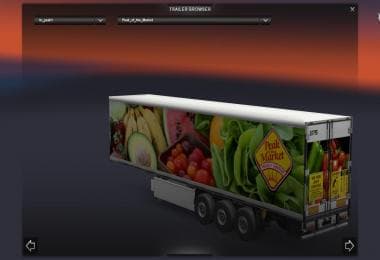
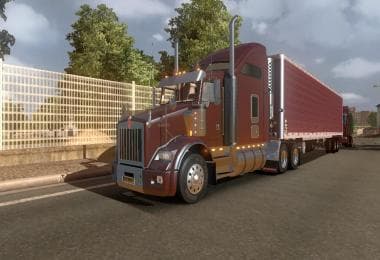
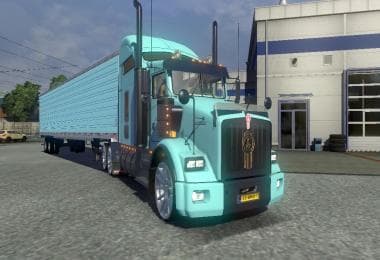
The DC-BLACK CHERRY AMERICAN TRAILER SKIN V1 is a repaint mod designed specifically for the American trailer model in Euro Truck Simulator 2. Rather than altering the trailer's shape or features, it gives the existing model a fresh black cherry color with subtle decal changes, including updated mudflaps and some retained original markings from the base trailer creators. This kind of skin mod works by applying a new texture to an established model through the in-game paint shop, so it requires having the compatible trailer already installed.
Skin mods like this one are popular because they let you personalize your vehicles without affecting gameplay mechanics or loading times significantly. They usually come after you've set up your trucks and trailers and want to add visual variety. When using several skins, it's wise to check their compatibility, especially if multiple mods target the same trailer models. Load order generally prioritizes skins after models, but conflicts are rare unless two skins overwrite the same files.
This particular skin fits well into a modded setup focused on American trucking aesthetics. While it doesn't include matching truck paints — as noted with its separate approach to T800 paint jobs — you can coordinate colors manually within your paint shop. This flexibility makes it suitable for players who prefer mixing and matching skins across trailers and trucks for a customized fleet appearance.
Players interested in American-style trucking mods or those who enjoy customizing their rigs beyond factory options will find this skin useful. It’s subtle yet distinct enough to refresh your trailer's look without overwhelming other design elements on your truck or convoy. Plus, since it’s from ETS2Mods, it integrates smoothly with common American truck mods often used in combination.
How to install
1. Download the .scs file. 2. Drop it into `Documents/Euro Truck Simulator 2/mod/`. 3. Enable in Mod Manager. 4. Apply the skin in the truck/trailer paint shop.
After the mod loads, save your game inside a safe area (parking lot or service) before deciding whether to keep it. If the game refuses to load with the mod enabled, check that all required DLCs are installed and that the supported ETS2 version chips on this page include your installed game patch.
Reviews
No ratings yetNo reviews yet — be the first to rate this mod.