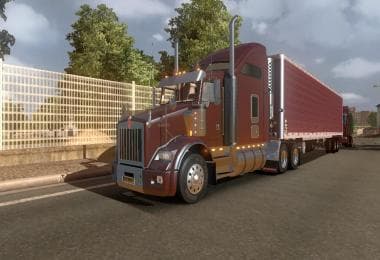
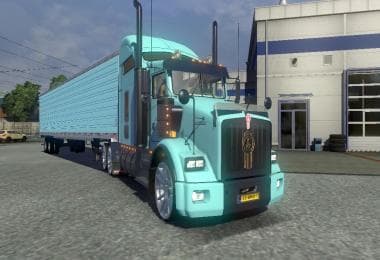
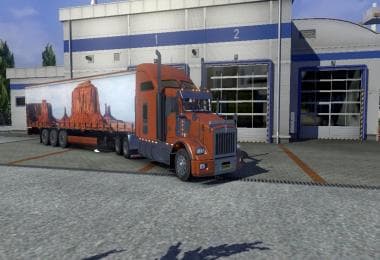
DC-PEAK OF THE MARKET TRAILER SKIN V1
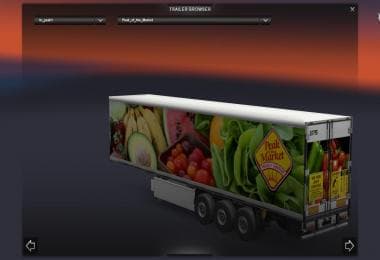
The DC-Peak of the Market Trailer Skin V1 is a skin mod for Euro Truck Simulator 2 created by ETS2Mods. The mod's version, supported ETS2 versions, and file siz
The DC-PEAK OF THE MARKET TRAILER SKIN V1 is a repaint mod designed specifically for trailers in Euro Truck Simulator 2. It doesn't alter the trailer's structure or performance but changes its visual appearance, giving your trailers a distinct look on the road. This kind of skin mod applies through the paint shop in-game and relies on the original trailer model it was created for.
Skin mods like this one are popular among players who want to customize their fleet without adding new models or affecting gameplay mechanics. They often fit well within a modded setup because they simply replace textures and don't conflict with other mods that change truck handling or map layouts. However, since skins depend on compatible base vehicles, it's good practice to ensure your trailer matches the mod's requirements before loading it into your profile.
When managing load order, skin mods generally come last after map or gameplay mods to avoid texture overriding issues. The DC-PEAK OF THE MARKET TRAILER SKIN V1 reportedly produces some minor log errors due to how it was created but these typically don't impact game stability or visuals significantly. Keeping such skins updated and compatible with your ETS2 version helps maintain smooth operation.
This trailer skin would suit players interested in enhancing the visual variety of their trailers without increasing game complexity. It's especially appealing if you like having unique designs while driving across various regions in ETS2, as it can add a bit more personality to standard cargo transports.
Installing this mod involves placing files into the usual Euro Truck Simulator 2 'mod' folder found in your Documents directory. From there, activating it through the game's mod manager allows you to use the skin whenever you select that specific trailer type at the paint shop.
How to install
1. Download the .scs file. 2. Drop it into `Documents/Euro Truck Simulator 2/mod/`. 3. Enable in Mod Manager. 4. Apply the skin in the truck/trailer paint shop.
After the mod loads, save your game inside a safe area (parking lot or service) before deciding whether to keep it. If the game refuses to load with the mod enabled, check that all required DLCs are installed and that the supported ETS2 version chips on this page include your installed game patch.
Reviews
No ratings yetNo reviews yet — be the first to rate this mod.