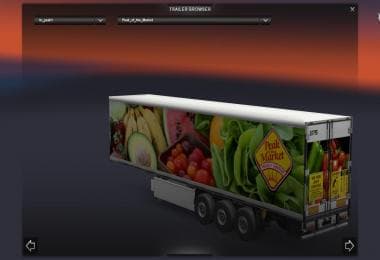
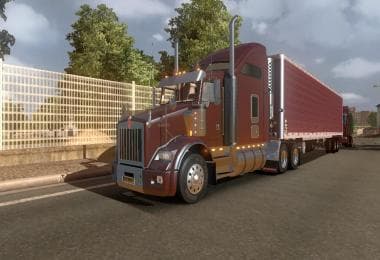
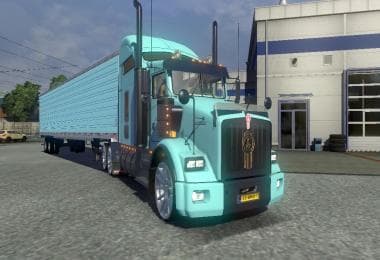
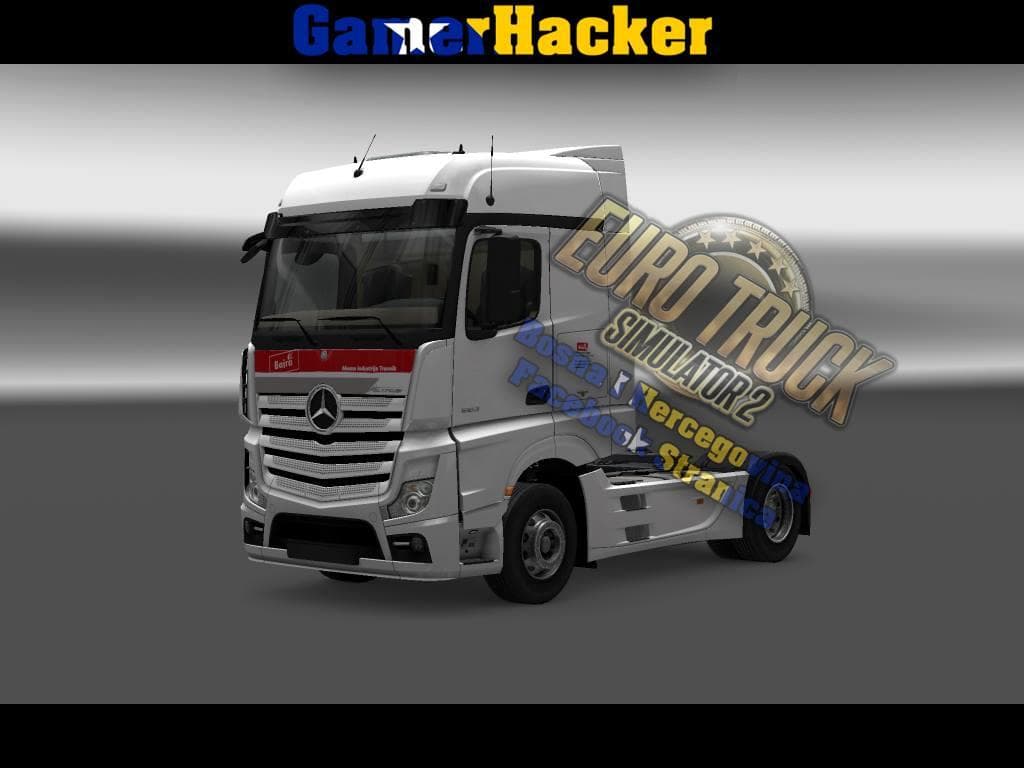
DC-DESERT MOUNTAINS TRAILER SKIN V1
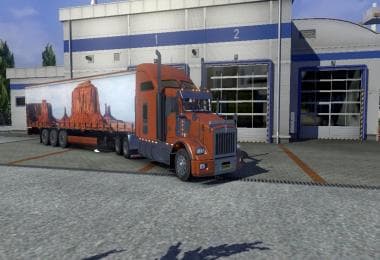
The DC-DESERT MOUNTAINS TRAILER SKIN V1 is a skin mod for Euro Truck Simulator 2 created by ETS2Mods. The mod was last updated on August 24, 2015.
The DC-DESERT MOUNTAINS TRAILER SKIN V1 is a repaint mod for trailers in Euro Truck Simulator 2. Instead of changing the trailer's shape or model, it applies a new visual design that fits the desert mountain theme. Skins like this one are applied through the paint shop in ETS2 and rely on the base trailer model they were created for, so no structural changes occur in gameplay or physics.
Skin mods such as this one offer an easy way to customize your trailers without affecting game performance or compatibility. They usually work well alongside other mods since they only affect appearance. However, because this particular skin was made with ETS2 Studio, players might notice a few log errors during use; these generally don't impact gameplay but are worth mentioning when managing mod load order and troubleshooting.
In a setup with multiple mods, skins like DC-DESERT MOUNTAINS can be loaded alongside map expansions or truck mods without conflict. Since skins don’t replace models but only change their look, they typically come last in your mod list if you want to ensure their textures display properly over any competing visuals. This is especially useful for players running large mod collections who want consistent aesthetics across their trailers.
This type of skin appeals mainly to players who enjoy customizing their fleet visually or those looking to add thematic variety to their trucks and trailers. If you’re running American-themed maps or prefer a southwestern US vibe in your trucking routes, this trailer skin would fit nicely with environments like Arizona, Nevada, or New Mexico within the game.
Installing is straightforward: just download and place the mod files into your Euro Truck Simulator 2 mod folder under My Documents. After activation in the game’s mod manager, you’ll find the skin available when painting compatible trailers at service stations.
How to install
1. Download the .scs file. 2. Drop it into `Documents/Euro Truck Simulator 2/mod/`. 3. Enable in Mod Manager. 4. Apply the skin in the truck/trailer paint shop.
After the mod loads, save your game inside a safe area (parking lot or service) before deciding whether to keep it. If the game refuses to load with the mod enabled, check that all required DLCs are installed and that the supported ETS2 version chips on this page include your installed game patch.
Reviews
No ratings yetNo reviews yet — be the first to rate this mod.