VOLVO REAL 24 INCH WHEELS
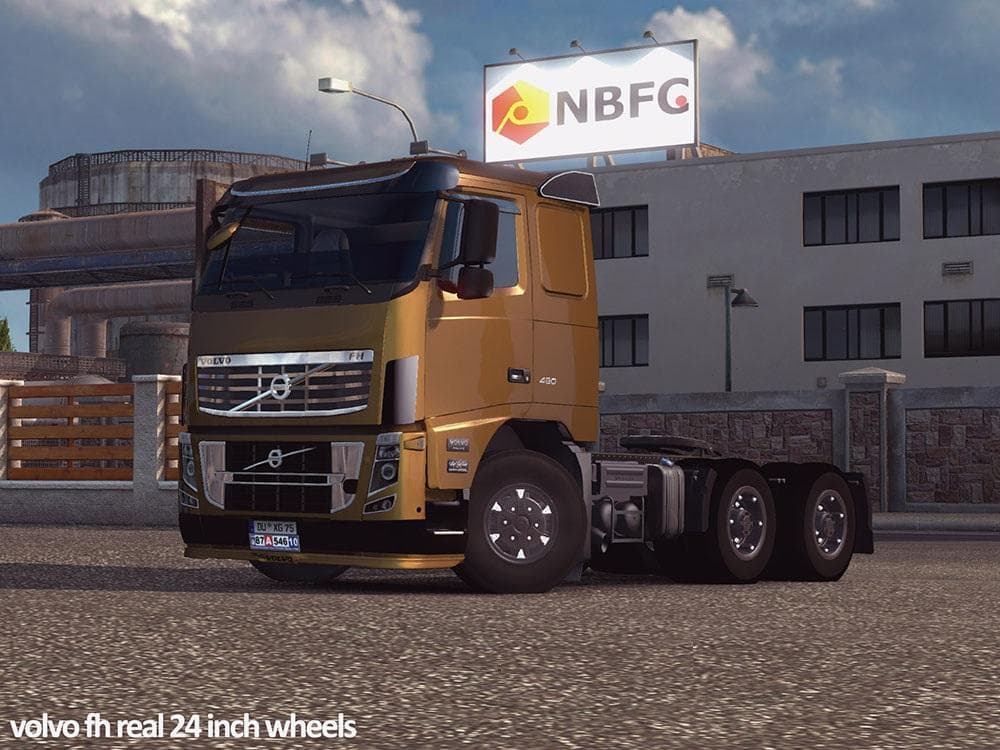
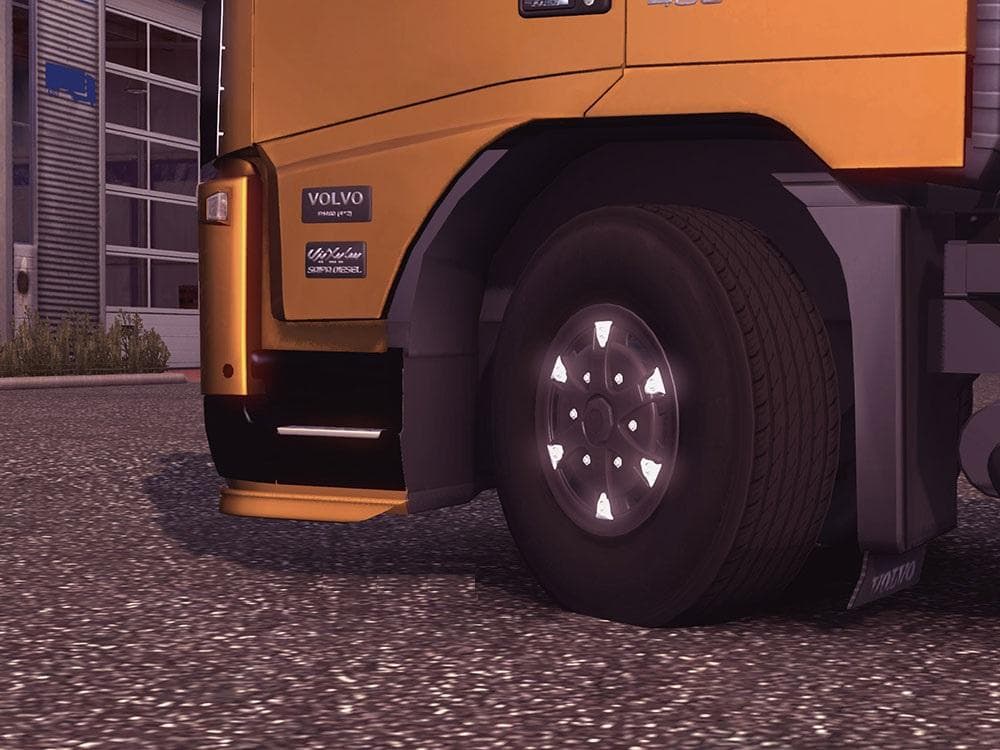
The "VOLVO REAL 24 INCH WHEELS" mod for ETS2 offers 24-inch wheels suitable for 6x4 chassis, ideal for heavy cargo hauling. Created by aslan808 & mehdig, the fi
The VOLVO REAL 24 INCH WHEELS mod adds a set of larger wheels designed for 6x4 chassis trucks, specifically aimed at heavy cargo hauling. This type of parts mod fits into the truck customization menu, allowing players to swap out standard wheels for this particular style that suits Volvo trucks. Wheel mods like this can change the look and sometimes the handling feel of your rig, though exact in-game effects depend on the base game and other mods used.
Parts and tuning mods in Euro Truck Simulator 2 typically focus on enhancing or changing truck components such as wheels, lights, exhausts, or mirrors. They offer more personalization options beyond what the base game provides. This mod falls under that category by offering specific wheel sizes, which can complement other visual or performance tweaks you might have installed.
When using wheel mods like these, it's good practice to check load order if you run multiple parts mods targeting similar truck models or chassis types. Conflicts can occur if two mods overwrite the same files or parts slots. Generally, placing your favorite cosmetic wheel mod last in the load order ensures it takes priority in-game.
Players who enjoy customizing their Volvo trucks with authentic-looking components will likely appreciate this mod. It's particularly useful for those who run heavy cargo setups requiring a robust 6x4 chassis configuration and want their truck's appearance to reflect that capability.
Since details about supported ETS2 versions and creator info are unknown, it's advisable to back up your profiles before installing and watch for any updates or compatibility notes from the community. Wheel mods are popular among those focused on detailed truck customization in regions like Germany, France, and Sweden where heavy hauling is common.
How to install
1. Download the file(s) from the original source linked above. 2. Drop them into `Documents/Euro Truck Simulator 2/mod/`. 3. Enable in Mod Manager and restart the game.
After the mod loads, save your game inside a safe area (parking lot or service) before deciding whether to keep it. If the game refuses to load with the mod enabled, check that all required DLCs are installed and that the supported ETS2 version chips on this page include your installed game patch.
Reviews
No ratings yetNo reviews yet — be the first to rate this mod.





