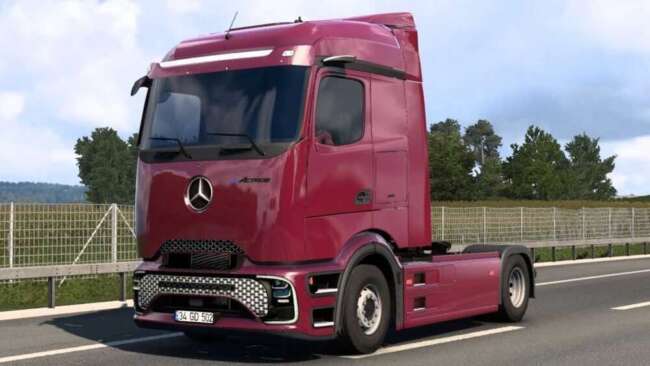
Volvo FH4 Reworked v4.1.60

The Volvo FH4 Reworked mod version 4.1.60 by ets2mods includes fixes for fuel tanks on 4x2 rear battery and 6x2/4 short chassis, as well as adjustments to Adblu
Volvo FH4 Reworked v4.1.60 is a parts mod designed specifically for the Volvo FH4 truck in Euro Truck Simulator 2, compatible with game version 1.60. This mod focuses on tweaking and fixing various components such as fuel tanks and AdBlue tanks, addressing issues related to specific chassis types like the 4x2 rear battery and 6x2/4 short chassis configurations. Updates like these ensure that parts fit properly and behave realistically in the game.
Parts mods like this one are generally installed through the game's mod manager and add extra customization options in the truck configuration menu. They typically enhance or repair existing accessories including lights, exhausts, mirrors, and other truck details. Mods targeting a particular truck model help players personalize their vehicles beyond what the base game offers.
When incorporating a parts mod into a modded setup, it’s wise to consider load order to avoid conflicts, especially if you have other mods altering the same truck model or its components. Since this mod updates fuel and AdBlue tank sizes, it should ideally load after any broader tuning mods affecting these systems for proper compatibility.
This kind of rework fits well with players who prefer a detailed approach to their Volvo FH4 trucks, whether for roleplaying or visual authenticity during their long hauls across European regions like Germany or France. Those invested in realistic truck setups will appreciate fixes that improve how parts function without changing core gameplay mechanics.
While the file size is unknown, installing mods from creators like ets2mods usually involves placing files in your ETS2 mod folder and activating them via the in-game manager. It’s straightforward but always back up your profiles when using updated mods to prevent data loss.
Overall, Volvo FH4 Reworked v4.1.60 offers practical fixes rather than cosmetic changes, making it suitable for players who want their trucks running smoothly with accurate part dimensions on supported ETS2 versions.
How to install
1. Download the file(s) from the original source linked above. 2. Drop them into `Documents/Euro Truck Simulator 2/mod/`. 3. Enable in Mod Manager and restart the game.
After the mod loads, save your game inside a safe area (parking lot or service) before deciding whether to keep it. If the game refuses to load with the mod enabled, check that all required DLCs are installed and that the supported ETS2 version chips on this page include your installed game patch.
Reviews
No ratings yetNo reviews yet — be the first to rate this mod.