VOLVO FMX MEILLER KIPPER 1.21.Х
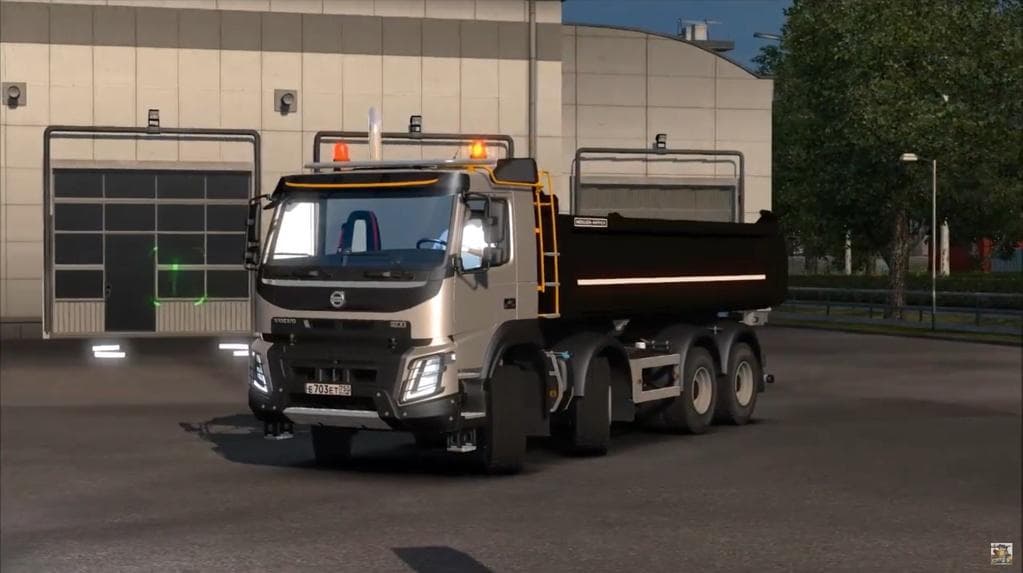
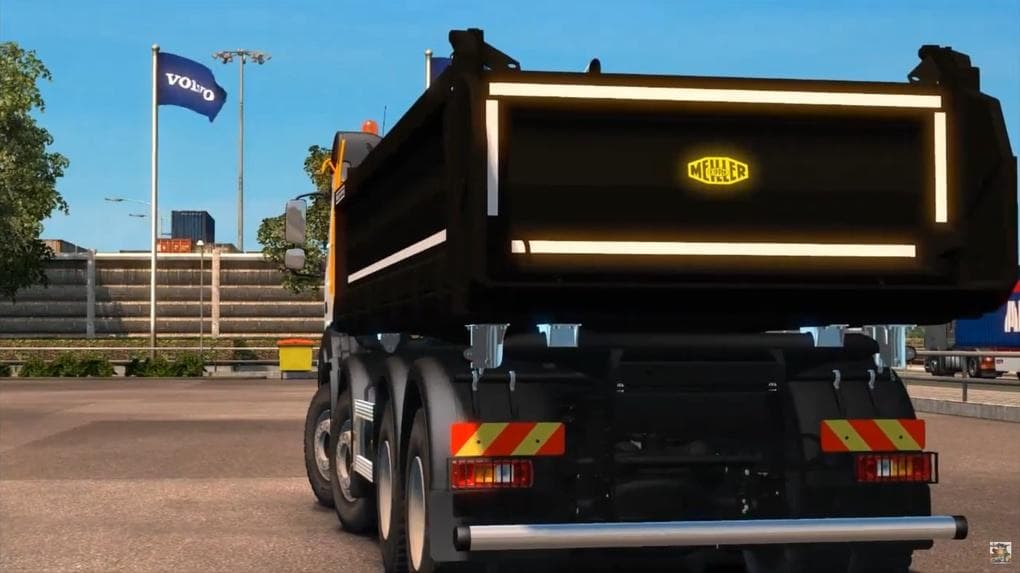
The VOLVO FMX MEILLER KIPPER 1.21.Х mod adds parts for the Volvo FMX truck, including wheels, metallic paint, and small tuning options. Created by Euro truck si
The VOLVO FMX MEILLER KIPPER 1.21.Х mod adds a specific set of parts for the Volvo FMX truck in Euro Truck Simulator 2, tailored to version 1.21 of the game. It includes metallic paint options, wheels, and small tuning accessories that you can find directly in the Volvo showroom within the game. This type of mod falls into the parts category, which typically enhances trucks by providing additional customization items like bull bars, lights, or exhausts focused on one particular truck model or brand.
Parts mods like this one allow players to personalize their trucks beyond the base game offerings. They usually integrate smoothly into the truck customization menu so you can pick and choose what fits your style or roleplay preferences. Mods targeting a single truck model often enrich its visual variety and make it stand out more on European roads or in convoy runs.
When using this kind of mod alongside other tuning or parts additions, it's advisable to check load order if you have multiple mods for the same truck to avoid conflicts. Parts mods generally require compatibility with your current ETS2 version; here, version 1.21 is supported which matches the game's update at that time. Installation involves placing files in your mod folder and activating them through the profile manager before launching the game.
This mod would appeal mostly to players who enjoy detailed customization on their Volvo FMX trucks and want more options for paint and minor tweaks without altering gameplay mechanics drastically. It's suitable for those who like to create a unique look while keeping everything functional and fitting within a modded setup dedicated to this particular vehicle brand.
How to install
1. Download the file(s) from the original source linked above. 2. Drop them into `Documents/Euro Truck Simulator 2/mod/`. 3. Enable in Mod Manager and restart the game.
After the mod loads, save your game inside a safe area (parking lot or service) before deciding whether to keep it. If the game refuses to load with the mod enabled, check that all required DLCs are installed and that the supported ETS2 version chips on this page include your installed game patch.
Reviews
No ratings yetNo reviews yet — be the first to rate this mod.





