VOLVO FM13 BDF V1.21
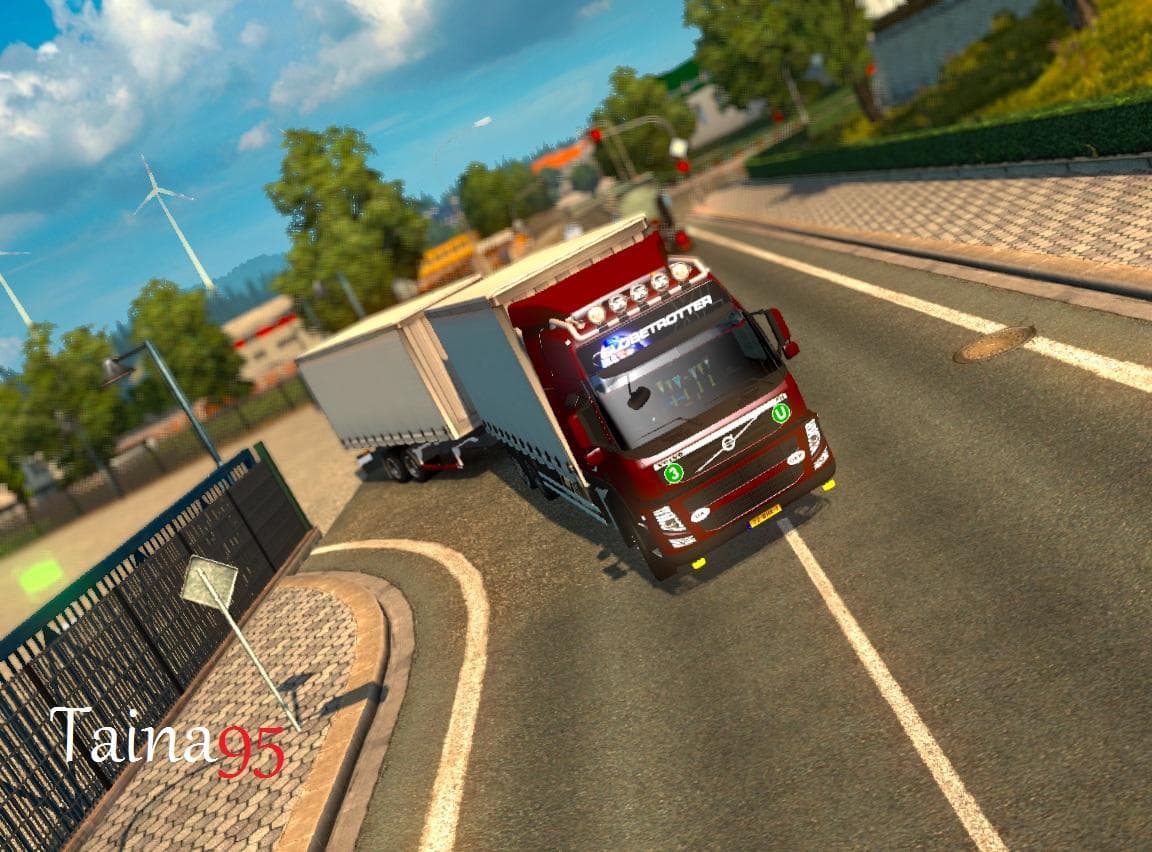
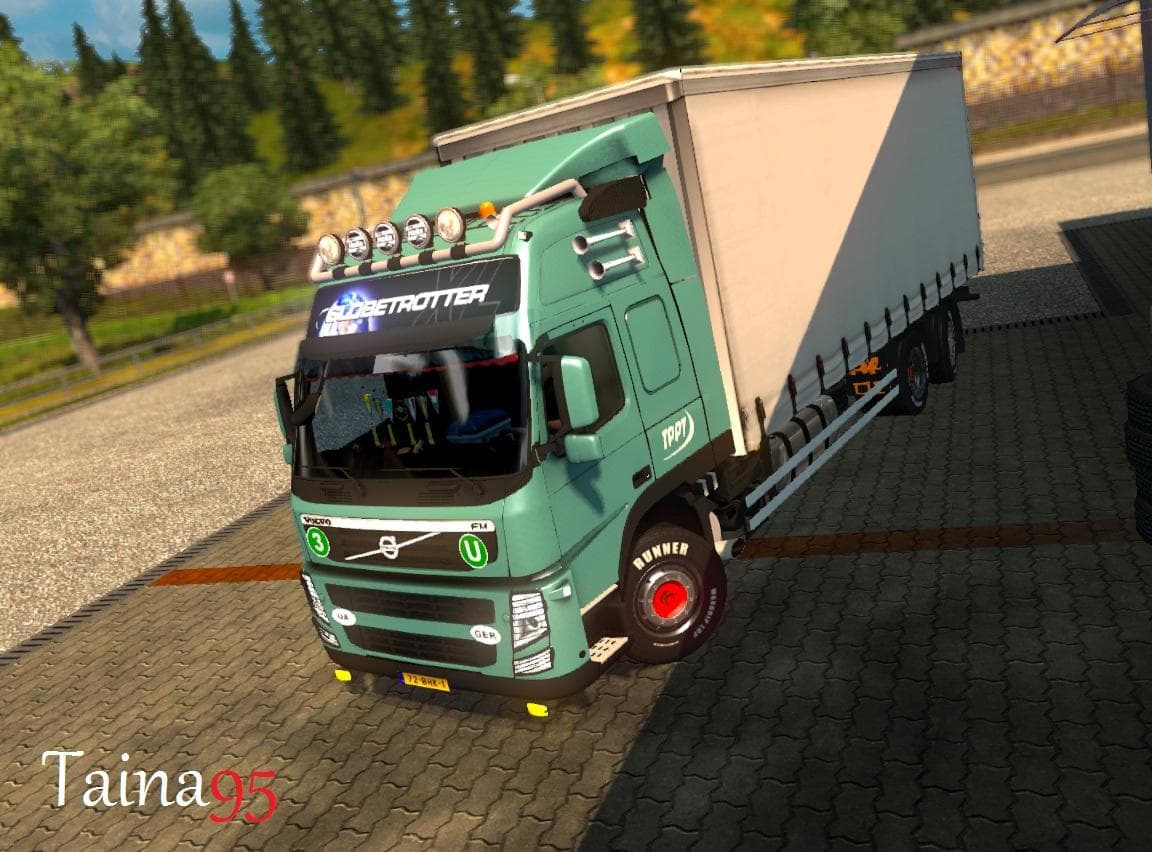
The VOLVO FM13 BDF mod version 1.21 adds cabin accessories DLC support. Credits to Taina95, with thanks to SCS Software, satan19990, and Kirill73rus.
The VOLVO FM13 BDF mod for Euro Truck Simulator 2 enhances the customization options available for this specific truck model by adding various parts and accessories. This type of mod typically focuses on expanding the range of choices in the truck customization menu, allowing players to equip their Volvo FM13 with additional features such as cabin accessories, which can improve both aesthetics and immersion.
Parts mods like this one are popular because they let you personalize your vehicle beyond the stock options provided by the game. In ETS2, parts and tuning mods often include items like bull bars, extra lights, mirrors, exhausts, or interior details that suit particular truck brands or models. They integrate into the existing customization interface so you can select and fit these extras easily when configuring your truck before hitting the road.
When it comes to fitting a modded setup together, parts mods generally slot in without much hassle as long as they support your current ETS2 version—in this case, version 1.21 is required. It's a good idea to check load order if you run multiple mods affecting the same truck model or category to avoid conflicts or missing items. Since this mod updates cabin accessories specifically for the Volvo FM13, ensure other parts mods are compatible and don't override these changes unintentionally.
Drivers who enjoy personalizing their Volvo FM13 will find this mod useful because it broadens the possibilities for customizing both exterior and interior elements. Whether you're aiming for a unique look or want to add some detail that fits your play style, these kinds of parts mods make your truck feel more tailored to you.
Overall, VOLVO FM13 BDF adds practical depth to a familiar model by increasing its accessory options within ETS2's tuning system. It suits players who focus on brand-specific upgrades and want more variety while driving across various regions in Europe.
How to install
1. Download the file(s) from the original source linked above. 2. Drop them into `Documents/Euro Truck Simulator 2/mod/`. 3. Enable in Mod Manager and restart the game.
After the mod loads, save your game inside a safe area (parking lot or service) before deciding whether to keep it. If the game refuses to load with the mod enabled, check that all required DLCs are installed and that the supported ETS2 version chips on this page include your installed game patch.
Reviews
No ratings yetNo reviews yet — be the first to rate this mod.





