VOLVO FM13 V1.21
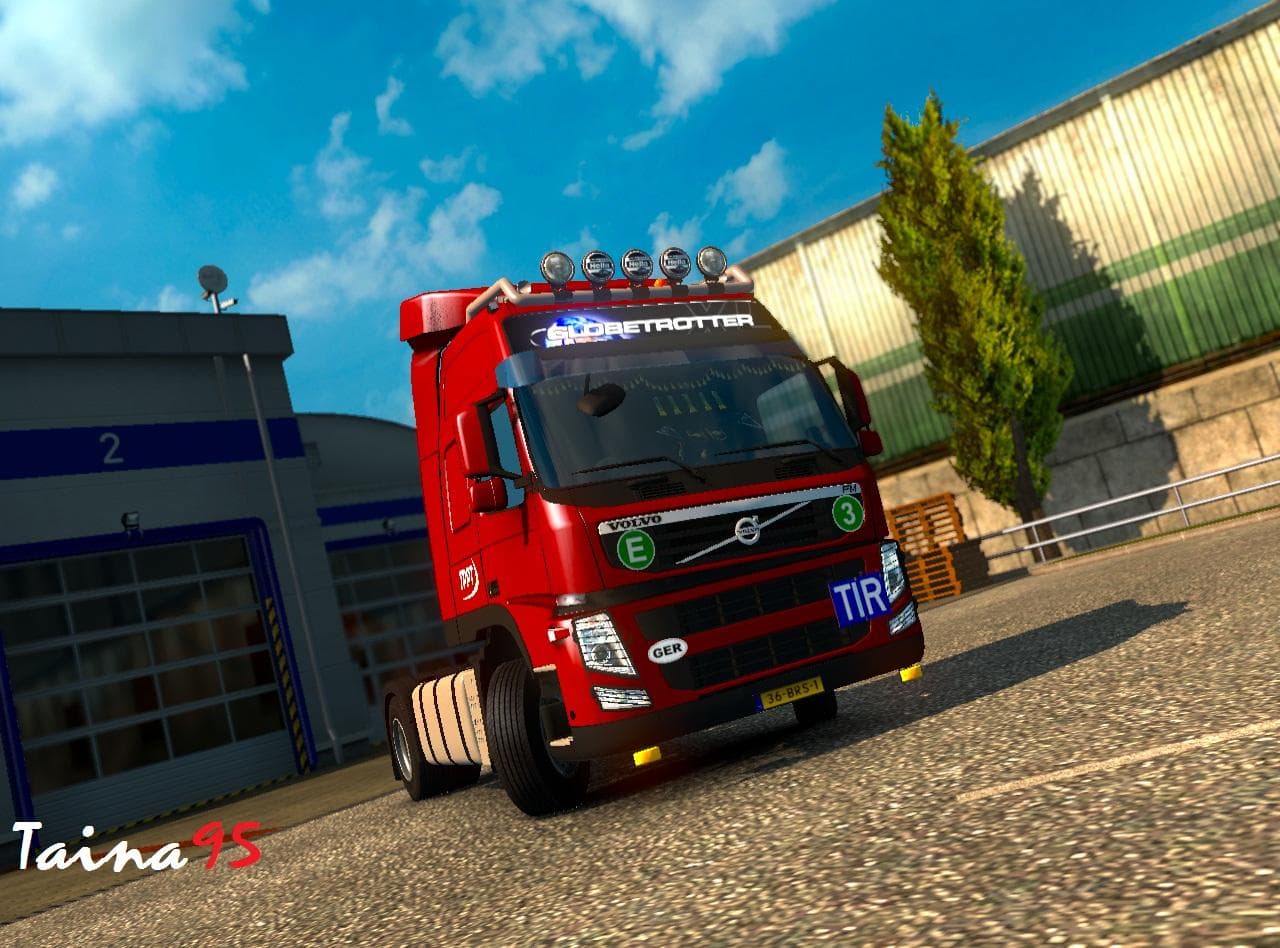
The VOLVO FM13 mod for ETS2 version 1.21 offers various parts for customization. Created by Euro truck simulator 2, it has been tested without any other mods. C
The VOLVO FM13 V1.21 mod brings additional parts specifically designed for the Volvo FM13 truck model in Euro Truck Simulator 2. Mods like this one expand the customization options available in the truck's tuning menu, allowing players to fit accessories such as extra lights, exhausts, mirrors, or interior items tailored to this specific brand and model. This kind of parts mod enriches the visual and functional personalization of your vehicle without altering gameplay mechanics.
Parts mods generally slot into the game's existing customization framework. They’re loaded alongside other mods and can coexist with map expansions or AI traffic mods, but it's a good idea to keep an eye on load order if you use multiple parts packs for the same truck model to avoid conflicts. Since this mod supports ETS2 version 1.21, it fits well with setups that haven’t been updated beyond that version yet.
The mod was tested solo on version 1.21 without any other mods active, which suggests it's stable at least in a clean environment. Users running heavily modded profiles should still consider potential overlaps with other Volvo FM13 parts mods or tuning packs. Keeping backups and testing new additions individually remains a wise practice when expanding your collection.
Truck enthusiasts who enjoy fine-tuning their Volvo FM13 will find this parts mod useful for adding variety and detail to their rigs. It’s particularly suited to those who prefer sticking close to official game versions around 1.21 or who have specific aesthetic goals for their trucks. The ability to customize accessories enhances immersion by reflecting personal style choices within the game world.
In terms of compatibility, since no conflicts were noted during testing on 1.21 alone, this pack likely integrates smoothly with standard gameplay and non-parts related mods like maps or AI enhancements. However, given the unknown creator details and file size, users should ensure they download from trusted sources and verify integrity before installation.
How to install
1. Download the file(s) from the original source linked above. 2. Drop them into `Documents/Euro Truck Simulator 2/mod/`. 3. Enable in Mod Manager and restart the game.
After the mod loads, save your game inside a safe area (parking lot or service) before deciding whether to keep it. If the game refuses to load with the mod enabled, check that all required DLCs are installed and that the supported ETS2 version chips on this page include your installed game patch.
Reviews
No ratings yetNo reviews yet — be the first to rate this mod.





