VOLVO FM V4 1.22
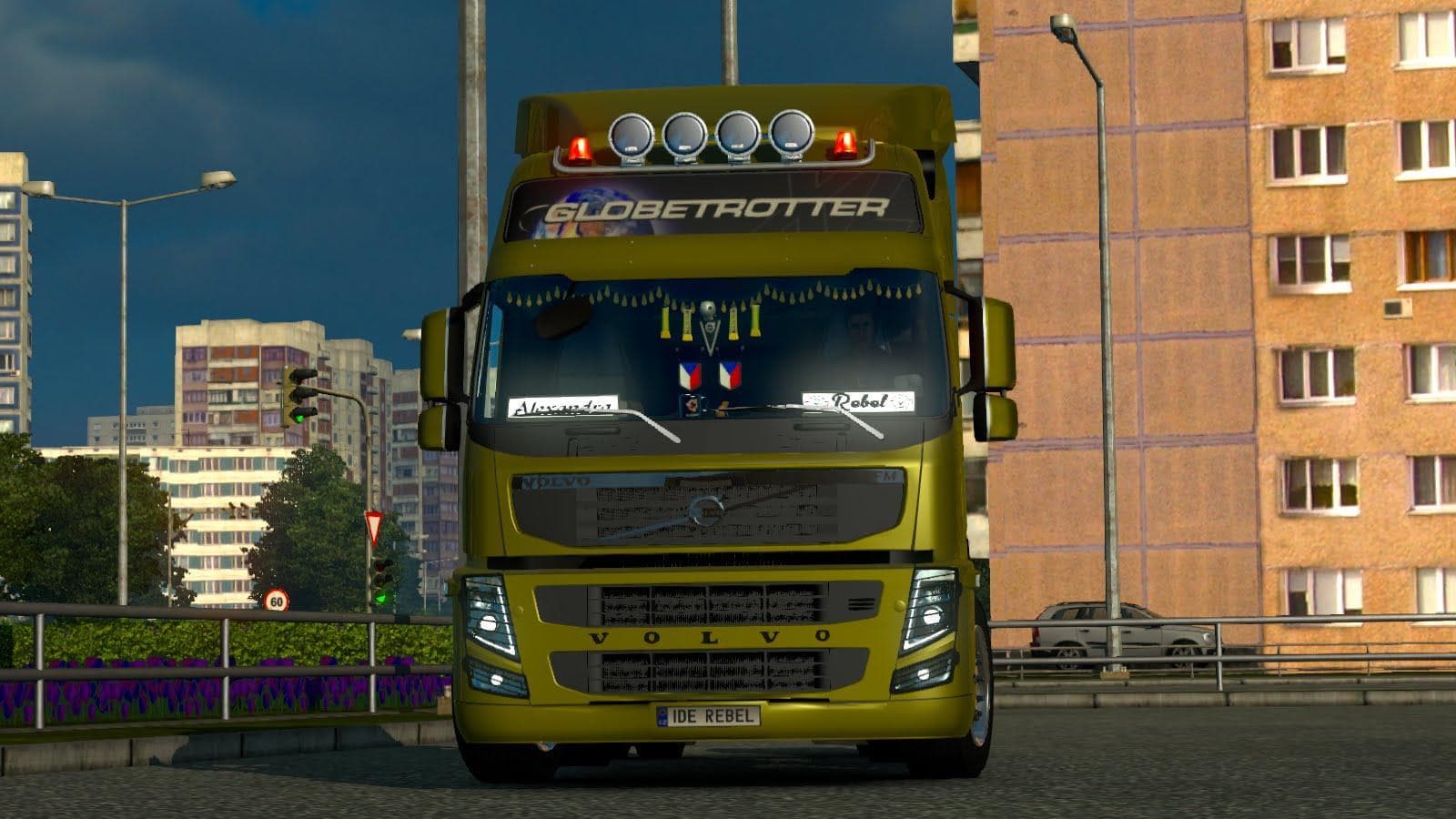
The VOLVO FM V4 1.22 mod for ETS2 is a parts mod that replaces the Volvo FH16 2009. It offers three types of cabs and various chassis options, including 4x2 Low
The VOLVO FM V4 1.22 mod replaces the Volvo FH16 2009 model in ETS2, offering a refreshed take on this classic truck. It includes three types of cabs and multiple chassis options like 4x2 Low Deck, 6x2, and even configurations suited for Loglift setups. This variety lets you tailor your truck's appearance and functionality more closely to your preferred style or haul.
Parts mods like this one focus on enhancing the customization possibilities within Euro Truck Simulator 2. They add or swap out components such as cabs, chassis, lights, mirrors, and other accessories that can be selected from the truck customization menu. Since this mod targets a specific Volvo model, it fits neatly into setups where players want to diversify their fleet with more detailed or alternate versions of stock trucks.
When integrating parts mods into your game, load order matters but generally these tend to work well alongside other tuning and skin mods as long as they don't overwrite each other's files. It's wise to keep an eye on compatibility notes and ensure that the mod supports your ETS2 version; here, it matches version 1.22 and is compatible with related DLC content.
This kind of mod appeals mostly to players who enjoy modifying their trucks beyond standard options or those who prefer Volvo trucks with more configuration choices. If you’re someone who likes tweaking cab styles and chassis setups without switching entirely to another truck model, this mod fits right in.
Adding the VOLVO FM V4 1.22 enhances immersion for drivers wanting a bit more authenticity or variety in their Volvo lineup while sticking close to official game assets. It’s a practical option for enthusiasts focused on detailed parts upgrades rather than complete new vehicles.
How to install
1. Download the file(s) from the original source linked above. 2. Drop them into `Documents/Euro Truck Simulator 2/mod/`. 3. Enable in Mod Manager and restart the game.
After the mod loads, save your game inside a safe area (parking lot or service) before deciding whether to keep it. If the game refuses to load with the mod enabled, check that all required DLCs are installed and that the supported ETS2 version chips on this page include your installed game patch.
Reviews
No ratings yetNo reviews yet — be the first to rate this mod.





