VOLVO FH16 + TANDEM
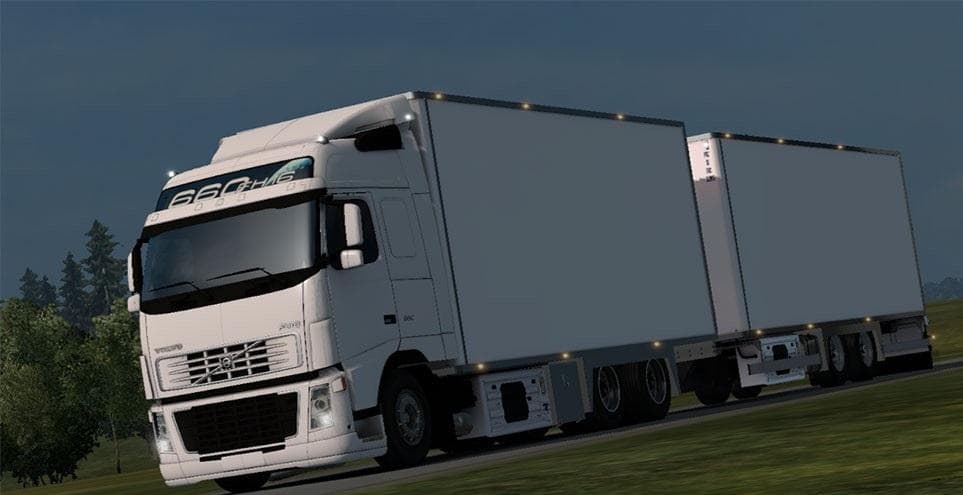
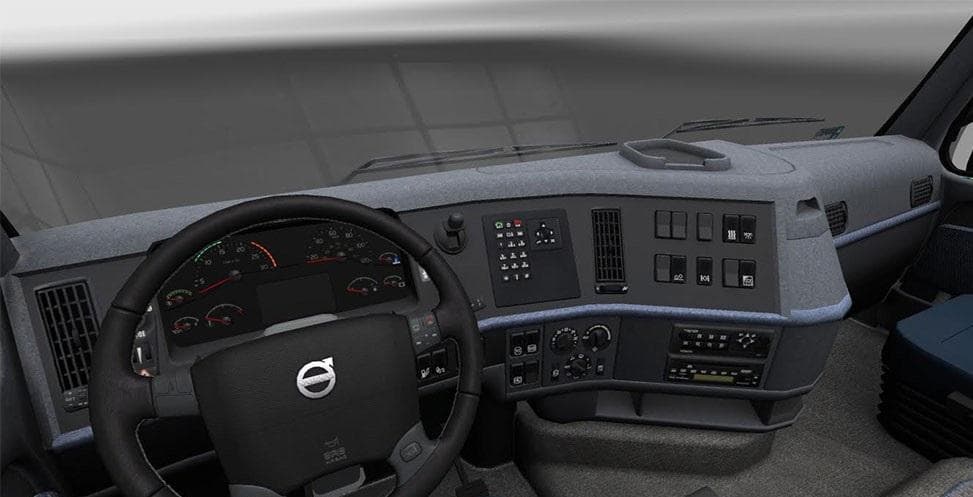
VOLVO FH16 + TANDEM is an ETS2 parts. Listed compatible with ETS2 1.22.
The VOLVO FH16 + TANDEM mod brings a detailed standalone truck model to Euro Truck Simulator 2, focusing on the Volvo FH16 with multiple cabin and chassis options, including a tandem setup. This type of parts mod expands the customization choices available in the truck workshop, letting players modify their vehicle beyond the base game’s offerings. It includes four different cabins and chassis configurations such as 4x2 and 6x2/4 variants, giving some flexibility for tuning your rig to suit various hauling needs.
Mods like this one typically enhance your fleet by adding more authentic or specialized truck models that fit into the game's existing mechanics. The mod integrates with ETS2 version 1.22, so it’s suited for players still using that update or those interested in trucks from that era of the game’s development. Since it’s a standalone part mod, it won’t require other mods to function but should be placed appropriately in your load order to avoid conflicts, especially if you use other Volvo or chassis mods.
In terms of compatibility, standalone mods like this are generally straightforward; they don’t overwrite base game trucks but add new vehicles instead. However, if you have multiple mods affecting similar Volvo models or chassis types, pay attention to load order and test for any visual or gameplay overlaps. The interior and tuning options included mean you can personalize the cab experience as well as external features.
This mod fits well in setups where users want more variety in their truck collection without losing realism. Anyone who enjoys driving heavy-duty Volvos or wants more options for tandem axle configurations will find this addition useful. It complements other parts and tuning mods by broadening how you can build out your fleet with authentic choices relevant to European routes and beyond.
How to install
1. Download the file(s) from the original source linked above. 2. Drop them into `Documents/Euro Truck Simulator 2/mod/`. 3. Enable in Mod Manager and restart the game.
After the mod loads, save your game inside a safe area (parking lot or service) before deciding whether to keep it. If the game refuses to load with the mod enabled, check that all required DLCs are installed and that the supported ETS2 version chips on this page include your installed game patch.
Reviews
No ratings yetNo reviews yet — be the first to rate this mod.





