VOLVO FH16 2009 BY OHAHA V15.9S 1.22
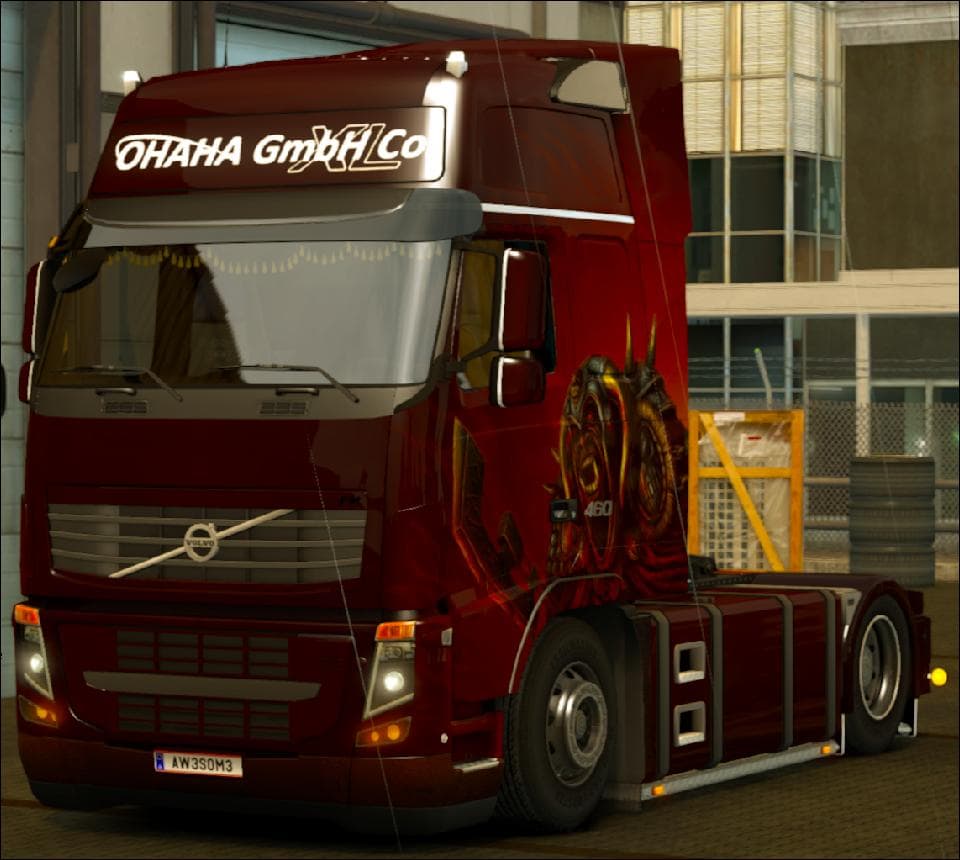
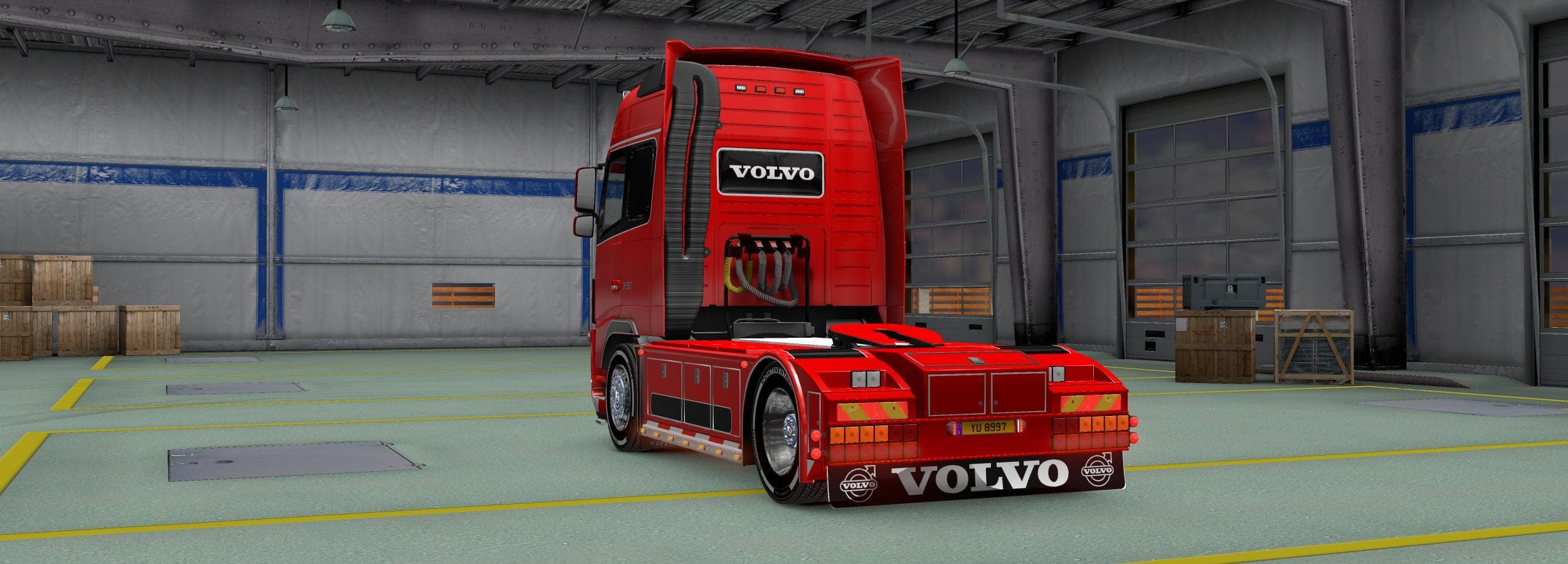
The VOLVO FH16 2009 BY OHAHA V15.9S 1.22 mod for ETS2 offers a variety of new parts including a cab, chassis, exhaust pipes, tablets, and skins. It allows for c
The VOLVO FH16 2009 BY OHAHA V15.9S 1.22 mod brings a detailed update to the classic Volvo FH16 truck, tailored specifically for Euro Truck Simulator 2 version 1.22. It adds new cab and chassis options along with exhaust pipes, enhancing the customization experience for this iconic model. Parts mods like this one focus on expanding the range of accessories available in the truck customization menu, letting players tweak their vehicles more extensively.
In ETS2, parts mods typically provide additional components such as bull bars, lights, mirrors, and interior features that fit particular truck brands or models. This one targets the Volvo FH16 2009, offering various new elements that can be combined with other tuning mods to create a unique look and feel for your rig. The inclusion of separate slots and multiple skin options gives players more control over personalization.
When integrating this mod into a modded setup, it's essential to consider load order since parts mods should generally load after map or AI traffic mods but before any gameplay-altering packs to avoid conflicts. Compatibility is usually good as these mods replace or add assets specific to one truck model without interfering with core game files. Disabling certain features within the mod may help resolve minor clashes if they arise.
This type of mod appeals to players who enjoy customizing their trucks beyond factory settings and want to add depth to their driving experience in ETS2. Fans of Volvo trucks will appreciate the attention given to this particular model, especially those running versions close to 1.22 who want a faithful yet enhanced representation of the FH16 2009.
Overall, if you’re looking to expand your collection of truck parts and prefer detailed modifications focused on specific models like Volvo's heavy hauler, this mod fits nicely into that niche. It's a solid choice for anyone aiming for variety in visual and functional upgrades while sticking close to official game compatibility.
How to install
1. Download the file(s) from the original source linked above. 2. Drop them into `Documents/Euro Truck Simulator 2/mod/`. 3. Enable in Mod Manager and restart the game.
After the mod loads, save your game inside a safe area (parking lot or service) before deciding whether to keep it. If the game refuses to load with the mod enabled, check that all required DLCs are installed and that the supported ETS2 version chips on this page include your installed game patch.
Reviews
No ratings yetNo reviews yet — be the first to rate this mod.





