VOLVO FH13 440 1.21.X
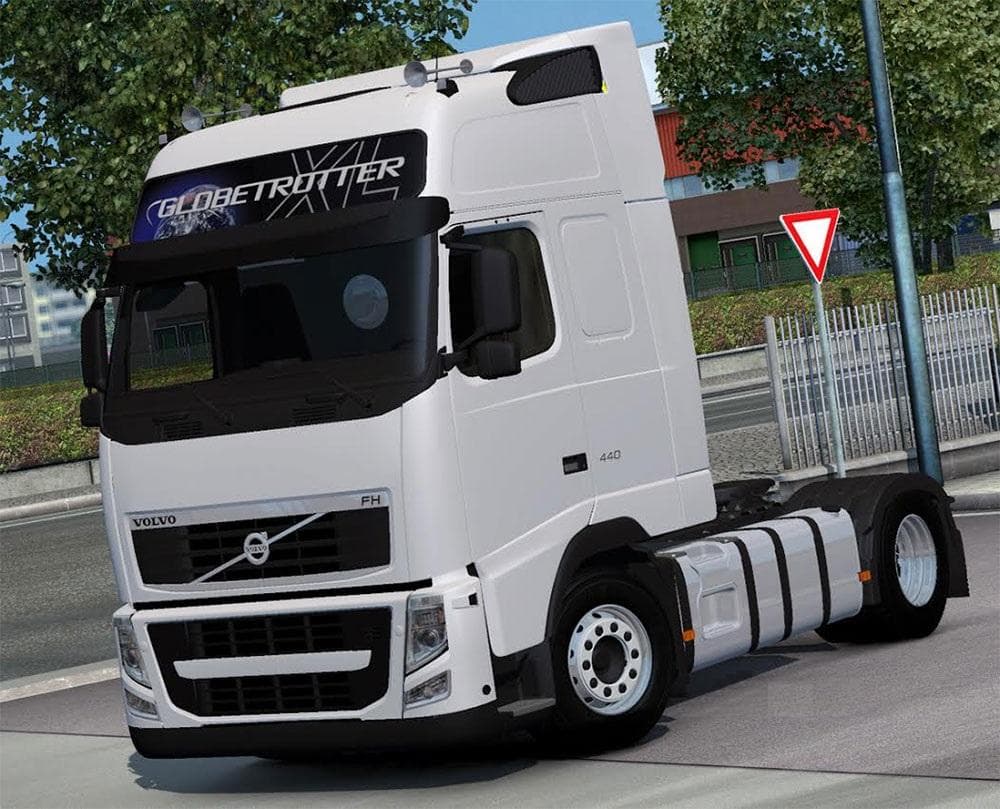
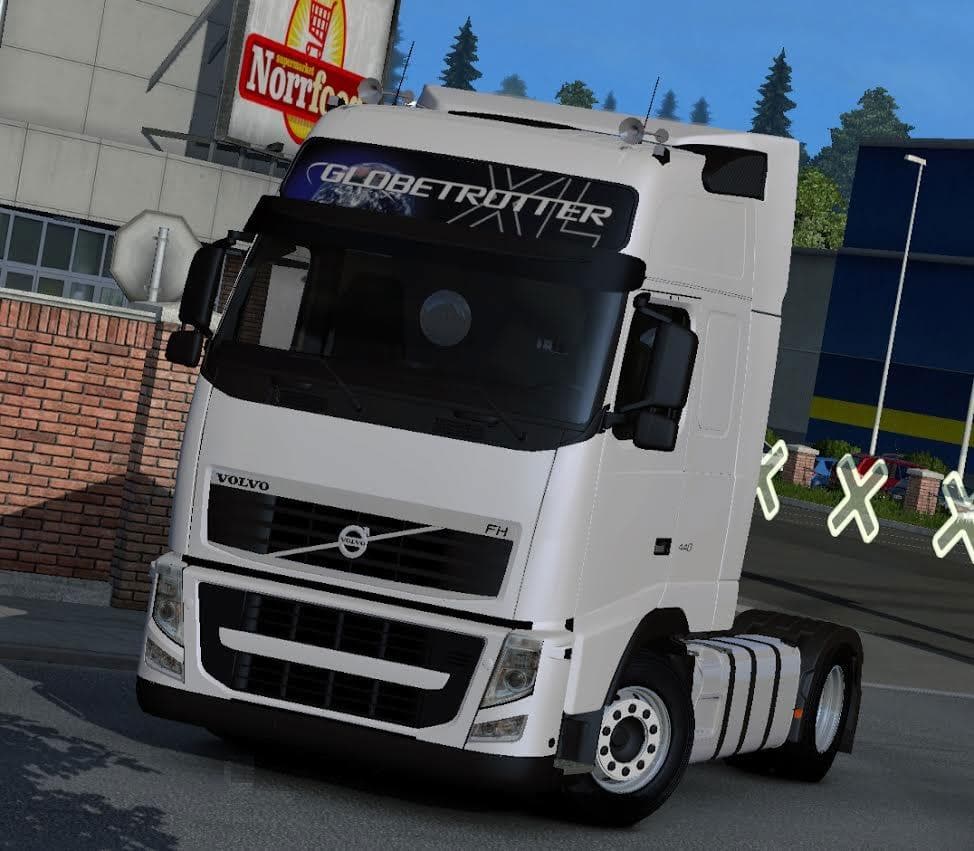
VOLVO FH13 440 1.21.X is an ETS2 parts. Listed compatible with ETS2 1.21.
The VOLVO FH13 440 1.21.X mod replaces the standard Volvo FH16 2009 A Cabin with a Euro 5 compliant FH13 440 variant, specifically using a 4x2 chassis. This mod targets players who want to drive a different model within the Volvo lineup, offering a change in both aesthetics and truck specifics while staying within the game's version 1.21 compatibility range. The mod features its own wheels, which helps maintain visual consistency and performance tailored to this particular truck model.
In Euro Truck Simulator 2, parts mods like this one allow players to customize their vehicles by adding or swapping components such as bull bars, lights, mirrors, and other accessories through the truck customization menu. Mods focused on specific truck models usually integrate well if they replace existing cabins or chassis without conflicting with other parts or brands. Since this mod replaces the Volvo FH16 cabin on a specific chassis, it’s important to use it only with compatible setups to avoid game crashes.
When adding parts mods that swap major truck components, users should pay attention to load order and compatibility notes. This particular mod is not compatible with other variants outside the specified chassis, so mixing it with unrelated Volvo parts or other brand mods could cause issues. Players running several mods should place this one carefully in their mod manager to ensure stable gameplay and proper function.
Truck enthusiasts who prefer driving Volvo models but want a slightly different option might find this mod appealing. It fits especially well into a setup that focuses on realistic European trucks and prefers Euro 5 emissions standards over older versions. Those looking for variety without straying too far from stock configurations will appreciate what this replacement offers.
How to install
1. Download the file(s) from the original source linked above. 2. Drop them into `Documents/Euro Truck Simulator 2/mod/`. 3. Enable in Mod Manager and restart the game.
After the mod loads, save your game inside a safe area (parking lot or service) before deciding whether to keep it. If the game refuses to load with the mod enabled, check that all required DLCs are installed and that the supported ETS2 version chips on this page include your installed game patch.
Reviews
No ratings yetNo reviews yet — be the first to rate this mod.





