VOLVO FH13 1.22
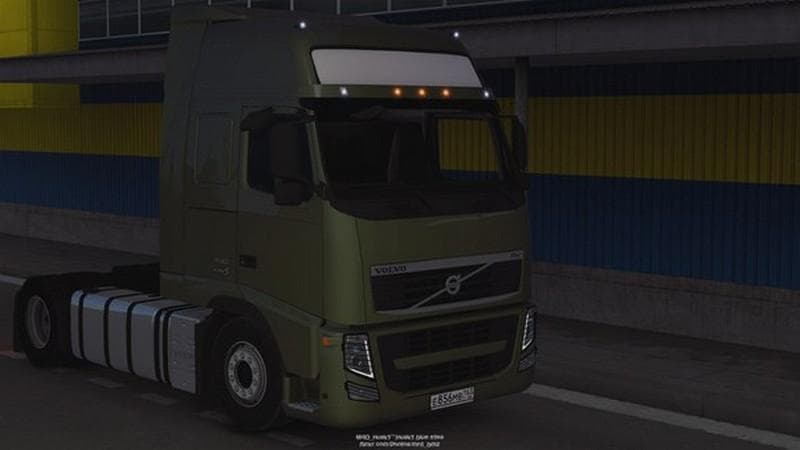
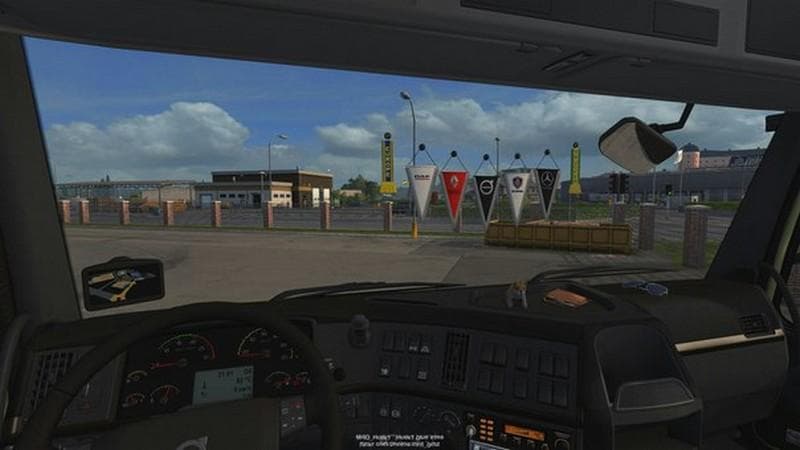
VOLVO FH13 1.22 is an ETS2 parts. Listed compatible with ETS2 1.22.
The VOLVO FH13 1.22 mod adds a standalone version of the Volvo FH13 truck to Euro Truck Simulator 2, tailored specifically for version 1.22 of the game. This mod includes various enhancements such as light masks, shadows, interior detailing, wheels, and tuning options, providing a more detailed and customizable experience with this particular truck model. It also integrates Volvo showrooms for easier access and visual consistency within the game world.
Parts mods like this one focus on expanding customization by adding or improving accessories on trucks. These can include external parts like bull bars and lights or internal items that affect the cabin's appearance. Mods targeting specific truck brands often aim to offer a more authentic or personalized feel compared to the base game’s options.
When building a modded setup in ETS2, standalone trucks like this require careful load order management to avoid conflicts with other vehicle mods. Typically, standalone mods should be placed higher in the load order than tuning or parts packs that modify shared assets. Compatibility with other parts mods depends on whether they alter the same features or models; checking mod descriptions is advisable.
This mod suits players who prefer driving Volvo trucks and want to explore a detailed version of the FH13 beyond what’s included by default. It appeals particularly to those who appreciate additional customization possibilities through tuning and visual upgrades directly linked to a well-known truck brand.
Since it supports ETS2 version 1.22, it fits well into setups running that specific game update without needing compatibility fixes or patches from newer versions. Users should ensure their ETS2 installation matches this version to avoid issues during gameplay.
Overall, VOLVO FH13 1.22 is useful for enthusiasts focused on enhancing their fleet with brand-specific trucks that offer extra customization layers via parts and tuning features.
How to install
1. Download the file(s) from the original source linked above. 2. Drop them into `Documents/Euro Truck Simulator 2/mod/`. 3. Enable in Mod Manager and restart the game.
After the mod loads, save your game inside a safe area (parking lot or service) before deciding whether to keep it. If the game refuses to load with the mod enabled, check that all required DLCs are installed and that the supported ETS2 version chips on this page include your installed game patch.
Reviews
No ratings yetNo reviews yet — be the first to rate this mod.





