Volvo FH12 v1.4
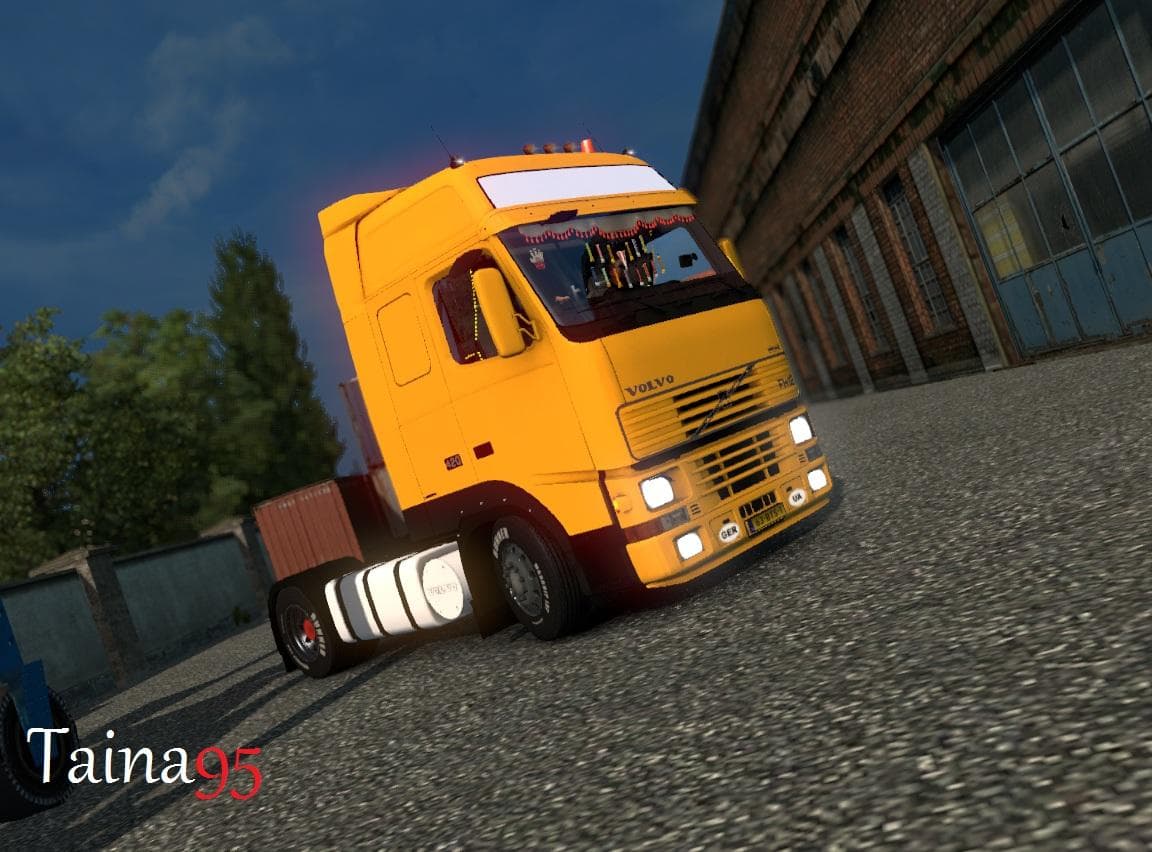
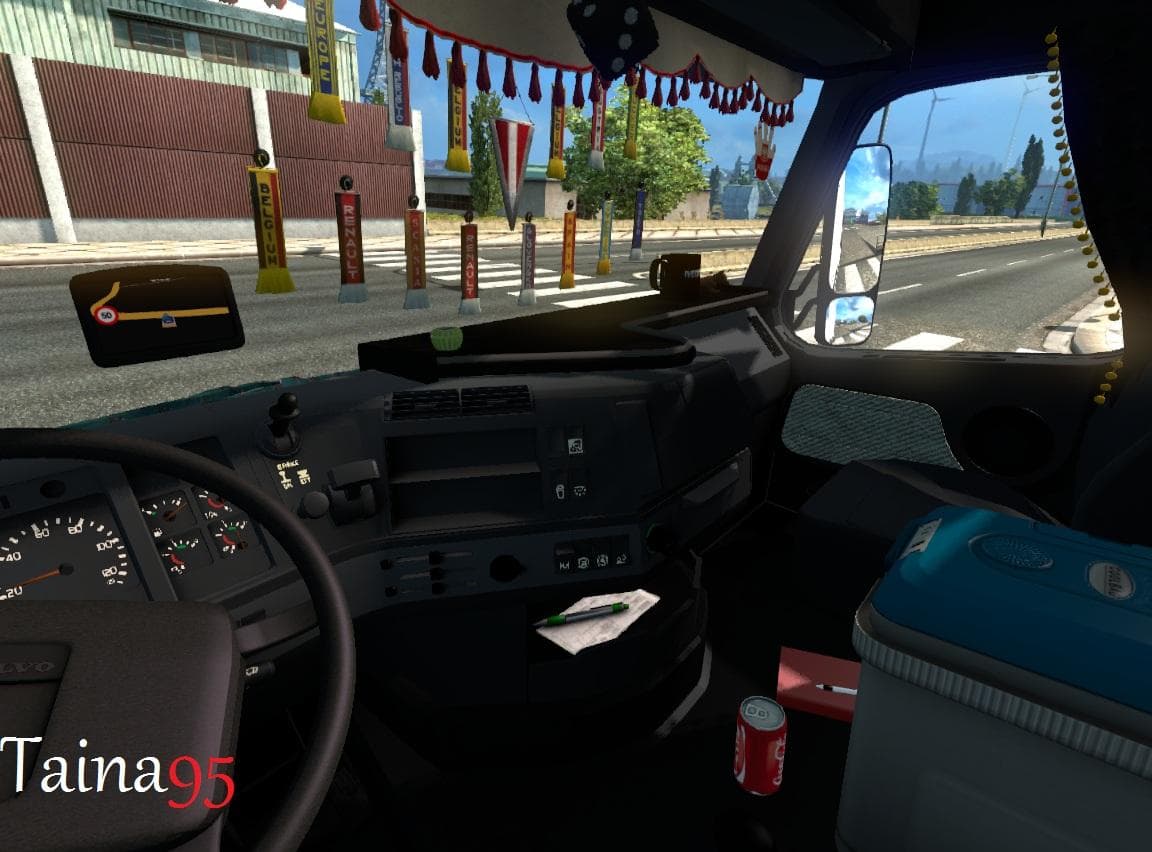
The Volvo FH12 mod version 1.4 for Euro Truck Simulator 2 adds cabin accessories DLC and new addons by creators aslan808 and mehdig. Follow on Facebook for more
The Volvo FH12 v1.4 mod enhances the classic Volvo FH12 truck by adding a variety of parts and accessories. This version brings in cabin accessories along with new add-ons introduced in previous updates. Mods like this one focus on customizing trucks with additional components such as lights, mirrors, and interior items that you can fit through the truck customization menu.
Parts mods for ETS2 allow players to modify their vehicles beyond stock options. They usually target specific models or brands, offering a more personalized driving experience. Installing these mods typically involves placing them in the mod folder and enabling them in-game, where they become available during truck upgrades or tuning.
This particular mod supports ETS2 versions 1.0 through 1.4, so it fits well within setups running these game builds. Since it only adds parts to the Volvo FH12, it generally has good compatibility with other mods unless those also alter the same truck's parts extensively.
When incorporating this mod into a heavily modded game, it's wise to pay attention to load order to prevent conflicts with other tuning packs or paint jobs targeting the Volvo FH12 model. Usually, parts mods load smoothly if placed after map and core gameplay changes but before total conversions.
Players who enjoy tweaking their trucks for a unique look will find this mod useful, especially if they favor the Volvo FH12 model. It's suitable for those wanting more variety in cabin accessories and exterior add-ons without altering gameplay mechanics.
Since the creator is unknown and file size details aren't provided, users should always back up their profiles before installing any mod to avoid potential issues. Overall, this kind of parts pack adds depth to customization without overhauling core features.
How to install
1. Download the file(s) from the original source linked above. 2. Drop them into `Documents/Euro Truck Simulator 2/mod/`. 3. Enable in Mod Manager and restart the game.
After the mod loads, save your game inside a safe area (parking lot or service) before deciding whether to keep it. If the game refuses to load with the mod enabled, check that all required DLCs are installed and that the supported ETS2 version chips on this page include your installed game patch.
Reviews
No ratings yetNo reviews yet — be the first to rate this mod.





