VOLVO FH 16 2012 V5.0
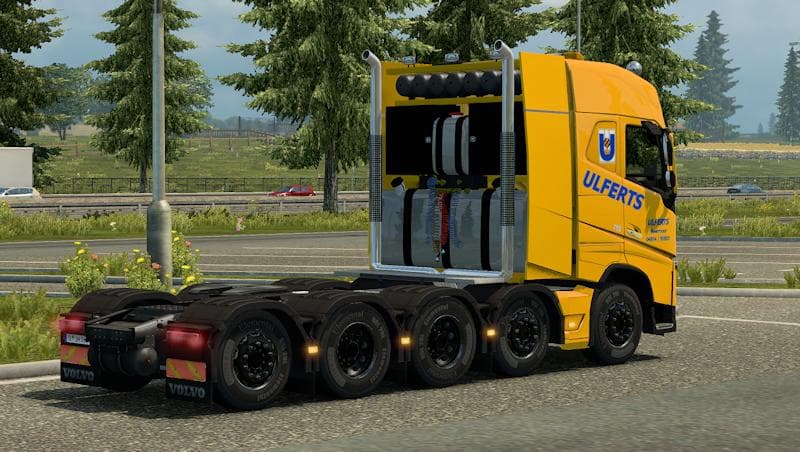
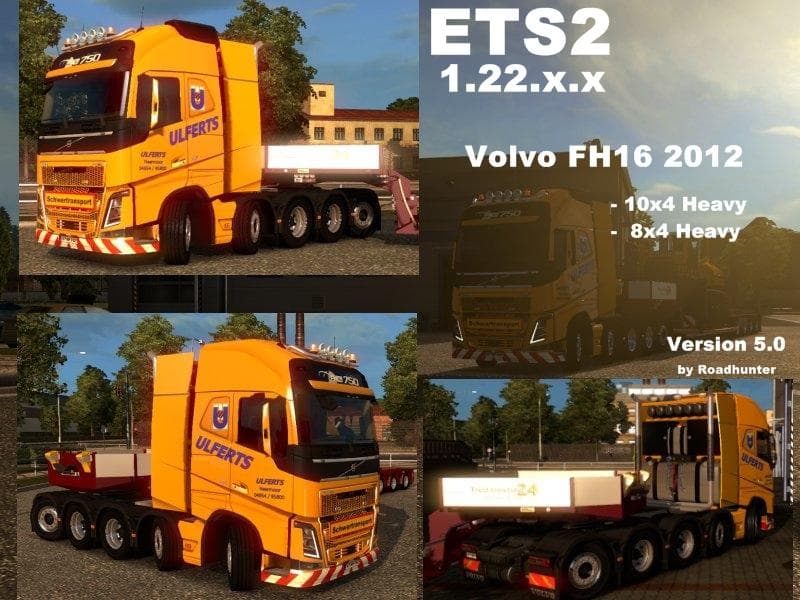
The VOLVO FH 16 2012 mod version 5.0 for ETS2 1.22 features DLC Cabin Accessories compatibility, front grill paint options, and a new Kelsa Highboard. Created b
The VOLVO FH 16 2012 V5.0 is a parts mod designed for Euro Truck Simulator 2 that focuses on enhancing the Volvo FH 16 truck model. This type of mod typically adds various accessories and customization options in the truck's tuning menu, allowing players to personalize their vehicle's appearance and functionality. In this case, the update includes support for ETS2 version 1.22 along with DLC Cabin Accessories compatibility, which means you can equip new interior items alongside external modifications like a front grill paint job over the engine and a new Kelsa Highboard accessory.
Parts mods such as this one add detail and variety by expanding the range of available components. These might include bull bars, lights, mirrors, exhausts, or other decorative and functional parts tailored specifically for one truck brand or model. Players who enjoy tweaking their trucks beyond the base game offerings will find value here, especially if they are fans of Volvo trucks and want to reflect more personalized style or utility.
When adding parts mods to a setup that already has several other mods installed, load order can matter to prevent conflicts. Generally, it’s advisable to place vehicle-specific tuning mods after map or gameplay mods but before any large overhaul packs affecting trucks globally. Compatibility is usually straightforward for this category but ensuring your ETS2 version matches the supported one—in this case 1.22—is key to avoid issues.
This mod suits players who appreciate detailed customization options for their Volvo FH 16 trucks in ETS2. Whether you're aiming to create a unique look or simply want to use some new accessories introduced through DLC compatibility, it blends well into modded garages focused on visual upgrades. It’s also useful for those wanting an extra layer of personalization without altering gameplay mechanics significantly.
How to install
1. Download the file(s) from the original source linked above. 2. Drop them into `Documents/Euro Truck Simulator 2/mod/`. 3. Enable in Mod Manager and restart the game.
After the mod loads, save your game inside a safe area (parking lot or service) before deciding whether to keep it. If the game refuses to load with the mod enabled, check that all required DLCs are installed and that the supported ETS2 version chips on this page include your installed game patch.
Reviews
No ratings yetNo reviews yet — be the first to rate this mod.





