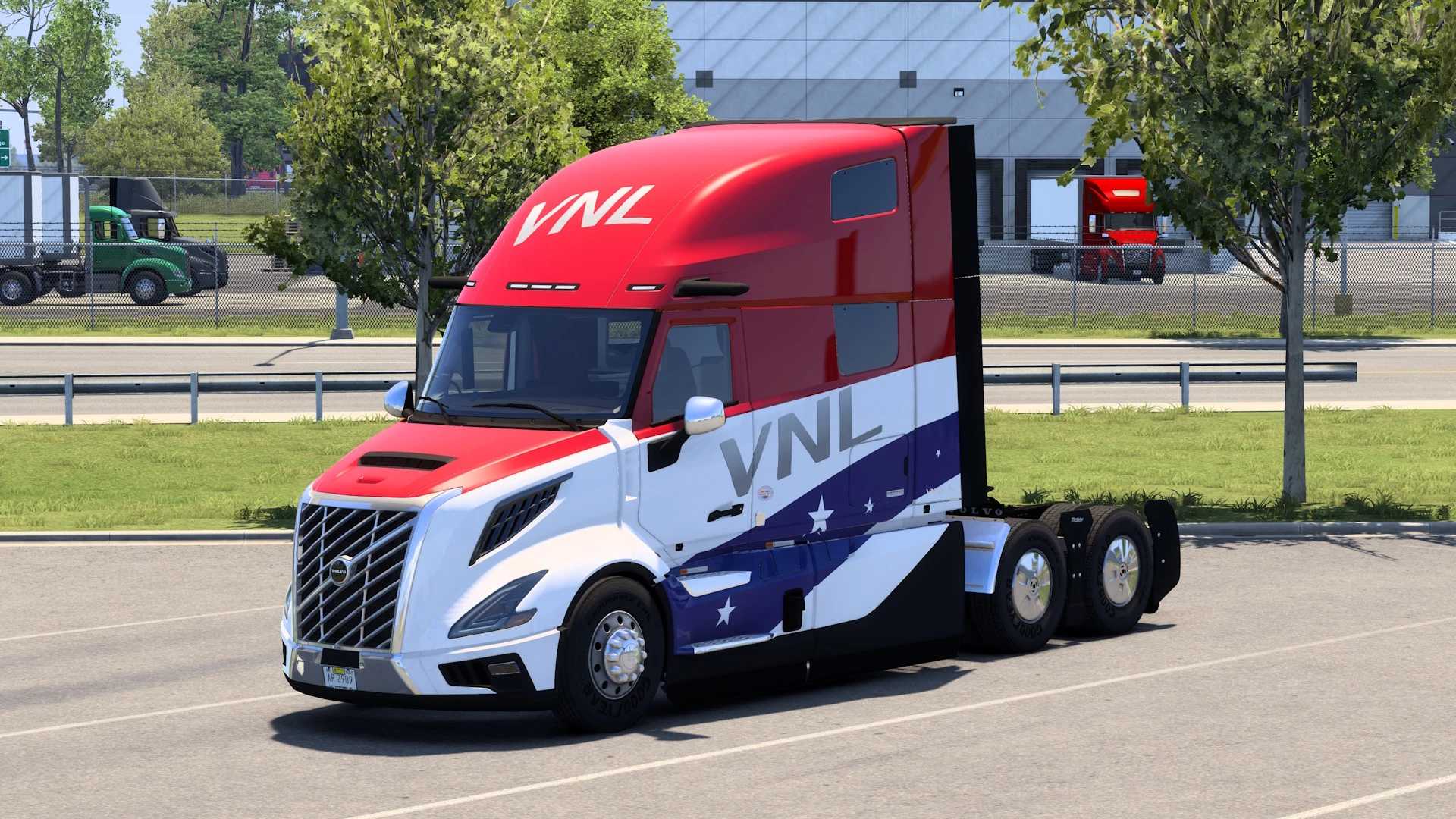
VGS Skin New Trailer defs
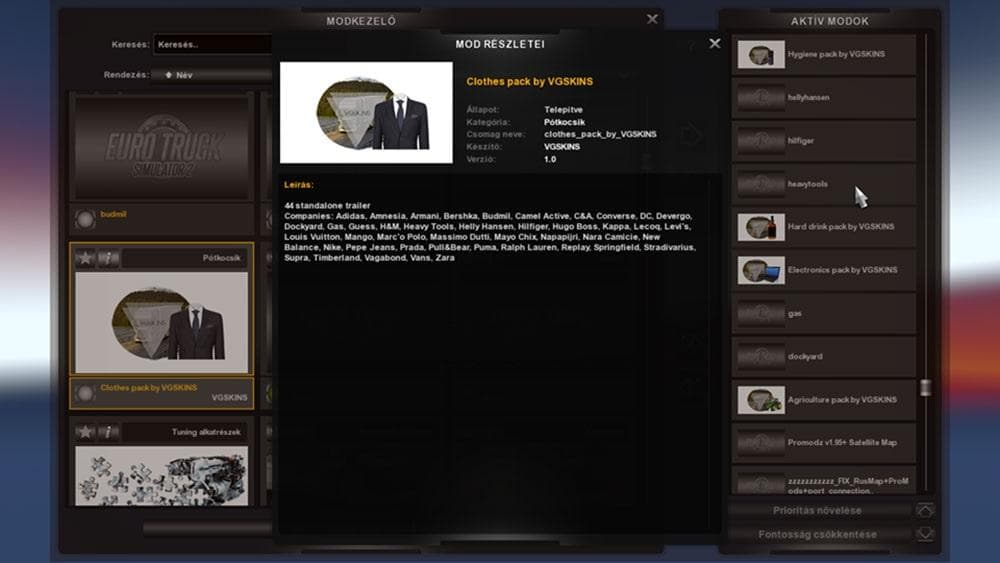
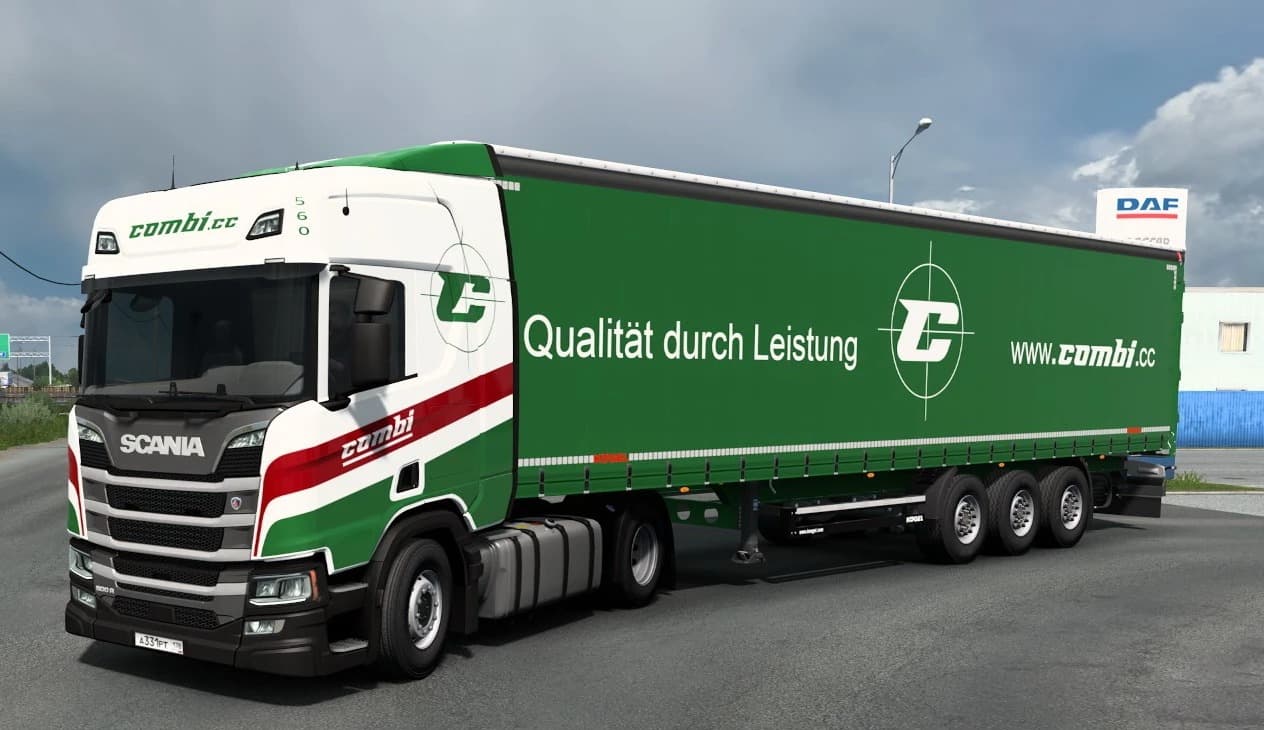
VGS Skin New Trailer defs is a skins mod for ETS2 by Euro Truck Simulator 2. It includes updated sii files to work with all trailers mods using new traffic trai
The VGS Skin New Trailer defs mod updates trailer definitions to work with various trailer mods that utilize newer traffic trailer data stored in sii files. This type of mod doesn't add new models or change gameplay directly but adjusts the appearance and data of trailers already present in the game. Skins like this one are applied through the paint shop and rely on the base trailers they were designed for, ensuring compatibility with existing content while refreshing visuals or configurations.
In Euro Truck Simulator 2, skin mods like these play a crucial role for players who want to customize their trucking experience without altering core mechanics. They repaint trailers or trucks to give them a different look or update them to match other mods that might affect traffic behavior or appearance. Since this mod deals with trailer definitions specifically, it fits well into setups where multiple trailer mods coexist, helping maintain consistency across traffic and player vehicles.
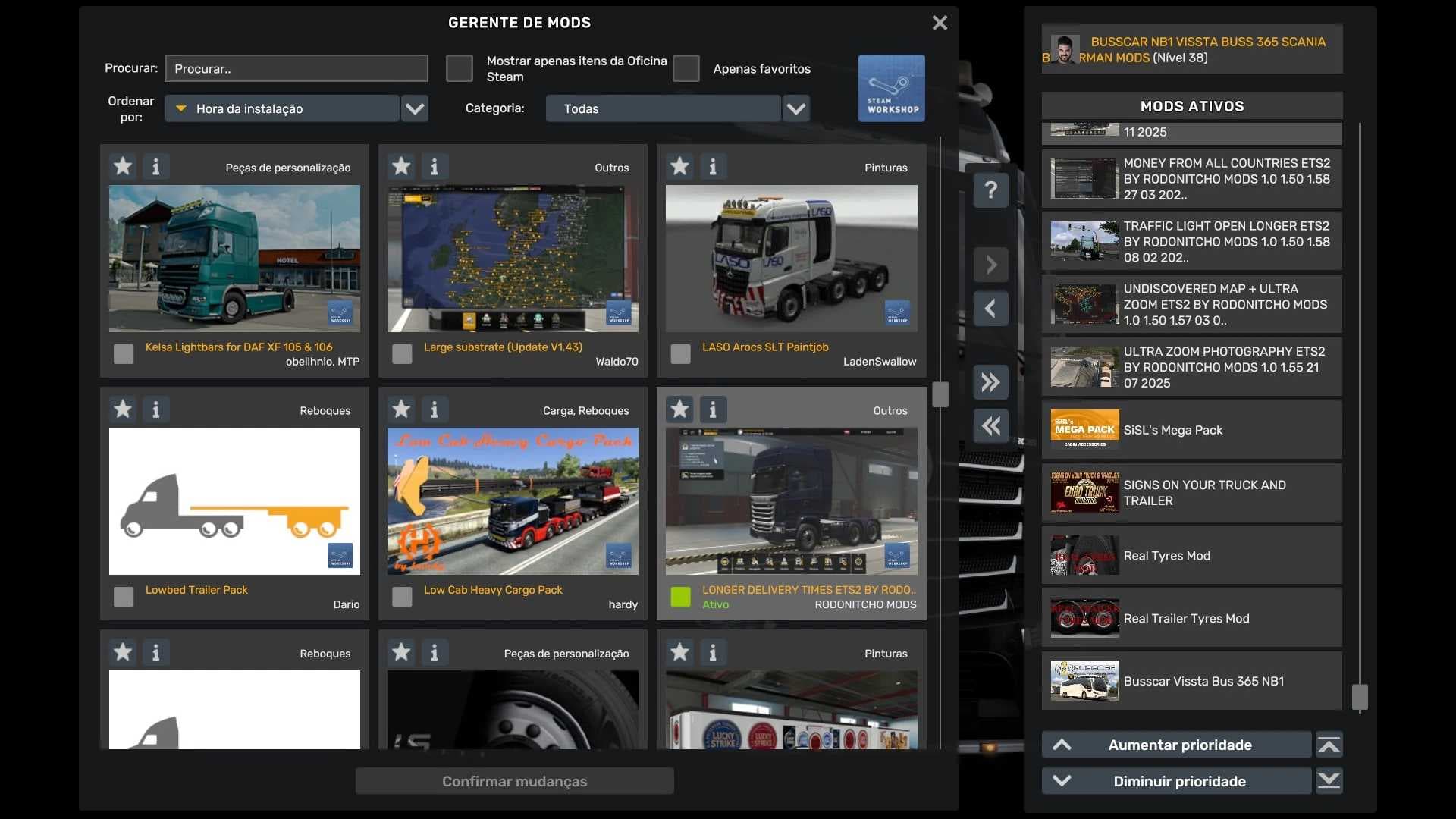
When integrating skin mods that modify sii files, it's wise to consider load order and possible conflicts. Generally, these skins should be loaded after any major trailer mods to ensure their changes take effect correctly. If you're running a heavily modded profile with several traffic and trailer packs, placing this mod near the end of your load order can prevent overwrites and keep your trailers looking as intended.
This mod is suited for players who enjoy extensive customization of their trailers and want their game’s traffic to reflect those changes visually and functionally. It’s especially useful if you use several trailer packs that share new traffic data formats since it helps unify how those trailers appear during gameplay.
While details like version number or creator remain unknown, this skin mod serves as a practical tool for anyone looking to refresh or standardize their trailer appearances in ETS2's diverse mod ecosystem.
How to install
1. Download the .scs file. 2. Drop it into `Documents/Euro Truck Simulator 2/mod/`. 3. Enable in Mod Manager. 4. Apply the skin in the truck/trailer paint shop.
After the mod loads, save your game inside a safe area (parking lot or service) before deciding whether to keep it. If the game refuses to load with the mod enabled, check that all required DLCs are installed and that the supported ETS2 version chips on this page include your installed game patch.
Reviews
No ratings yetNo reviews yet — be the first to rate this mod.