V8K VOLVO FH 2009 PUBLIC ANIMATION
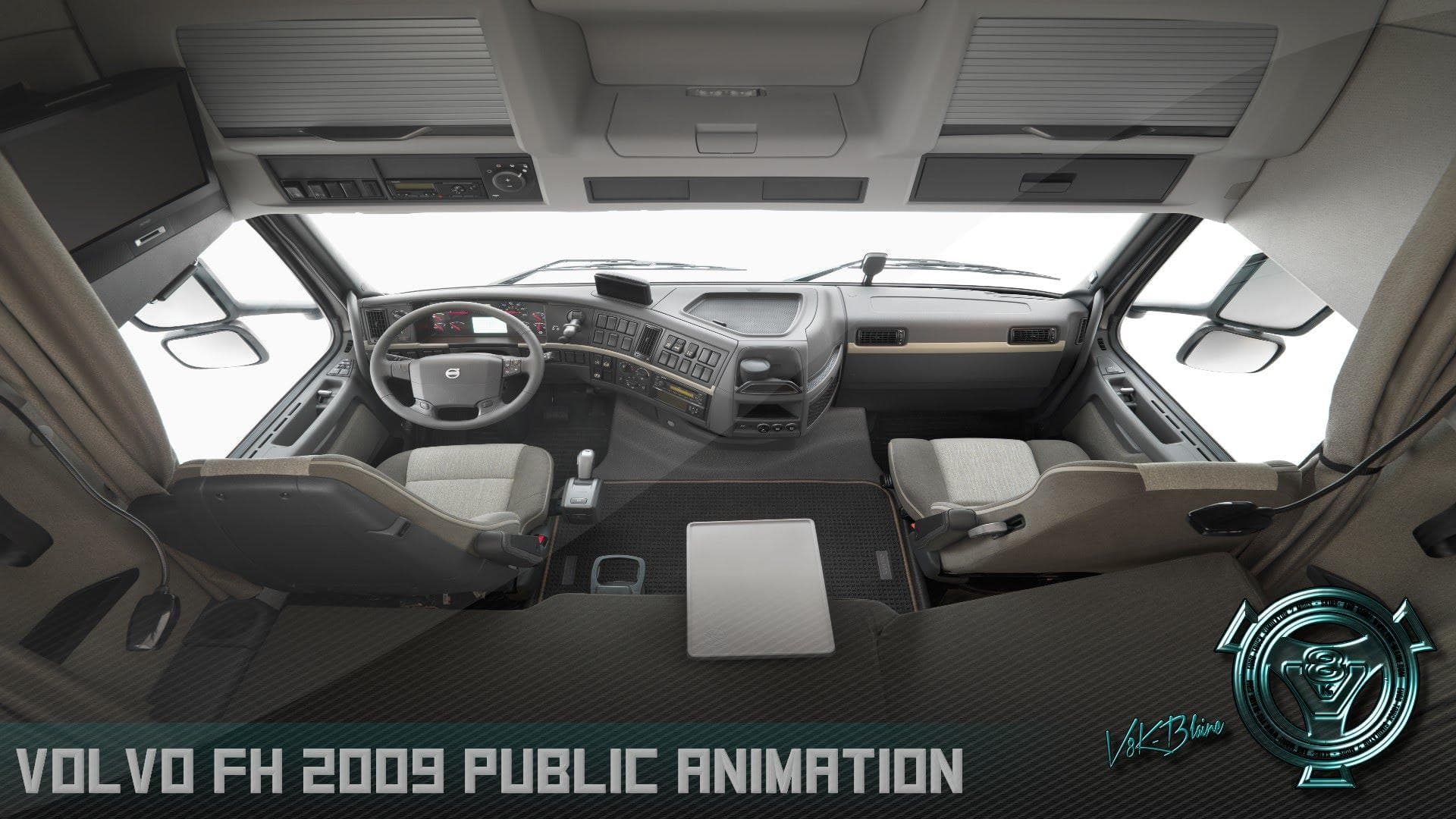
V8K VOLVO FH 2009 PUBLIC ANIMATION is an ETS2 parts.
The V8K VOLVO FH 2009 PUBLIC ANIMATION mod focuses on adding animated parts to the Volvo FH 2009 truck model. This kind of mod typically enhances the visual appeal by introducing moving components or effects that bring more life to the vehicle within Euro Truck Simulator 2. It's a specialized addition aimed at those who prefer a more dynamic and detailed truck experience.
Parts mods like this one usually slot into the truck customization menu, allowing players to tweak their vehicles with various accessories and features. Since this mod targets a specific model—the Volvo FH 2009—it fits neatly into setups that already include or emphasize this truck version. It complements other tuning mods that adjust appearance or performance without interfering with gameplay mechanics.
In terms of compatibility, parts mods often require attention to load order, especially when multiple modifications target the same truck model. It's advisable to load animation and parts mods after any major truck or skin mods to avoid conflicts. While exact supported ETS2 versions are unknown for this mod, these types of additions generally work well across many recent game versions but might need adjustments when combined with other extensive mod packs.
This mod suits players who enjoy customizing their trucks beyond static visuals. If you like your Volvo FH 2009 looking more authentic with subtle animations or enhanced details, this could be a worthwhile addition. It adds another layer of immersion for those invested in crafting their own unique trucking setup in ETS2.
Overall, V8K VOLVO FH 2009 PUBLIC ANIMATION fits into the category of parts and tuning mods that enrich vehicle customization options, particularly for enthusiasts focused on Volvo models from this era.
How to install
1. Download the file(s) from the original source linked above. 2. Drop them into `Documents/Euro Truck Simulator 2/mod/`. 3. Enable in Mod Manager and restart the game.
After the mod loads, save your game inside a safe area (parking lot or service) before deciding whether to keep it. If the game refuses to load with the mod enabled, check that all required DLCs are installed and that the supported ETS2 version chips on this page include your installed game patch.
Reviews
No ratings yetNo reviews yet — be the first to rate this mod.





