Standard trucks lowered
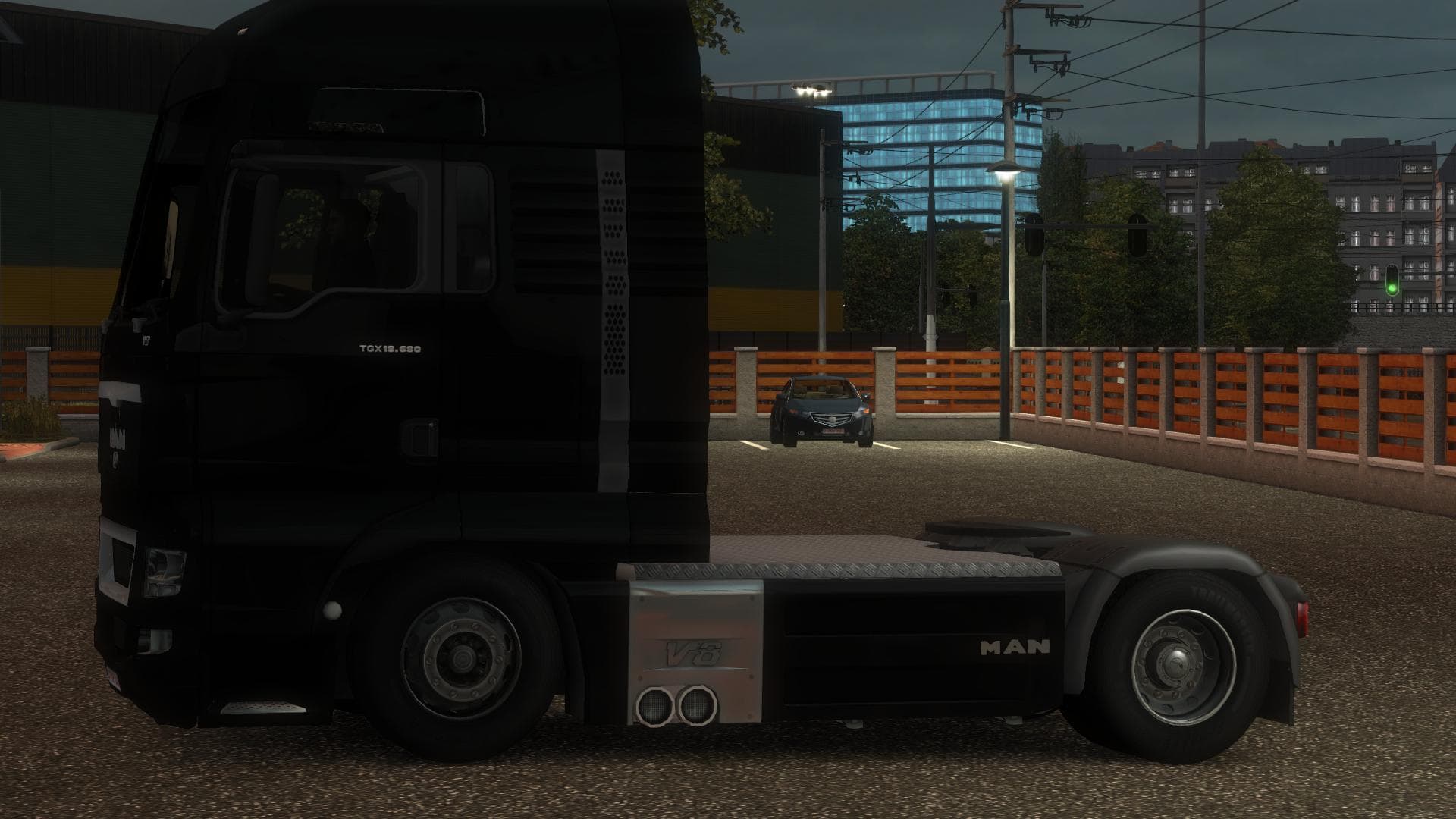
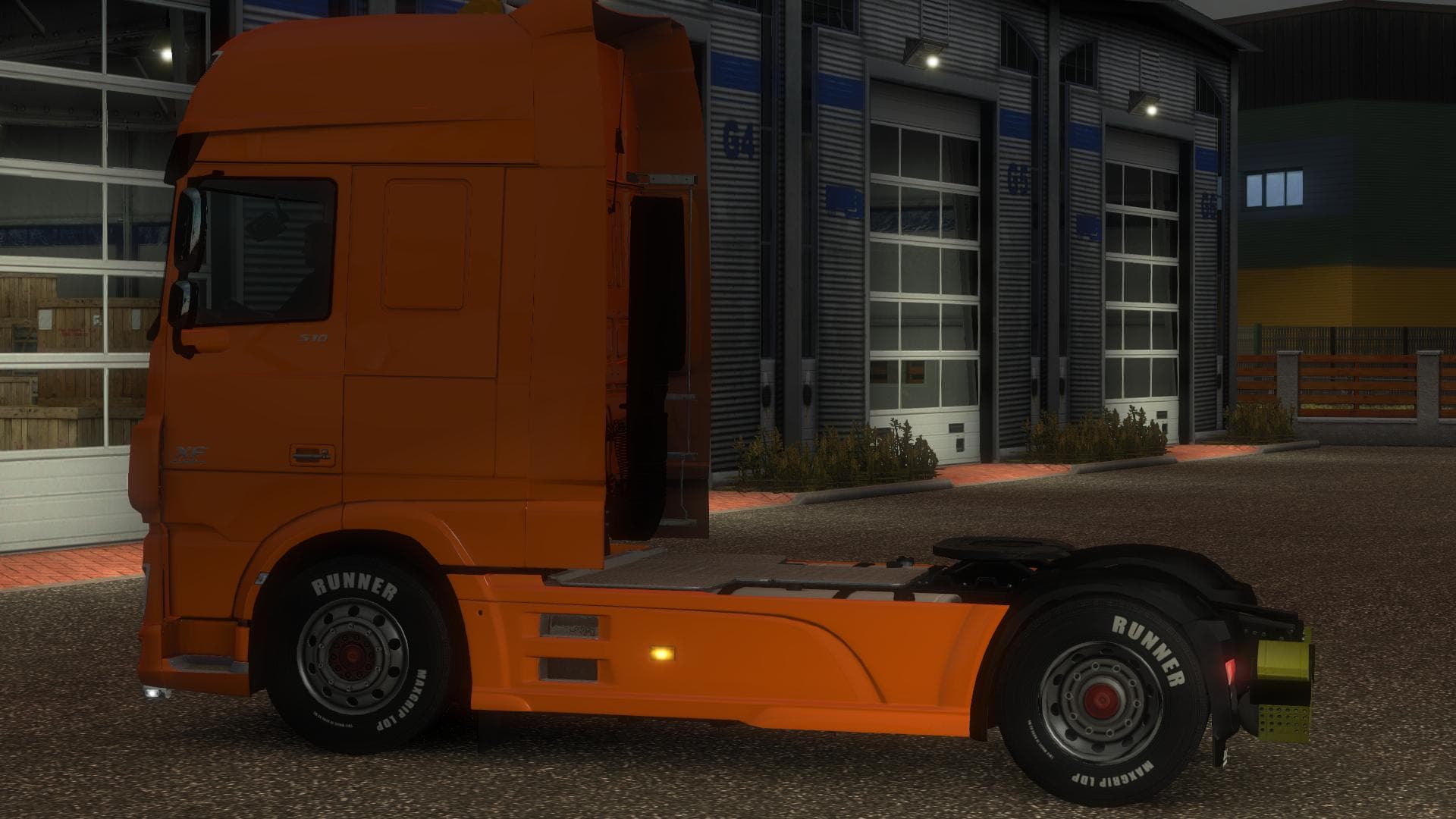
Standard trucks lowered - ETS2 mods download is an ETS2 parts.
The Standard trucks lowered mod adjusts the ride height of several popular truck models in Euro Truck Simulator 2. It specifically targets models like the Daf XF and E6, Iveco Hiway and Stralis, Man TGX, Mercedes Actros from 2009 and 2014, as well as the Renault Magnum 2009. Using Blender to make these adjustments, the mod offers a subtle but noticeable change in the trucks' stance by lowering them closer to the ground compared to their default heights.
In ETS2, parts mods like this one modify various truck components and accessories via the customization menu. While many focus on adding bull bars, lights, or exhausts, this mod alters a fundamental aspect of the truck's appearance—its suspension height. Lowering trucks can affect how they look on different road surfaces and may influence your visual experience while driving through regions such as Germany or France where detailed environments highlight vehicle profiles.
This type of parts mod typically fits well into a heavily modded setup without conflicting with other tuning options, though players should always consider load order carefully. Mods that alter truck geometry sometimes require priority over other parts that add visual elements near the chassis or wheels. Since exact compatibility details are unknown for this mod, it’s wise to test it alongside other body and suspension-related mods before committing to long hauls across landscapes like Austria or Poland.
Drivers who prefer a distinctive look for their fleet might appreciate lowered trucks for their sleeker silhouette and altered driving perspective. It suits those who enjoy customizing every detail of their vehicles beyond just paint jobs or wheel choices. Whether you’re hauling freight through Sweden’s forests or navigating urban areas in Belgium, these lowered models offer an alternative feel without changing core gameplay mechanics.
How to install
1. Download the file(s) from the original source linked above. 2. Drop them into `Documents/Euro Truck Simulator 2/mod/`. 3. Enable in Mod Manager and restart the game.
After the mod loads, save your game inside a safe area (parking lot or service) before deciding whether to keep it. If the game refuses to load with the mod enabled, check that all required DLCs are installed and that the supported ETS2 version chips on this page include your installed game patch.
Reviews
No ratings yetNo reviews yet — be the first to rate this mod.





