SCANIA TUNING MODS - NECROMANCY EDITION 2
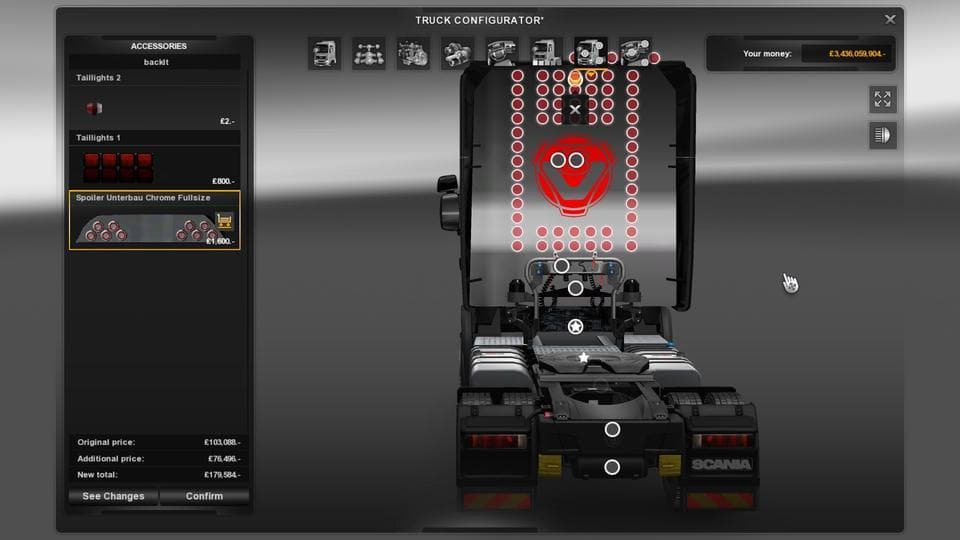
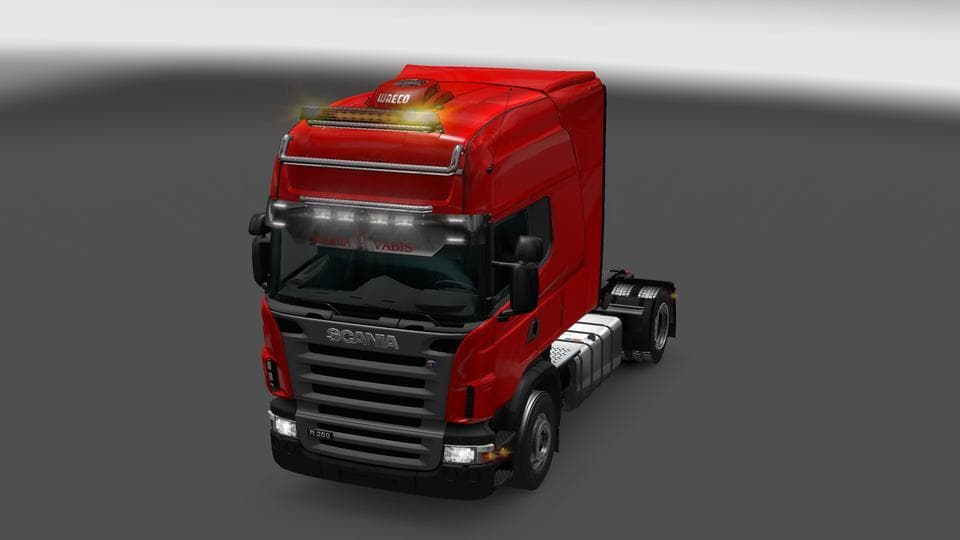
The SCANIA TUNING MODS - NECROMANCY EDITION 2 offers additional parts and fixes schoolboy errors. It includes a full-length painted back plate for Longline and
SCANIA TUNING MODS - NECROMANCY EDITION 2 adds extra parts to your Scania trucks, letting you customize them beyond the standard options. This type of mod typically offers accessories like painted back plates, additional lights, or air conditioning units that you can fit through the truck customization menu. The mod mentions fixes for previous errors and new additions for Longline and Topline models, which suggests it focuses on enhancing specific Scania variants.
Parts mods like this one slot neatly into your existing mod setup, especially if you're running multiple tuning packs or brand-specific enhancements. Since these mods modify truck parts, they usually need to be loaded after any major vehicle overhaul mods to avoid conflicts. It's a good idea to test your load order carefully when combining several parts mods targeting the same truck model.
The inclusion of painted back plates and air conditioning options shows attention to detail in customization, giving players more control over their vehicle's look and feel. These small changes can add personality to your rig without drastically altering gameplay mechanics.
Players who enjoy fine-tuning their trucks visually or want a bit more realism from their Scania models will find this kind of mod useful. It’s suited for those who appreciate subtle tweaks and fixes rather than big gameplay changes. If you prefer mods that extend the stock features of your favorite trucks, this fits right in.
While specifics like supported ETS2 versions or file size aren't clear, parts mods are generally easy to install via the game's mod manager. Just remember that if you're using multiple tuning packs for Scanias or other brands, conflicts might arise depending on the overlap in parts offered.
How to install
1. Download the file(s) from the original source linked above. 2. Drop them into `Documents/Euro Truck Simulator 2/mod/`. 3. Enable in Mod Manager and restart the game.
After the mod loads, save your game inside a safe area (parking lot or service) before deciding whether to keep it. If the game refuses to load with the mod enabled, check that all required DLCs are installed and that the supported ETS2 version chips on this page include your installed game patch.
Reviews
No ratings yetNo reviews yet — be the first to rate this mod.





