SCANIA T TUNING 1.18
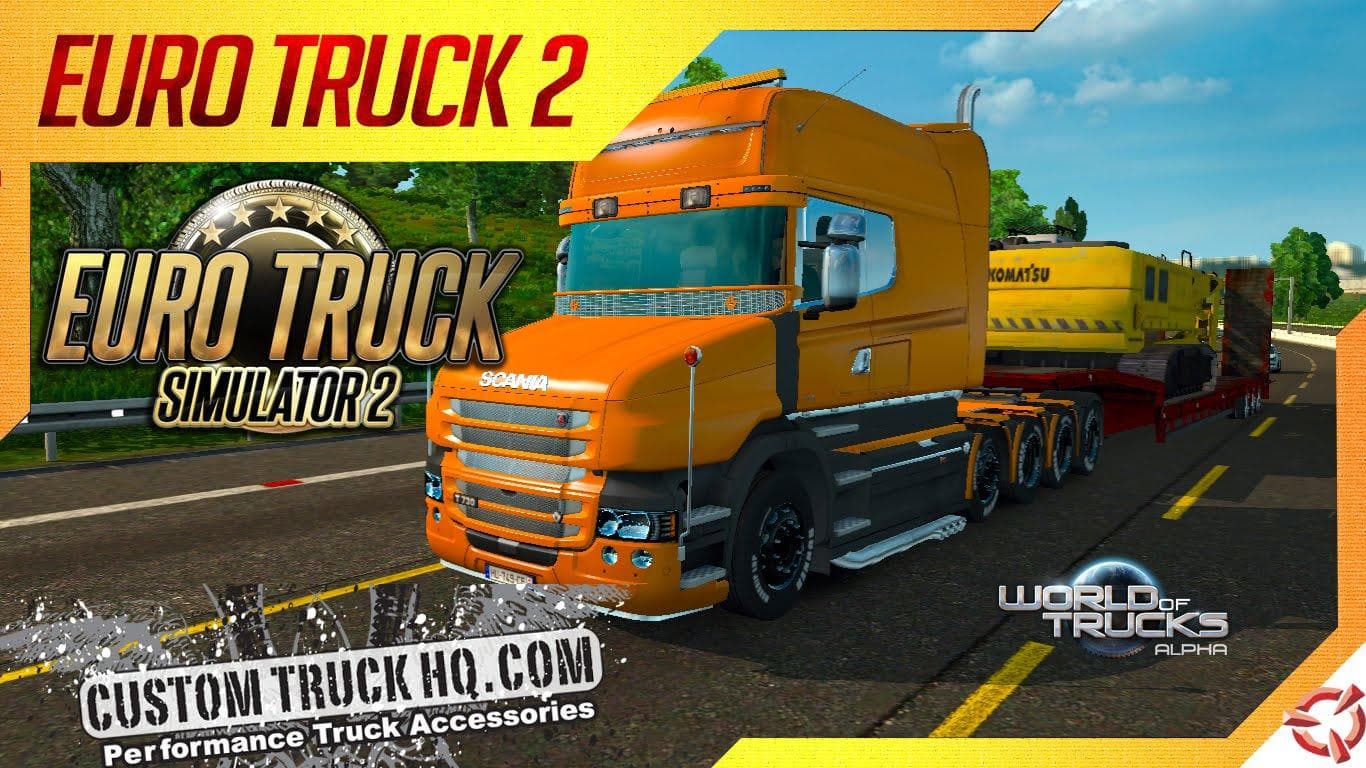
The SCANIA T TUNING 1.18 mod adds a range of customizable parts specifically for the Scania T series trucks in Euro Truck Simulator 2. This parts mod lets you enhance your vehicle with various accessories, such as additional lights, bull bars, exhaust options, and interior details. It's designed to fit into the truck customization menu where players can modify their rig's appearance and performance to their liking.
Parts and tuning mods like this one focus on expanding the options available for personalizing trucks beyond the base game. They usually target specific truck models—in this case, the Scania T—and allow users to equip new components that can alter both looks and sometimes sound or function. These mods typically work by replacing or adding to existing part slots, meaning they slot right into the usual customization workflow without much fuss.
When using parts mods in a modded setup, it's wise to pay attention to load order since some mods may conflict if they try to modify the same part slots or textures. This SCANIA T TUNING mod supports ETS2 versions 1.18 and 1.6, so make sure your game version matches one of these for smooth operation. It generally fits well alongside other visual or tuning mods but always test combinations carefully.
Truck enthusiasts who enjoy fine-tuning their rigs will find this mod appealing. If you drive Scania Ts frequently or want more variety in how your truck looks and feels on European roads like those in Germany or France, this mod offers additional customization choices that can make your gameplay experience more immersive and tailored.
Skins like this tend to be straightforward additions that don’t drastically change gameplay mechanics but offer meaningful personalization options. This kind of upgrade is ideal for players focused on aesthetics and detail-oriented setups rather than performance tweaks alone.
How to install
1. Download the file(s) from the original source linked above. 2. Drop them into `Documents/Euro Truck Simulator 2/mod/`. 3. Enable in Mod Manager and restart the game.
After the mod loads, save your game inside a safe area (parking lot or service) before deciding whether to keep it. If the game refuses to load with the mod enabled, check that all required DLCs are installed and that the supported ETS2 version chips on this page include your installed game patch.
Reviews
No ratings yetNo reviews yet — be the first to rate this mod.





