SCANIA RJL R SCI-FI CITY THEMED SKIN
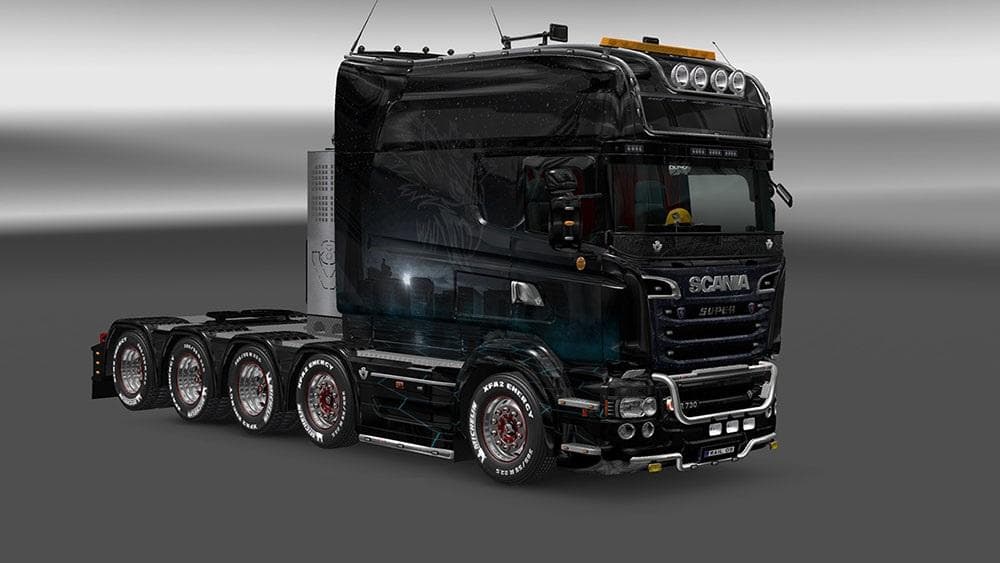
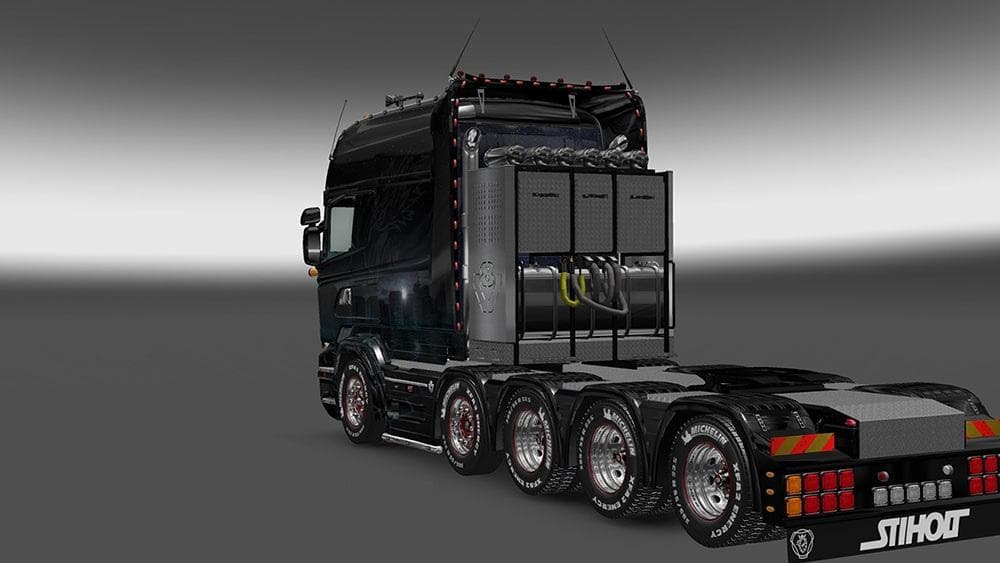
This mod offers a dark sci-fi city themed skin for all Scania R RJL truck models. The design features a city image by bykst from pixabay. Credits go to sevquis
The SCANIA RJL R SCI-FI CITY THEMED SKIN is a repaint mod designed specifically for the Scania R RJL truck models in Euro Truck Simulator 2. It gives the truck a dark sci-fi city look, transforming its usual appearance into something with an urban futuristic vibe. This skin doesn't alter the truck's model or performance, just its visual style, so you’ll find it in the paint shop once installed and applied on compatible Scania R RJL trucks.
Skins like this one modify how your vehicle looks by applying new textures and colors without changing the base model. They’re easy to install and typically don’t conflict with gameplay or other mods that affect truck handling or mechanics. Since this skin covers all models of the Scania R RJL, it works well within modded setups where players want to keep their favorite truck but change its aesthetics.
When using skins alongside other mods, load order usually isn’t a big concern unless you have multiple skins for the same truck. Only one skin can be active at a time for a single vehicle, so make sure to disable or remove any conflicting paint jobs to see this one properly. Also, since it relies on the base Scania R RJL models, you need to have those trucks available in your game either through official DLCs or mods.
This mod would appeal mostly to players who enjoy customizing their vehicles with unique looks that stand out on the road. If you like darker themes and sci-fi elements combined with your trucking experience, this skin adds a bit of atmosphere without affecting gameplay. It fits nicely into collections of skins aimed at personalizing trucks beyond stock appearances.
How to install
1. Download the .scs file. 2. Drop it into `Documents/Euro Truck Simulator 2/mod/`. 3. Enable in Mod Manager. 4. Apply the skin in the truck/trailer paint shop.
After the mod loads, save your game inside a safe area (parking lot or service) before deciding whether to keep it. If the game refuses to load with the mod enabled, check that all required DLCs are installed and that the supported ETS2 version chips on this page include your installed game patch.
Reviews
No ratings yetNo reviews yet — be the first to rate this mod.