Scania Realistic Wheels
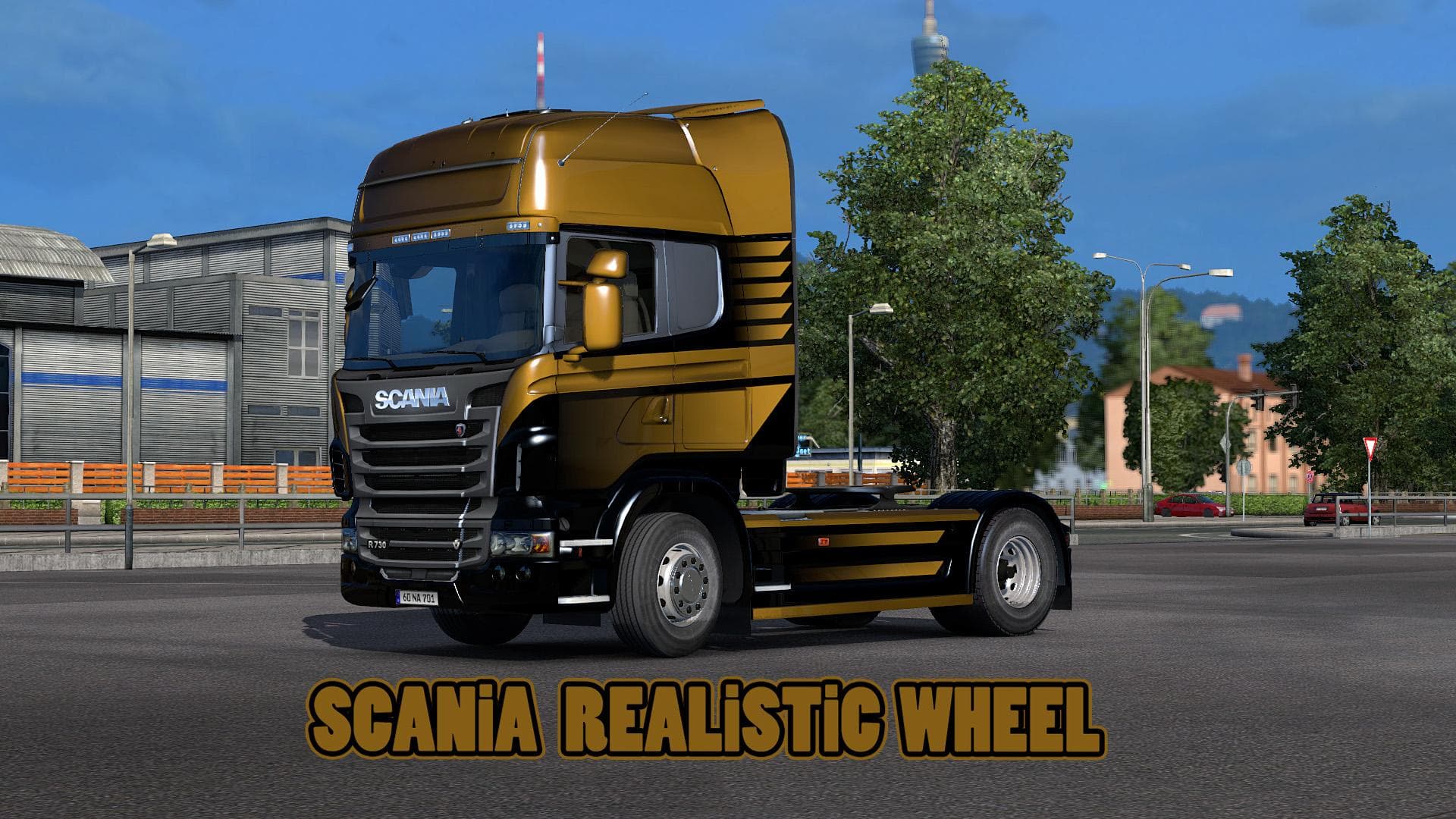
The "Scania Realistic Wheels" mod for ETS2, created by Euro Truck Simulator 2, offers realistic wheels for Scania trucks. The mod was last updated on April 17,
Scania Realistic Wheels is a parts mod designed to enhance the visual detail of Scania trucks in Euro Truck Simulator 2. This type of mod focuses on replacing or improving the wheel models and textures, aiming to give your rig a more authentic and detailed look compared to the default game assets. Wheels are a subtle but impactful part of truck customization, and mods like this one can significantly change how your vehicle stands out on the road.
Parts mods such as this one typically integrate into the truck customization menu, allowing players to swap out standard wheels for upgraded versions that fit a specific truck brand—in this case, Scania. These mods usually work well alongside other tuning accessories like bull bars, exhausts, lights, and mirrors. Since they modify parts rather than gameplay mechanics, compatibility with most other mods is generally good if you load them correctly.
When it comes to fitting this mod into a larger modded setup, it's advisable to place it after any global parts packs or wheel packs in your load order. That way, the custom wheels will override any conflicting files from broader mods while maintaining harmony with unrelated modifications. As always with parts mods, conflicts can happen if two mods alter the same wheel slots for Scania trucks.
Players who want to add more realism and depth to their Scania trucks' appearance will appreciate what this mod offers. If you enjoy fine-tuning your truck’s look beyond just paint jobs and interior details, swapping in realistic wheels can be a satisfying upgrade. It’s particularly appealing for those who run heavily customized setups and want every detail of their rig to reflect real-world counterparts.
How to install
1. Download the file(s) from the original source linked above. 2. Drop them into `Documents/Euro Truck Simulator 2/mod/`. 3. Enable in Mod Manager and restart the game.
After the mod loads, save your game inside a safe area (parking lot or service) before deciding whether to keep it. If the game refuses to load with the mod enabled, check that all required DLCs are installed and that the supported ETS2 version chips on this page include your installed game patch.
Reviews
No ratings yetNo reviews yet — be the first to rate this mod.





