SCANIA R AND G 1.20.X
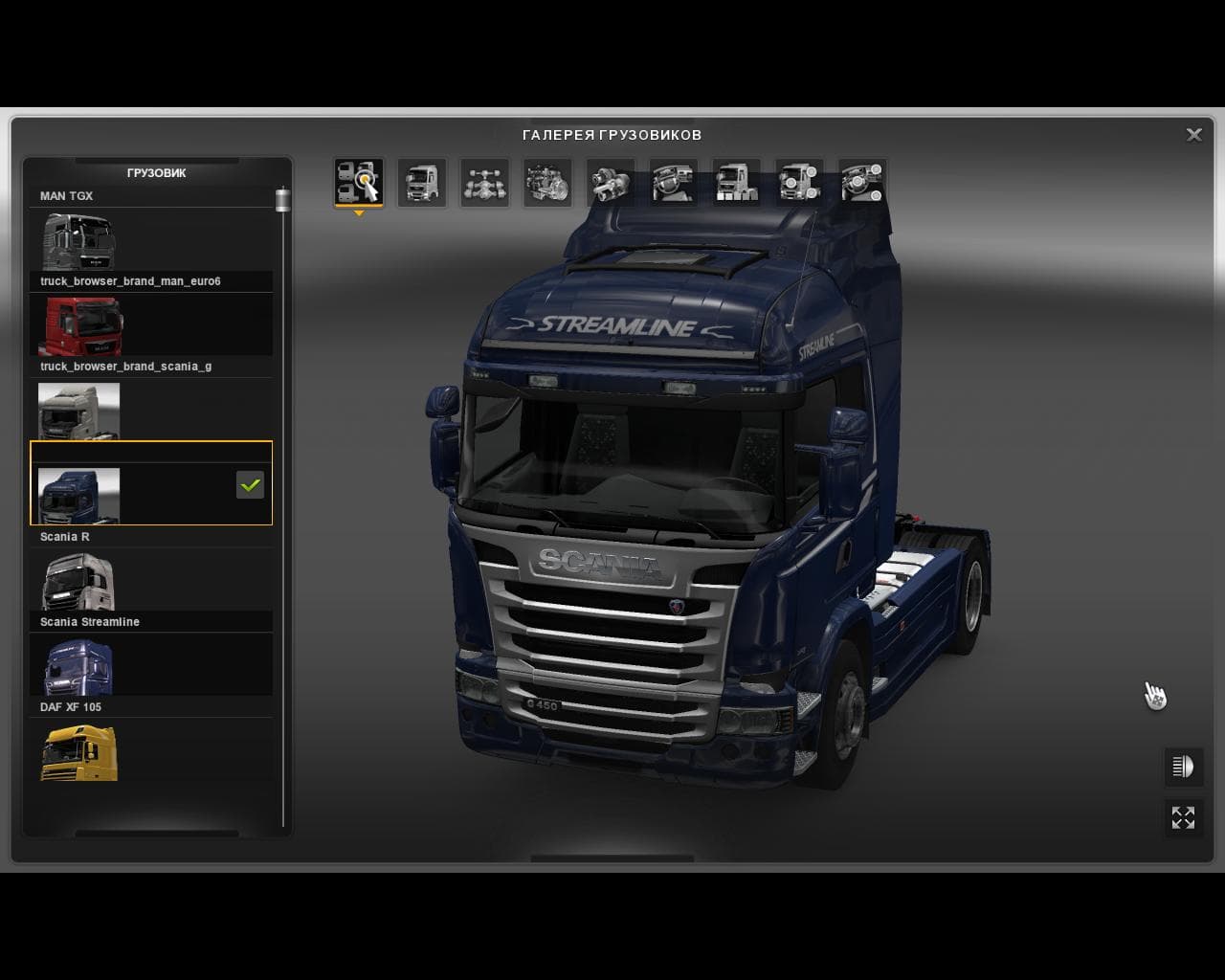
This mod for ETS2 adds Scania R and Streamline models, as well as G and G Streamline variants. Created by Euro Truck Simulator 2, it is compatible with version
The SCANIA R AND G 1.20.X mod updates the standard Scania truck models in ETS2 by replacing the default R and Streamline versions and introducing the G and G Streamline series. This kind of parts mod focuses on expanding truck customization options, allowing players to add or swap various accessories directly from the truck upgrade menu. Mods like this one are usually tailored for a specific brand, enhancing the authenticity and variety within that particular lineup.
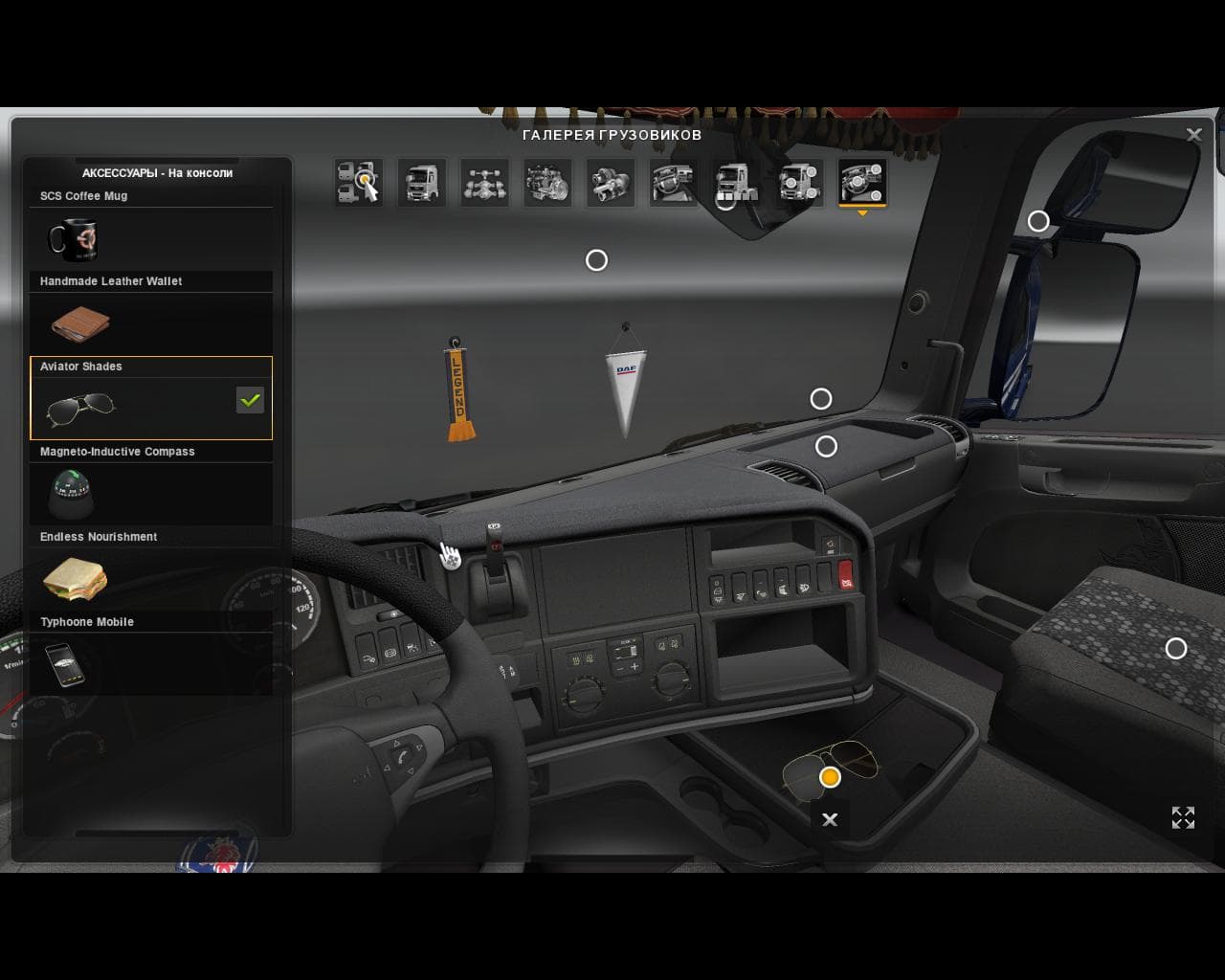
Parts mods in ETS2 serve to enrich the visual and functional detail of trucks. They include additions such as different lights, bull bars, exhaust pipes, mirrors, and interior components. By using these enhancements, players can personalize their vehicles more deeply than what is offered in the base game, often matching real-world configurations or creating unique looks.
In a modded setup, parts mods should be loaded carefully to avoid conflicts with other vehicle modifications. Since this mod specifically targets Scania trucks and supports ETS2 version 1.20, it fits well alongside other brand-specific tuning packs or map expansions compatible with that game version. Typically, parts mods are loaded after map mods but before any global or physics-altering modifications to maintain stability.
Truck enthusiasts who favor Scania vehicles will find this mod useful for broadening their choices when customizing rigs. Whether aiming for a realistic replication of newer Scania series or just wanting more variety in truck appearance, this mod adds options without altering core gameplay mechanics.
Overall, SCANIA R AND G 1.20.X offers an extension to the available parts for Scania trucks in Euro Truck Simulator 2. It’s suited for players who enjoy detailed vehicle customization within their preferred brand range and who run ETS2 on version 1.20.
How to install
1. Download the file(s) from the original source linked above. 2. Drop them into `Documents/Euro Truck Simulator 2/mod/`. 3. Enable in Mod Manager and restart the game.
After the mod loads, save your game inside a safe area (parking lot or service) before deciding whether to keep it. If the game refuses to load with the mod enabled, check that all required DLCs are installed and that the supported ETS2 version chips on this page include your installed game patch.
Reviews
No ratings yetNo reviews yet — be the first to rate this mod.





