SCANIA CHROME WHEELS PACK 1.22
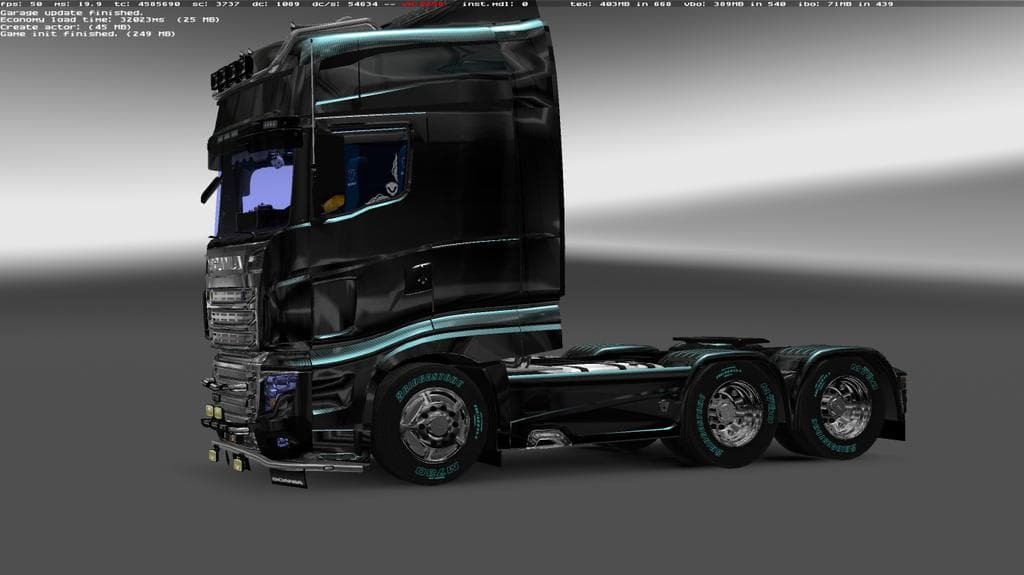
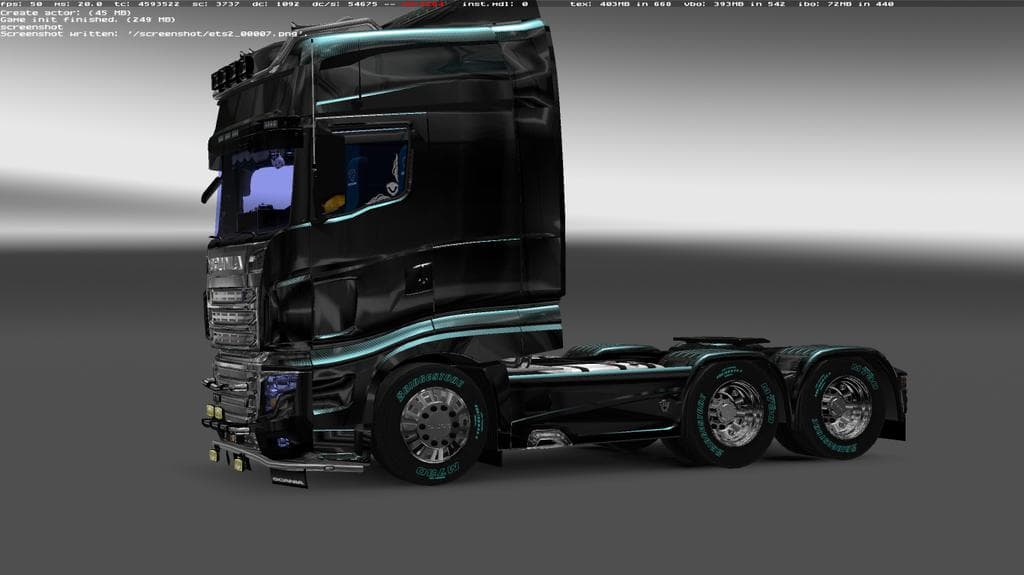
The SCANIA CHROME WHEELS PACK 1.22 mod for ETS2 adds 3 front and 1 rear drive tires with Bridgestone, allowing for painting lettering on tires. Tested for game
The SCANIA CHROME WHEELS PACK 1.22 is a parts mod designed specifically for Euro Truck Simulator 2 version 1.22. It introduces several new tire options, including three front and one rear drive tires, all featuring Bridgestone branding with painted lettering for added detail. This mod focuses on enhancing the appearance of Scania trucks by providing alternative wheels that can be selected in the truck customization menu.
Parts mods like this one generally add various accessories or components to trucks, such as wheels, lights, mirrors, or exhausts. They’re often aimed at a particular brand or model to ensure compatibility and authenticity. In this case, the mod fits neatly into setups centered around Scania vehicles, offering players more choices to personalize their rigs.
When it comes to load order and compatibility, parts mods typically need to be placed after any map or gameplay mods but before other parts packs that might overwrite the same components. Since this pack targets wheels specifically for Scania trucks, it should work fine alongside other tuning mods that modify different aspects or brands without conflict.
This kind of mod appeals mainly to players who enjoy customizing their trucks with brand-specific upgrades. If you prefer driving Scania rigs and want your vehicle’s wheels to stand out with branded detailing, adding this pack could enhance your experience without altering gameplay mechanics.
The addition of branded tires adds a bit more realism and variety when customizing your vehicle’s look. Even though it doesn’t affect performance, mods like these help keep the visual aspect fresh and tailored to your preferences in ETS2.
How to install
1. Download the file(s) from the original source linked above. 2. Drop them into `Documents/Euro Truck Simulator 2/mod/`. 3. Enable in Mod Manager and restart the game.
After the mod loads, save your game inside a safe area (parking lot or service) before deciding whether to keep it. If the game refuses to load with the mod enabled, check that all required DLCs are installed and that the supported ETS2 version chips on this page include your installed game patch.
Reviews
No ratings yetNo reviews yet — be the first to rate this mod.





