SCANIA 2000HP SUPER ENGINE
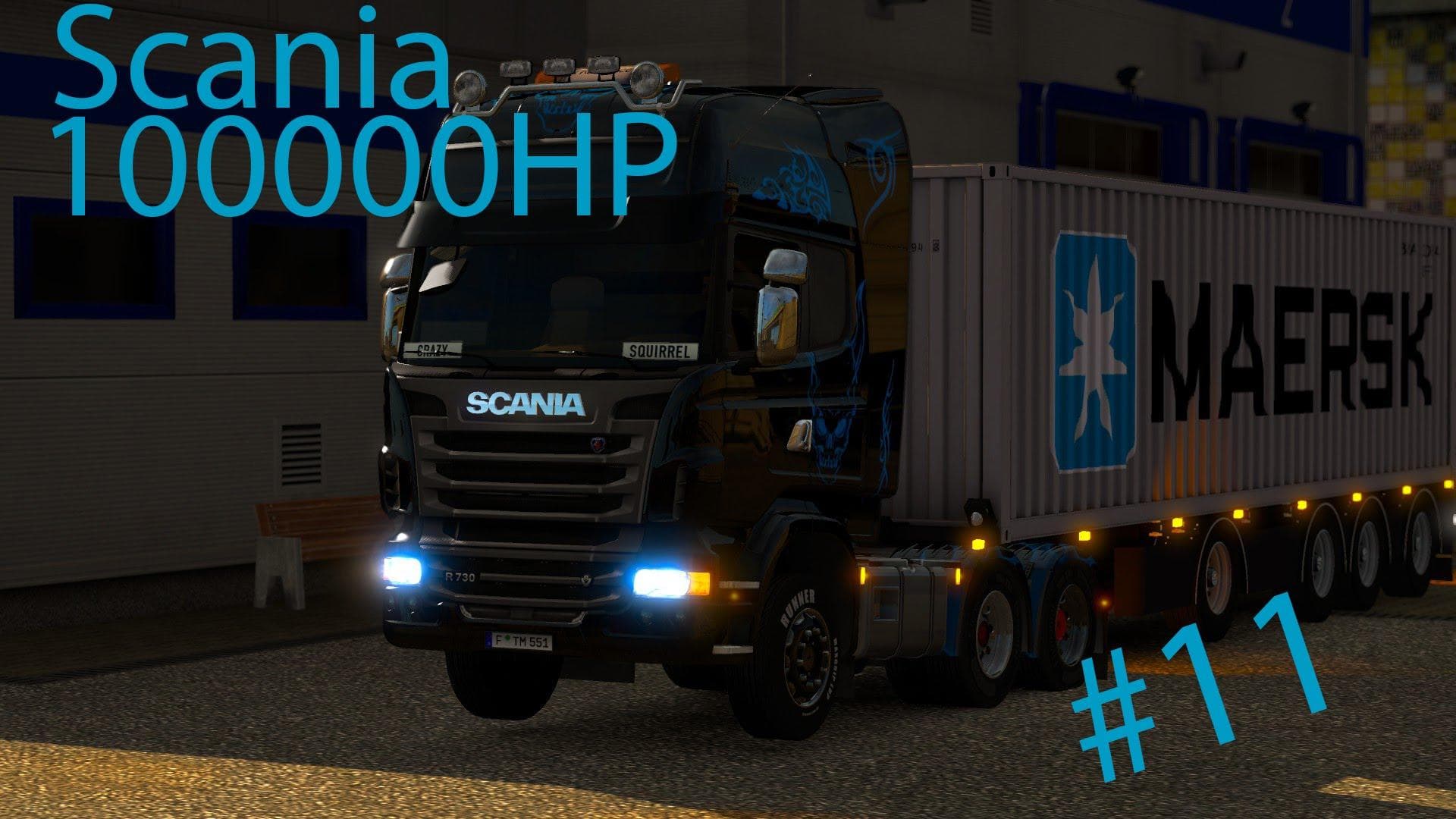
The SCANIA 2000HP SUPER ENGINE mod adds a powerful engine option to all Scania trucks in Euro Truck Simulator 2. Specifically designed for Scania models, this parts mod enhances the truck's performance by fitting a high-horsepower engine. Mods like this one typically appear in the truck customization menu, allowing players to upgrade or tune their vehicles with new components that can affect speed and acceleration.
Parts mods in ETS2 generally expand what you can do with your trucks beyond just visuals. They often include engines, exhausts, lights, and other accessories tailored to specific brands or models. Installing an engine mod such as this one usually requires placing the file into the mod folder and enabling it through the game’s mod manager. Because this mod targets Scania trucks specifically, it fits neatly into setups focused on that brand.
When adding engine mods to your collection, it's good practice to check load order if you have multiple tuning or parts mods active. Conflicts may occur if two mods modify the same part slot on a truck. Since this SCANIA 2000HP SUPER ENGINE mod doesn’t include a manifest.sii file, ensuring compatibility might require some manual adjustments or testing within your current setup.
This mod supports ETS2 version 1.20 and should work fine with other parts or tuning mods compatible with that version. It’s geared toward players who want to boost their Scania trucks' power output significantly, making long hauls or challenging terrains easier to manage thanks to better engine performance.
Drivers interested in customizing their Scania fleet for more power rather than purely cosmetic changes would find this mod useful. Whether you're playing casually or integrating several mods for a more immersive experience, upgrading your truck's engine can change how your rig handles and performs on Europe's roads.
How to install
1. Download the file(s) from the original source linked above. 2. Drop them into `Documents/Euro Truck Simulator 2/mod/`. 3. Enable in Mod Manager and restart the game.
After the mod loads, save your game inside a safe area (parking lot or service) before deciding whether to keep it. If the game refuses to load with the mod enabled, check that all required DLCs are installed and that the supported ETS2 version chips on this page include your installed game patch.
Reviews
No ratings yetNo reviews yet — be the first to rate this mod.





