REALISTIC FLARES FINAL
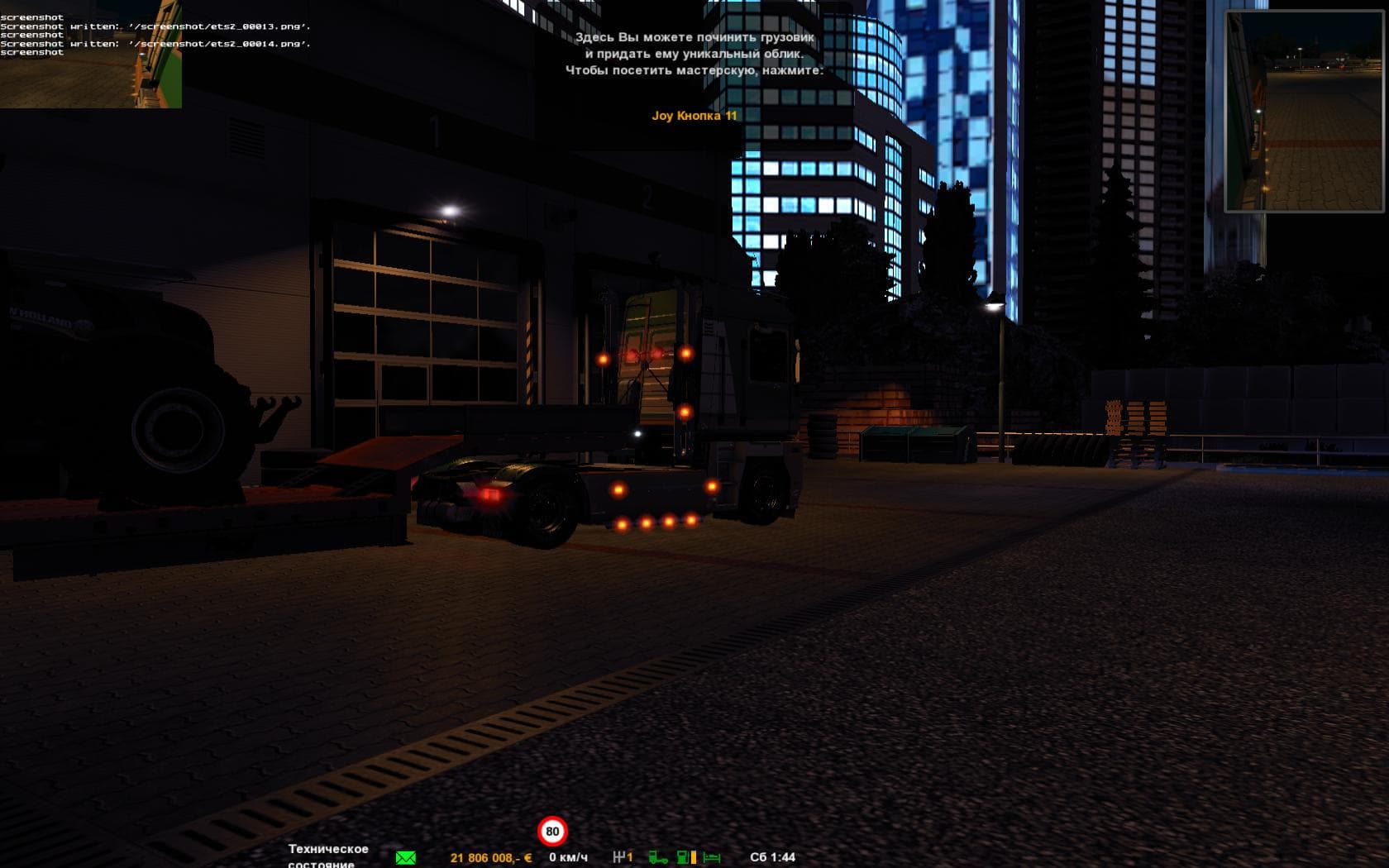
REALISTIC FLARES FINAL - ETS2 mods download is an ETS2 parts.
REALISTIC FLARES FINAL is a parts mod for Euro Truck Simulator 2 that enhances the lighting accessories on trucks. It brings updated side-lights with increased vividness and introduces Xenon lights, which some players prefer over standard options. This kind of mod fits into the parts category, where users can customize their vehicles by adding or changing components like lights, mirrors, and exhausts in the truck customization menu.
Parts mods such as this one focus on visual and functional tweaks to trucks, often targeting specific brands or models. While the exact version and compatibility details of this mod are unknown, these modifications typically integrate smoothly with most setups as long as they load after major gameplay or map mods to avoid conflicts.
Including more vibrant side-lights and Xenon lighting options can improve nighttime visibility and add a touch of realism to your vehicle's appearance. Players who enjoy fine-tuning their trucks' look will appreciate having these additional lighting choices available during customization.
When using parts mods alongside others, it's wise to check load order to ensure your preferred lighting stays active. Since this mod modifies light components, placing it later in the loading sequence than any other lighting-related mods can help prevent overrides.
REALISTIC FLARES FINAL is well suited for players who want to tweak their truck's lighting beyond stock options without drastically changing gameplay mechanics. Those who favor immersive visuals or prefer Xenon lights over traditional bulbs might find it a good addition.
While specifics about supported ETS2 versions or file size aren't provided, installing parts mods like this one generally involves placing them in the mod folder and enabling them through the game's mod manager. It's a straightforward way to personalize your truck's look with extra flare.
How to install
1. Download the file(s) from the original source linked above. 2. Drop them into `Documents/Euro Truck Simulator 2/mod/`. 3. Enable in Mod Manager and restart the game.
After the mod loads, save your game inside a safe area (parking lot or service) before deciding whether to keep it. If the game refuses to load with the mod enabled, check that all required DLCs are installed and that the supported ETS2 version chips on this page include your installed game patch.
Reviews
No ratings yetNo reviews yet — be the first to rate this mod.





