Real Physics Mod By Thalken
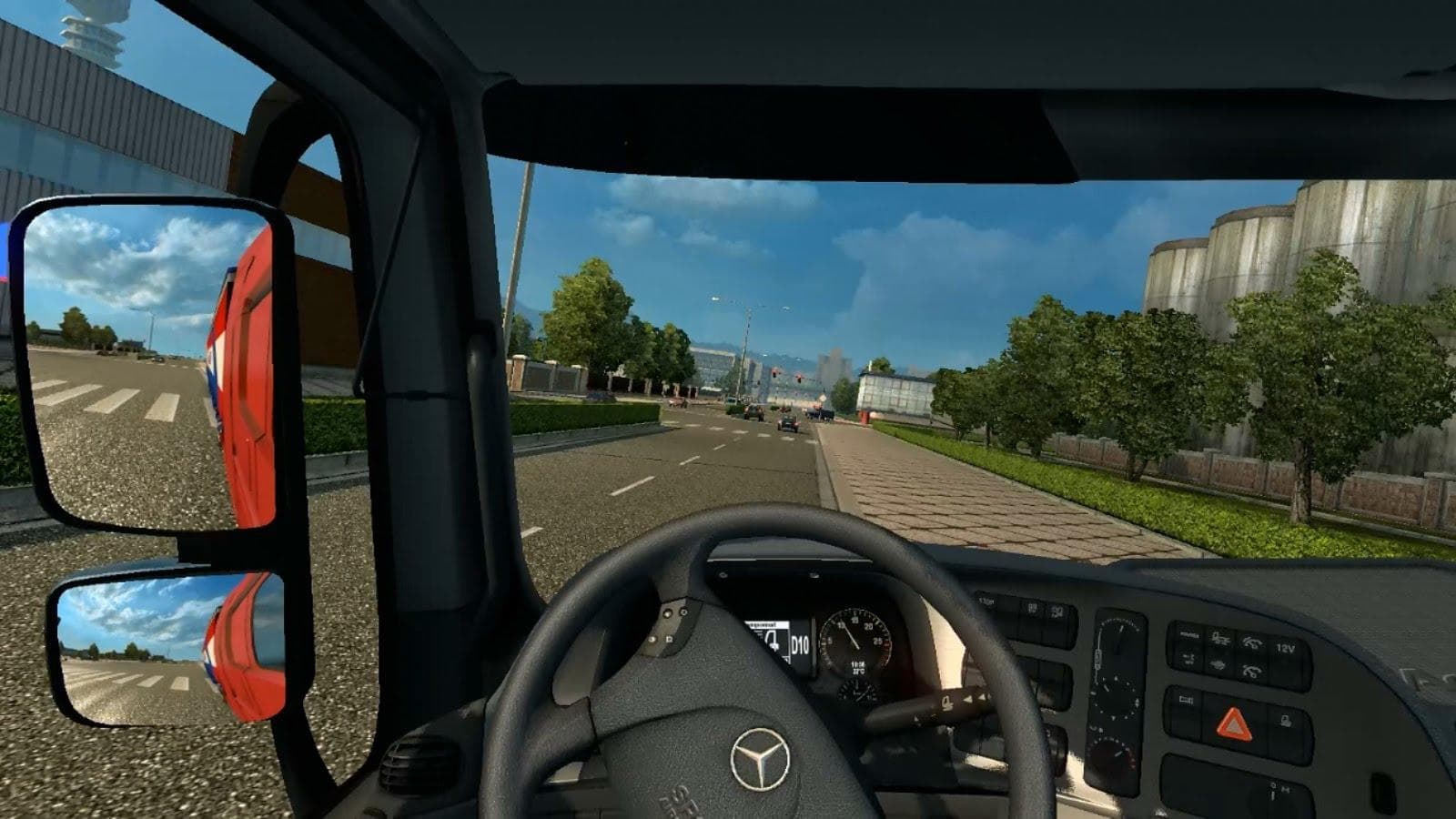
The Real Physics Mod By Thalken is a parts mod designed to enhance the physical behavior of trucks in Euro Truck Simulator 2. While it falls under the parts category, this mod focuses on tweaking the game's physics to provide a more realistic driving experience rather than adding visual accessories. It works with ETS2 versions 1.0 and 1.18, so it's compatible with many setups that haven't upgraded past those points.
Parts mods in ETS2 usually let you customize your truck by adding items like bull bars, lights, or mirrors through the customization menu. Although this one doesn't add new accessories, it fits into the same general workflow because you’ll still want it active alongside other tuning mods for a more immersive feel. Mods like this are often used to adjust how trucks respond on different road surfaces or when carrying various loads.
When integrating physics-related parts mods, load order can matter if you’re running multiple handling or physics tweaks. It's generally recommended to place physics mods after visual tuning mods but before any large-scale map or traffic AI overhauls to avoid conflicts. This mod supports both original and TSM maps as well as East and North DLCs, which covers a wide range of playable areas including places like Germany and France.
Drivers who find the default game physics lacking might turn to this kind of mod for a change in how their truck handles acceleration, braking, and cornering forces. It's especially useful if you enjoy a driving style that feels closer to real-world truck dynamics without completely replacing base game mechanics.
Since it modifies core gameplay elements, using this mod alongside other performance or physics adjustments requires some attention to compatibility. Players who appreciate fine-tuning their setup will benefit from experimenting with its placement in their mod list.
In sum, Real Physics Mod By Thalken suits players looking for subtle improvements in vehicle behavior without altering the game's aesthetic elements. It’s a solid pick for anyone aiming to increase realism while keeping their existing collection of parts and tuning mods intact.
How to install
1. Download the file(s) from the original source linked above. 2. Drop them into `Documents/Euro Truck Simulator 2/mod/`. 3. Enable in Mod Manager and restart the game.
After the mod loads, save your game inside a safe area (parking lot or service) before deciding whether to keep it. If the game refuses to load with the mod enabled, check that all required DLCs are installed and that the supported ETS2 version chips on this page include your installed game patch.
Reviews
No ratings yetNo reviews yet — be the first to rate this mod.





