PROFILINER RONNY CEUSTERS
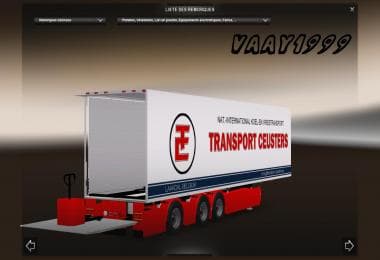
The "PROFILINER RONNY CEUSTERS" mod for Euro Truck Simulator 2 adds a new trailer to the game. Created by ETS2Mods, this mod was last updated on December 16, 20
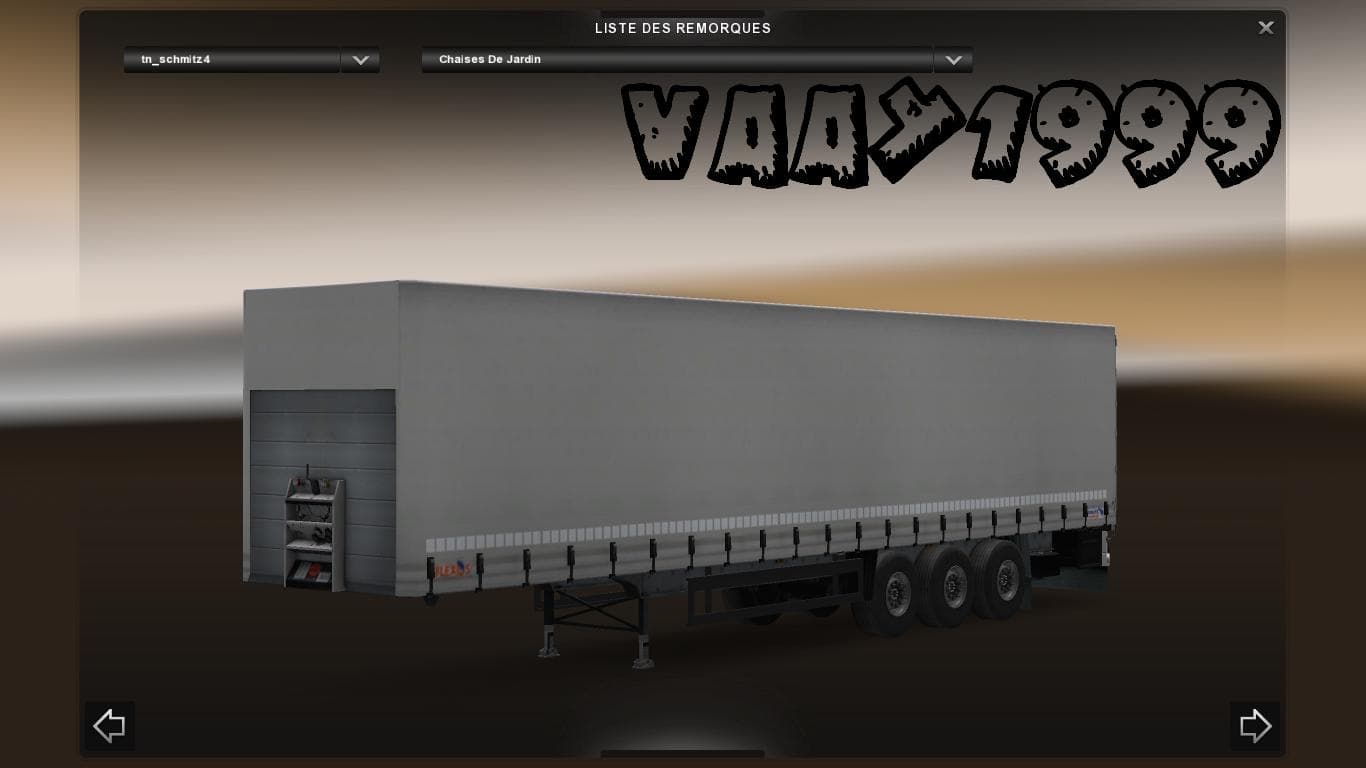
The PROFILINER RONNY CEUSTERS mod adds a new trailer skin for Euro Truck Simulator 2, specifically replacing the default profiliner trailer appearance with a design inspired by Ronny Ceusters. This kind of trailer mod changes the visual style of trailers you haul but doesn't typically affect gameplay mechanics or cargo types. It fits into the category of trailers that show up in your cargo selection or at trailer dealers, making it a straightforward way to customize your trucking experience without altering core functions.
Trailer mods like this one are generally easy to install in ETS2. Once downloaded, you just place the mod files into the game's mod folder within your documents directory. From there, you can activate it through the game's mod manager interface. Since this is primarily a visual replacement for an existing trailer skin, it usually won't conflict with other mods unless they also modify the same trailer skin or model.
In a modded setup, skins and trailer replacements such as this should be loaded carefully if combined with other mods that affect trailers or skins. Load order might matter if multiple mods replace similar assets; placing this one later in your mod list ensures its visuals take precedence. Compatibility issues are rare here but always test after adding new mods to avoid unexpected glitches.
This mod suits players who prefer adding variety to their fleet’s look without changing gameplay balance. If you like personalizing your trucks and trailers with different branding or unique styles, then swapping out standard skins for something like Ronny Ceusters’ design can make driving across various ETS2 regions feel more distinct.
While specific supported versions aren’t listed, such cosmetic mods often work across multiple game updates unless major engine changes occur. Fans of customizing trailers in games set in European and American regions may appreciate adding this simple yet effective skin change from ETS2Mods.
How to install
1. Download the .scs file. 2. Drop it into `Documents/Euro Truck Simulator 2/mod/`. 3. Enable in Mod Manager. 4. Trailer should appear in cargo selection or trailer dealer depending on the mod's design.
After the mod loads, save your game inside a safe area (parking lot or service) before deciding whether to keep it. If the game refuses to load with the mod enabled, check that all required DLCs are installed and that the supported ETS2 version chips on this page include your installed game patch.
Reviews
No ratings yetNo reviews yet — be the first to rate this mod.