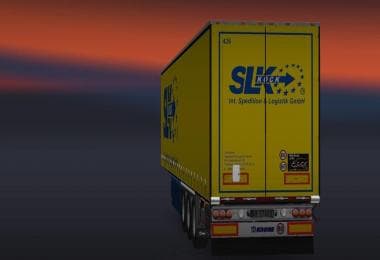
KRONE COOLINER TRAILER
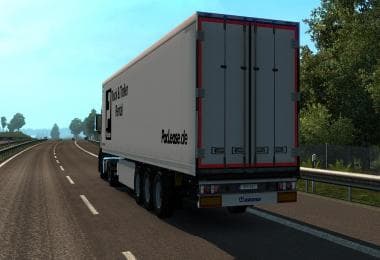
The "KRONE COOLINER TRAILER" is a trailer mod for Euro Truck Simulator 2 created by ETS2Mods. The mod's version, file size, and supported ETS2 versions are curr
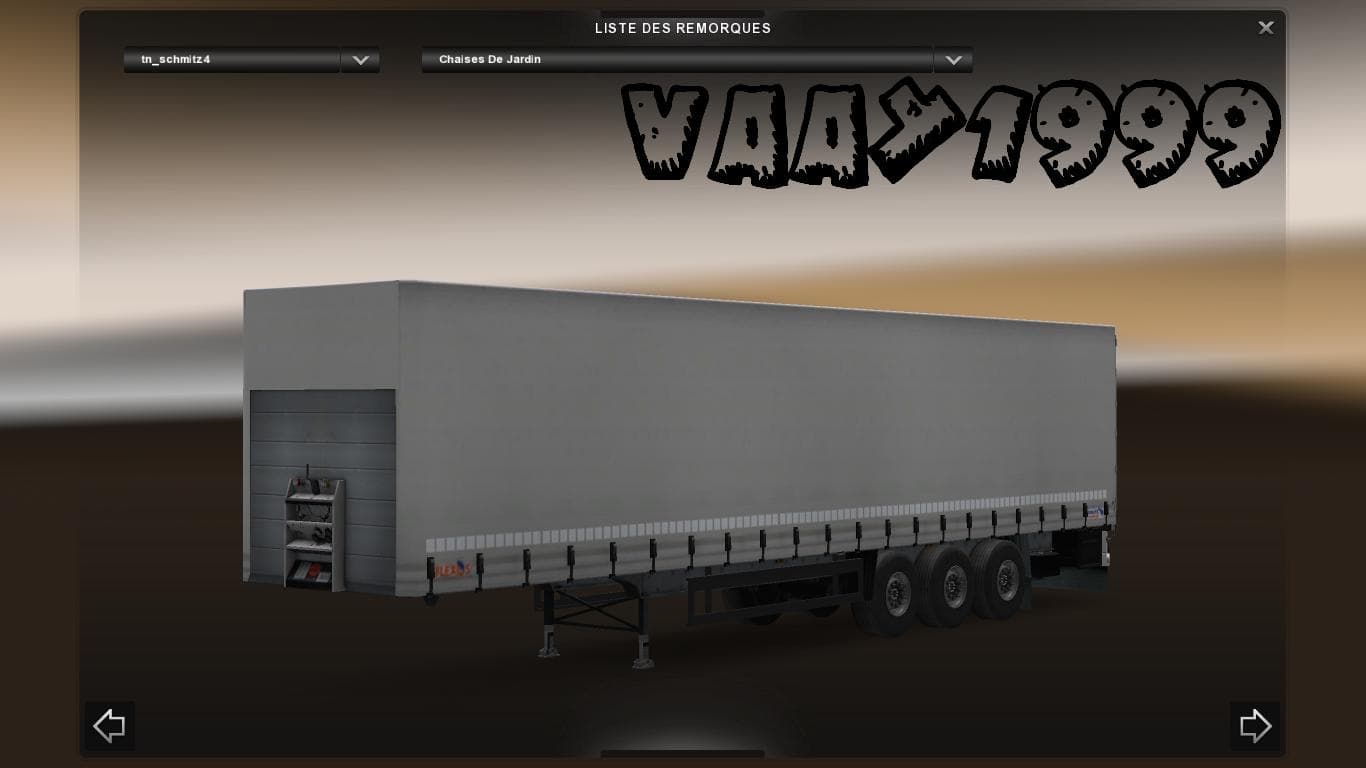
The KRONE COOLINER TRAILER mod introduces a new trailer option for Euro Truck Simulator 2, replicating the look and function of the well-known Cooliner model. This kind of mod expands the variety of haulable trailers in the game, allowing players to diversify their fleet with more detailed or specialized trailer bodies. Skins and models like this one typically appear in the trailer dealer or cargo selection menus once installed.
Trailer mods such as this add fresh content by letting you own or pull different types of trailers, which can affect both gameplay style and visual appeal. The KRONE COOLINER is designed to blend with other add-ons you might have, especially if your setup includes multiple trailer mods or custom cargo packs. It's always a good idea to check load order since some trailer mods can conflict if they modify similar assets.
Installing these mods usually involves placing the downloaded files into the 'mod' folder within your ETS2 documents directory, then enabling them through the game's mod manager. This process is straightforward but ensuring compatibility with your current version of ETS2 and other active mods helps avoid glitches or crashes.
Players who prefer running a varied trucking operation will find this trailer useful, especially those who appreciate attention to detail in their fleet's visuals. It fits well for anyone looking to expand beyond default trailers without altering core game mechanics drastically.
This mod doesn't seem to require any special installation steps beyond the usual procedure for ETS2 trailers and should work alongside many map and truck mods without issue. As always, keeping backups before adding new content can save time if troubleshooting is needed.
How to install
1. Download the .scs file. 2. Drop it into `Documents/Euro Truck Simulator 2/mod/`. 3. Enable in Mod Manager. 4. Trailer should appear in cargo selection or trailer dealer depending on the mod's design.
After the mod loads, save your game inside a safe area (parking lot or service) before deciding whether to keep it. If the game refuses to load with the mod enabled, check that all required DLCs are installed and that the supported ETS2 version chips on this page include your installed game patch.
Reviews
No ratings yetNo reviews yet — be the first to rate this mod.