Physics for all Trucks
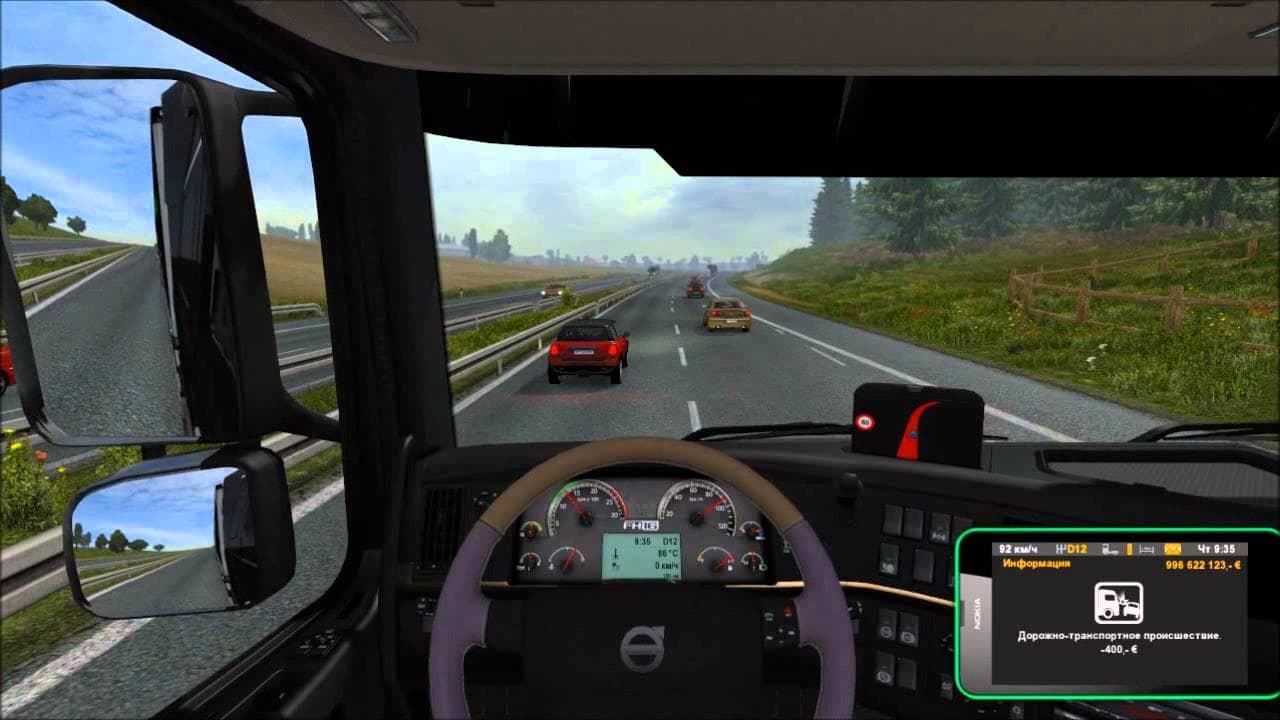
Physics mod for ETS2 trucks including DAF XF, MAN TGX, Mercedes Actros, Scania R, and Volvo FH 16 models. Tested on version 1.20.x by Euro Truck Simulator 2.
Physics for all Trucks modifies the handling characteristics of several popular truck models in Euro Truck Simulator 2, including the DAF XF, MAN TGX, Mercedes Actros 2014, Scania R and Streamline, as well as the Volvo FH16 variants. It adjusts physics parameters to alter how these trucks behave on the road, aiming for a different driving feel than what the base game provides. Mods like this one typically target multiple brands to offer a more unified or realistic experience across various trucks.
In ETS2, parts mods usually add cosmetic or functional items such as lights, mirrors, or exhausts in the customization menu. However, this mod falls into the physics category but is listed under parts because it tweaks underlying truck dynamics rather than appearance. Physics mods generally affect acceleration, braking, suspension response, and steering sensitivity to simulate how real trucks might handle under different conditions.
When integrating physics-related parts mods into a modded setup, it's wise to consider load order carefully since conflicting physics changes can override each other. Players often place such mods toward the end of their load order to ensure their settings take precedence over other tuning or parts packs that might also touch handling parameters. Compatibility with ETS2 version 1.20 has been tested for this mod.
This mod fits well for players seeking a fresh driving challenge with several key truck models without switching between many single-brand physics mods. It can complement map expansions like Austria or Germany by providing consistent vehicle behavior across their fleet while driving through those regions.
Truck enthusiasts who enjoy fine-tuning how their rigs respond on long hauls will appreciate what this mod offers. It's especially useful if you prefer using multiple truck brands and want more uniform physics adjustments without manually installing separate mods per brand.
How to install
1. Download the file(s) from the original source linked above. 2. Drop them into `Documents/Euro Truck Simulator 2/mod/`. 3. Enable in Mod Manager and restart the game.
After the mod loads, save your game inside a safe area (parking lot or service) before deciding whether to keep it. If the game refuses to load with the mod enabled, check that all required DLCs are installed and that the supported ETS2 version chips on this page include your installed game patch.
Reviews
No ratings yetNo reviews yet — be the first to rate this mod.





