Paccar Mx750 by Blueone
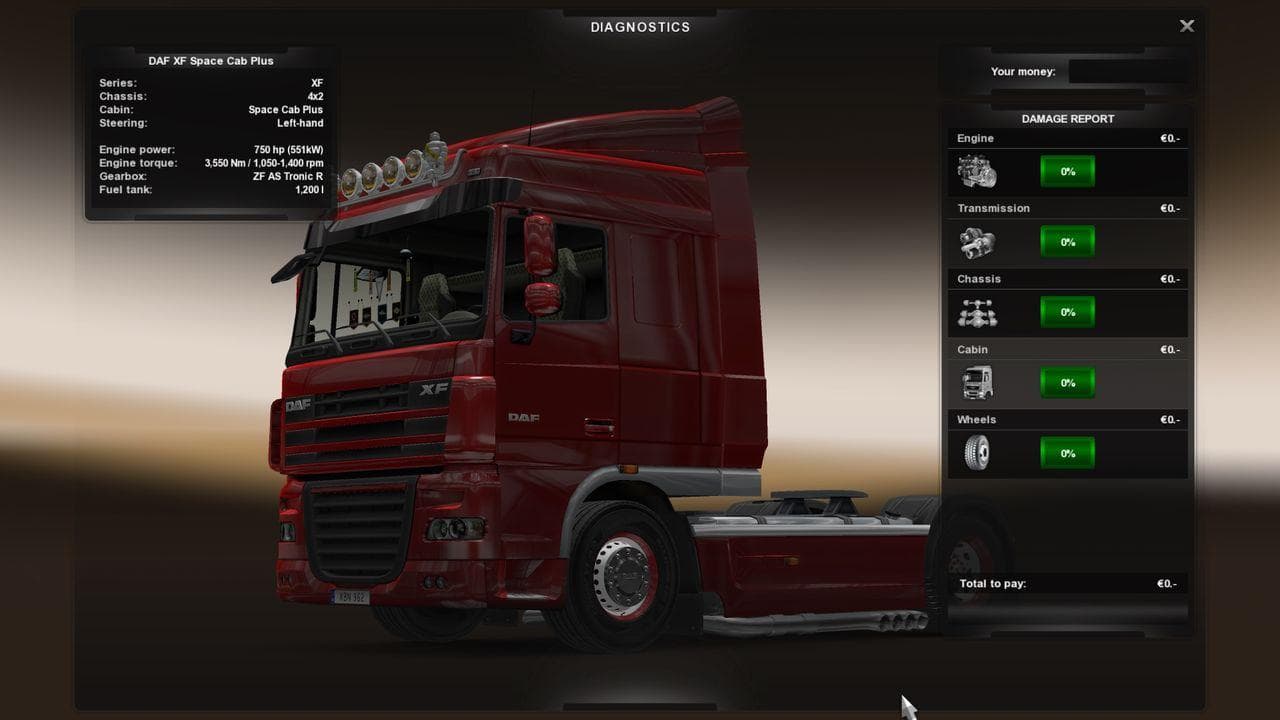
The Paccar Mx750 by Blueone is a parts mod designed for Euro Truck Simulator 2, focusing on the engine aspect of trucks. This type of mod typically enhances or changes the visual and sometimes performance elements related to truck engines, letting players customize their vehicle's heart more distinctly. Parts mods like this usually slot into the truck customization menu, offering additional options beyond what the base game provides.
In ETS2, parts mods add various accessories such as bull bars, lights, exhausts, mirrors, and interior items. This particular mod targets a specific truck brand or model by providing a specialized engine upgrade option. It's common for these mods to be compatible with existing setups but they should be checked against other engine or tuning mods to avoid conflicts during gameplay.
When integrating parts mods like the Paccar Mx750 into a modded setup, it's wise to pay attention to load order. Generally, engine-related parts should load after major truck model mods but before any gameplay-altering modifications that affect performance statistics. This helps maintain stability and ensures that visual changes appear correctly in-game.
Players who enjoy customizing their trucks beyond standard configurations will find this kind of mod useful. If you're running a fleet centered around Paccar trucks or simply want more variety in your engine choices, adding an engine-specific part like this expands your options. It suits those who appreciate detail in their vehicle builds and want to tailor their driving experience more closely.
Since specifics such as supported ETS2 versions or file size aren't provided here, it's recommended to always check compatibility notes from the source before installation. Parts mods generally work well alongside map expansions and other cosmetic upgrades but might clash with similar engine tuning packs if not ordered properly.
Overall, Paccar Mx750 fits neatly within the category of parts mods that enhance visual customization for trucks in ETS2. It’s one piece among many that help players personalize their rigs according to preference and style rather than altering core gameplay mechanics.
How to install
1. Download the file(s) from the original source linked above. 2. Drop them into `Documents/Euro Truck Simulator 2/mod/`. 3. Enable in Mod Manager and restart the game.
After the mod loads, save your game inside a safe area (parking lot or service) before deciding whether to keep it. If the game refuses to load with the mod enabled, check that all required DLCs are installed and that the supported ETS2 version chips on this page include your installed game patch.
Reviews
No ratings yetNo reviews yet — be the first to rate this mod.





