Modified physics for .3
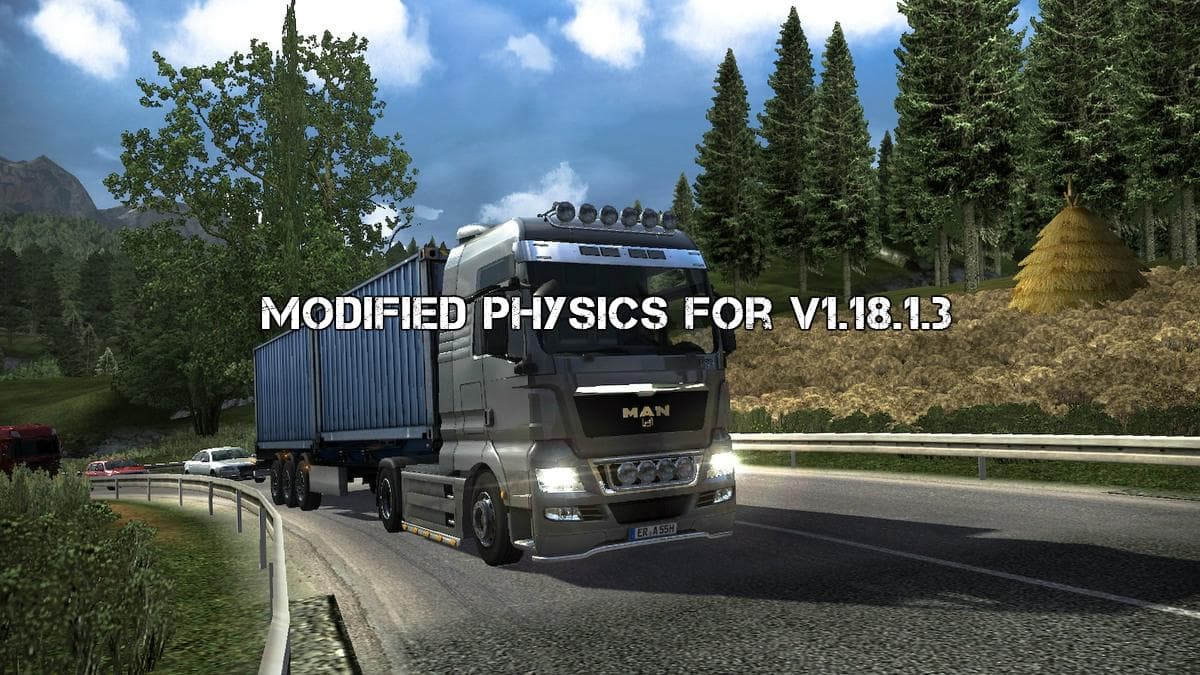
Modified physics for .3 adjusts the way cabins and suspensions behave on tractors and semi-trailers in Euro Truck Simulator 2. This part mod targets the physical response of these components, aiming to change how trucks feel when driven, especially under certain conditions like rain where the clutch coefficient is notably lowered. These tweaks can influence handling, stability, and overall driving dynamics within the game.
Parts mods like this one generally modify or add specific elements to your truck's configuration through the customization menu. Instead of adding cosmetic accessories like lights or mirrors, this mod alters core physics parameters that affect gameplay directly. Mods in this category often focus on enhancing realism or providing a different driving experience without changing visual aspects.
When integrating physics-related parts mods into a modded setup, load order matters to avoid conflicts. Since this mod changes fundamental vehicle behavior, it should be loaded after any graphical tuning mods but before map or traffic mods that don't touch vehicle handling. Compatibility checks are advised if you run multiple physics or handling mods simultaneously to prevent unexpected interactions.
Players interested in a more varied or nuanced driving experience might find this mod useful. It’s particularly relevant for those who enjoy fine-tuning their truck's responses or want a change from the default ETS2 physics settings. Given that it’s tailored for version 1.18, ensuring your game matches this version will help maintain stability.
Overall, Modified physics for .3 offers an alternative approach to how trucks respond on the road by tweaking cabin and suspension behaviors along with clutch performance in wet conditions. It fits well into setups where players seek subtle but impactful changes to truck dynamics rather than purely visual modifications.
How to install
1. Download the file(s) from the original source linked above. 2. Drop them into `Documents/Euro Truck Simulator 2/mod/`. 3. Enable in Mod Manager and restart the game.
After the mod loads, save your game inside a safe area (parking lot or service) before deciding whether to keep it. If the game refuses to load with the mod enabled, check that all required DLCs are installed and that the supported ETS2 version chips on this page include your installed game patch.
Reviews
No ratings yetNo reviews yet — be the first to rate this mod.





