KENWORTH W900 FIXED V1.0
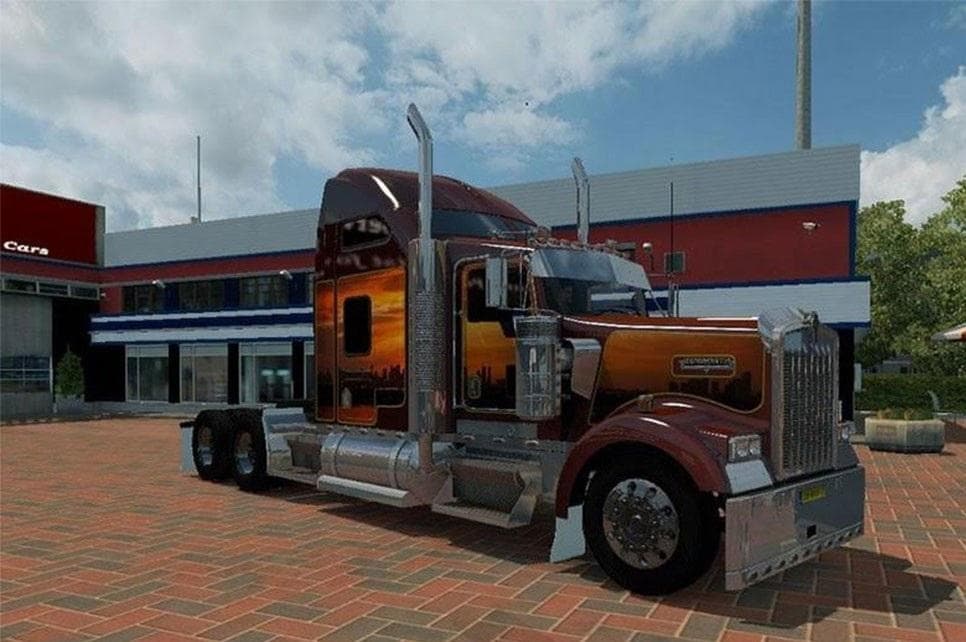
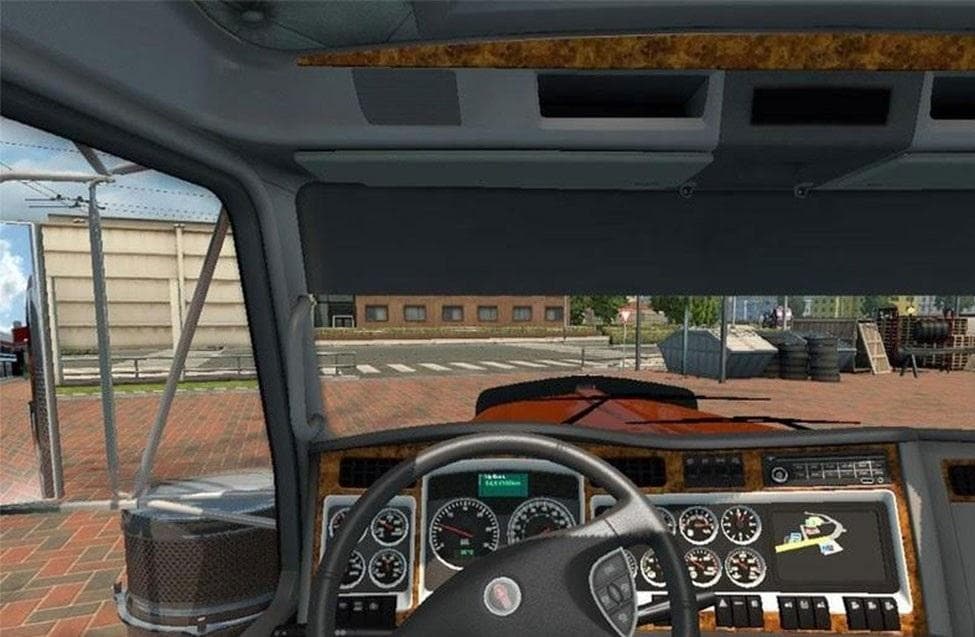
KENWORTH W900 FIXED is an ETS2 parts. Listed compatible with ETS2 1.0.
The KENWORTH W900 FIXED V1.0 mod is designed to improve or adjust aspects of the Kenworth W900 truck within Euro Truck Simulator 2. It targets a specific model, offering changes that likely affect how the truck interacts with orders and agency-related features in the game, especially focusing on locations like the United Kingdom.
Mods in the parts category like this one typically add or modify accessories for trucks—things such as lights, exhausts, or mirrors—that can be customized through the truck modification menu. These mods are popular for players who want to enhance their vehicle’s realism or tailor their trucks to fit personal style preferences.
This particular mod seems to update elements related to how the Kenworth W900 handles job orders and perhaps its home base within the game world. Such tweaks might influence gameplay subtly by changing available jobs or where you can pick them up, which is a somewhat unusual feature for a parts mod but adds an interesting twist.
When adding parts mods to your setup, it's important to keep an eye on load order since conflicts can arise if multiple mods try to change similar components of a truck. Generally, these mods are compatible with others unless they alter the same parts or systems. Always back up your profile before installing new content.
Players who enjoy driving American trucks and want a bit more immersion with their Kenworth model might find this mod useful. It fits well into a modded setup that includes other vehicle customizations and map expansions focused on regions like the United Kingdom, where some changes seem targeted.
Given it supports ETS2 version 1.0 and addresses aspects beyond simple visual tweaks, this mod could be an interesting addition for those running older versions of ETS2 or looking specifically for updates that tie into job mechanics as well as aesthetics.
How to install
1. Download the file(s) from the original source linked above. 2. Drop them into `Documents/Euro Truck Simulator 2/mod/`. 3. Enable in Mod Manager and restart the game.
After the mod loads, save your game inside a safe area (parking lot or service) before deciding whether to keep it. If the game refuses to load with the mod enabled, check that all required DLCs are installed and that the supported ETS2 version chips on this page include your installed game patch.
Reviews
No ratings yetNo reviews yet — be the first to rate this mod.





