Kamaz 4410-6450 + Wheels Offroad 1.21.x
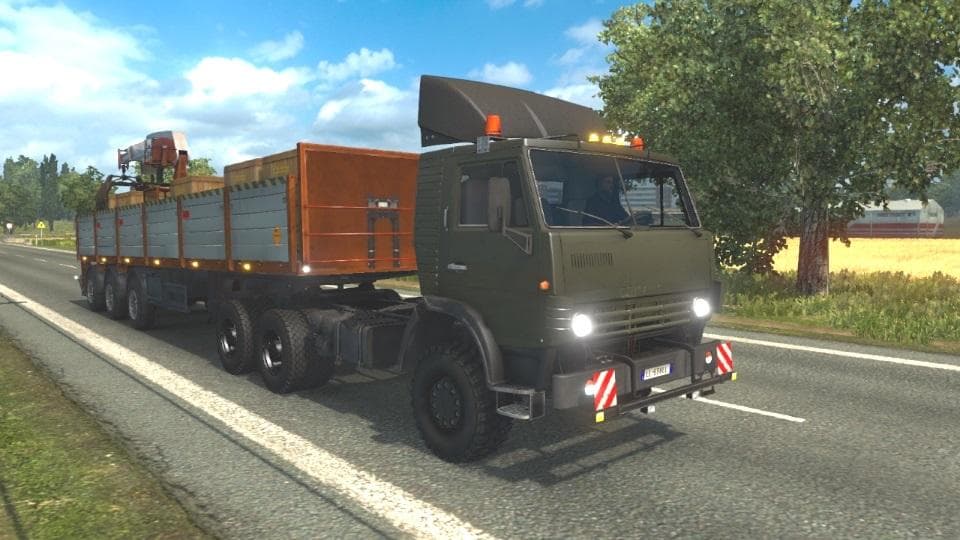
The Kamaz 4410-6450 + Wheels Offroad mod for ETS2 version 1.21 adds a fully independent model available for purchase at Scania dealers. Created by Euro truck si
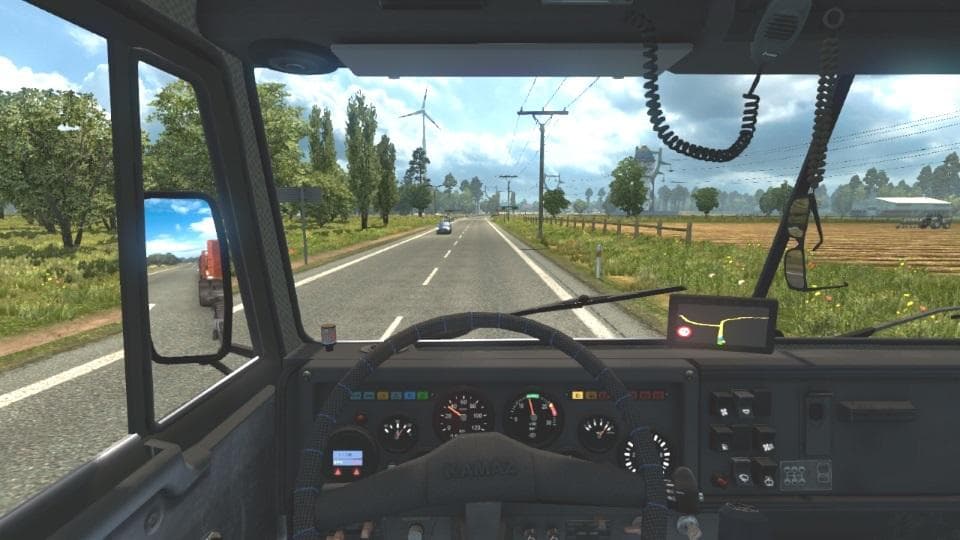
This mod adds the Kamaz 4410-6450 truck model along with offroad wheels to Euro Truck Simulator 2, designed for version 1.21 of the game. It brings a fully independent model that can be purchased directly from Scania dealers, including a lounge interior option. Mods like this one expand your in-game garage with new vehicle options that aren't part of the base game.
Parts mods in ETS2 usually focus on adding or replacing specific components and accessories on trucks. They often target particular brands or models, allowing players to customize aspects such as wheels, lights, mirrors, or interiors through the truck customization menu. This Kamaz mod fits into that category by providing both the truck and specialized offroad wheels.
When setting up mods for ETS2, it’s useful to consider compatibility and load order. Parts mods generally need to be loaded after any map or core gameplay mods but before skins and tuning packs that might modify similar assets. Since this mod introduces an independent model and custom wheels, conflicts are unlikely unless other mods alter Kamaz trucks or wheel types.
This addition is suited for players who want more variety in their vehicle lineup or enjoy driving Russian trucks with offroad capabilities. It also complements mod setups focused on expanding truck selections beyond Western European brands, which dominate the base game. The offroad wheels suggest a focus on rugged terrain driving scenarios within ETS2's world.
Because it supports version 1.21 specifically, make sure your ETS2 installation matches this to avoid issues. The creator is unknown and file size isn't specified here, so it's wise to back up your profile before installing any new content like this.
How to install
1. Download the file(s) from the original source linked above. 2. Drop them into `Documents/Euro Truck Simulator 2/mod/`. 3. Enable in Mod Manager and restart the game.
After the mod loads, save your game inside a safe area (parking lot or service) before deciding whether to keep it. If the game refuses to load with the mod enabled, check that all required DLCs are installed and that the supported ETS2 version chips on this page include your installed game patch.
Reviews
No ratings yetNo reviews yet — be the first to rate this mod.





