IVECO WHEELS PACK
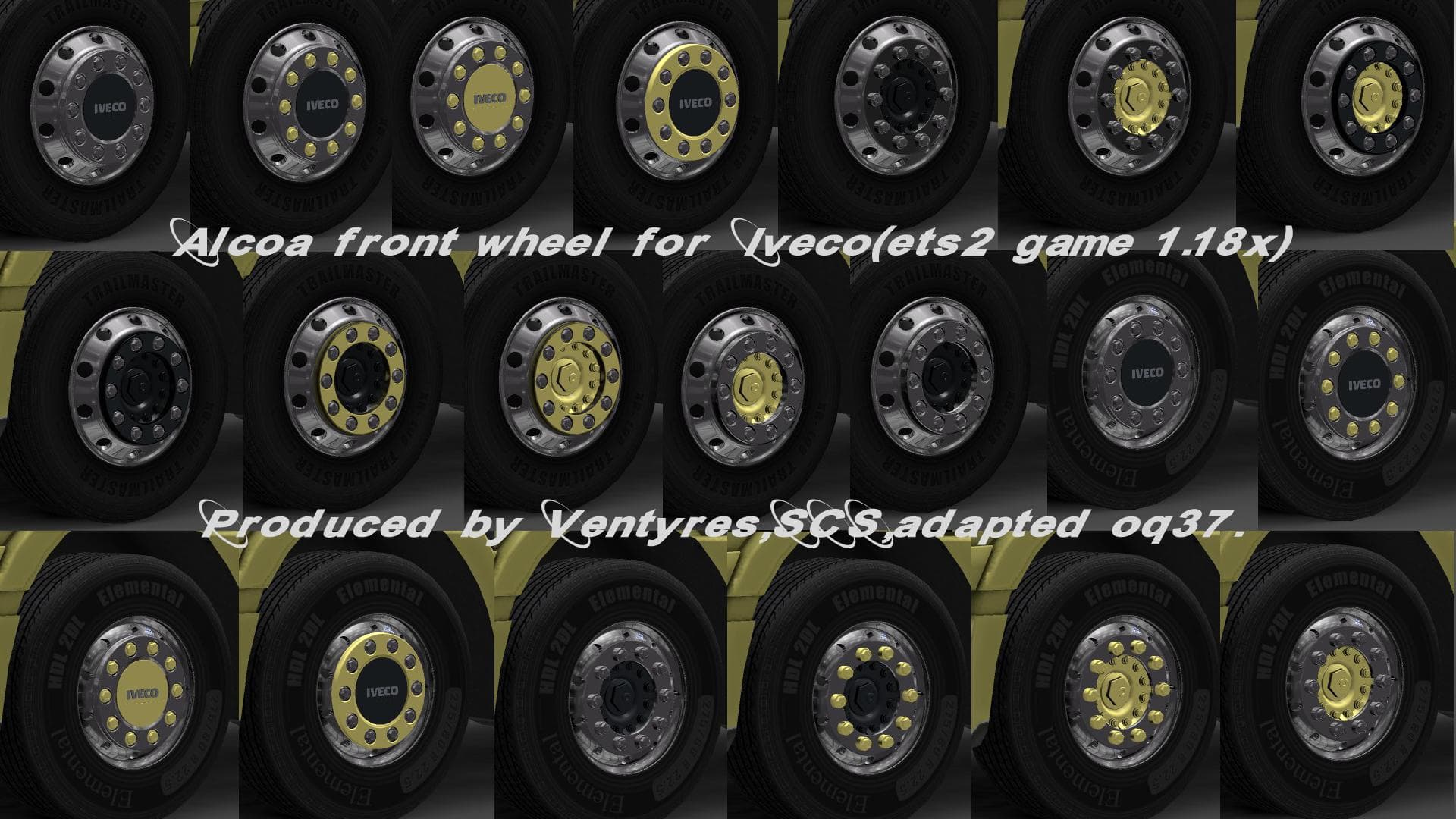
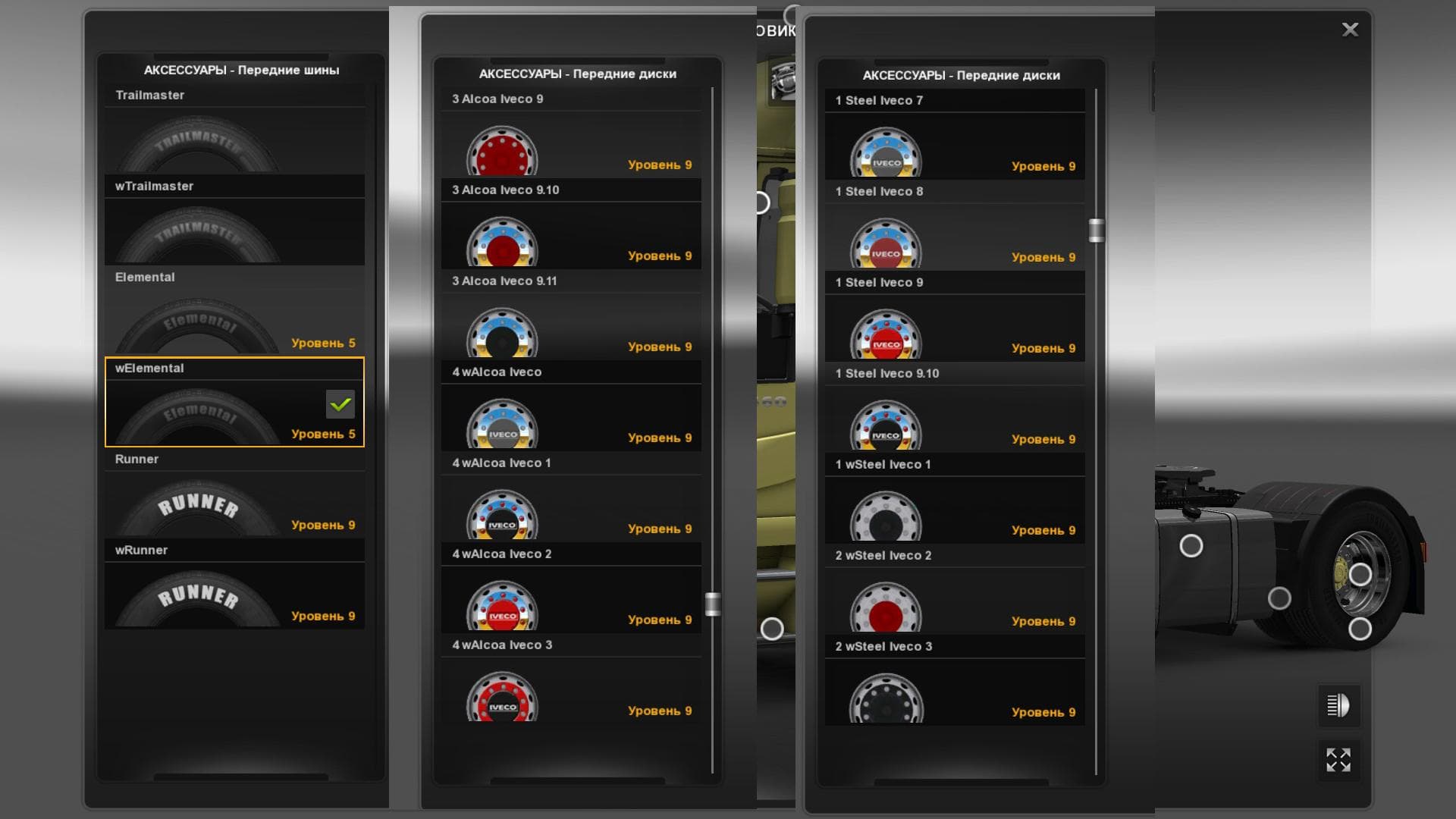
The "IVECO WHEELS PACK" is a parts mod for ETS2 that adds a variety of front and rear wheels for Iveco trucks, including aluminum and steel options. The pack in
The IVECO WHEELS PACK adds a selection of wheel options specifically designed for Iveco trucks in Euro Truck Simulator 2. This pack offers different styles of wheels including both front and rear variants, crafted from aluminum and steel materials. You'll find choices between standard and wide front wheels, allowing for a bit of variety when customizing your truck's look.
Parts mods like this one typically expand the customization menu by adding accessories that aren't available in the base game. Wheels are a key part of visual tuning and can also contribute to the overall theme or style you want for your rig. Since these wheels focus on Iveco trucks, they fit naturally into setups where Iveco vehicles are central to your fleet or gameplay experience.
When using parts packs, it's good practice to check how they interact with other mods affecting truck visuals or performance. Wheel mods usually load without conflicts if placed correctly in the mod manager, but always test after installation. They generally don't interfere with map or cargo mods but might overlap with other tuning packs targeting the same truck brand.
This kind of mod appeals most to players who enjoy detailed truck customization, especially those who prefer Iveco vehicles. If you like tweaking your truck's appearance beyond what the default game allows, adding specialized wheel options can help personalize your driving experience and make your trucks stand out on roads across Europe.
In combination with other parts mods—like bull bars, lights, or exhaust systems—wheel packs help create a more immersive and tailored setup for your trucks. Whether you're aiming for a rugged industrial look or something sleek and modern, swapping out wheels is an easy way to change up your vehicle’s profile without overhauling its entire design.
How to install
1. Download the file(s) from the original source linked above. 2. Drop them into `Documents/Euro Truck Simulator 2/mod/`. 3. Enable in Mod Manager and restart the game.
After the mod loads, save your game inside a safe area (parking lot or service) before deciding whether to keep it. If the game refuses to load with the mod enabled, check that all required DLCs are installed and that the supported ETS2 version chips on this page include your installed game patch.
Reviews
No ratings yetNo reviews yet — be the first to rate this mod.





