FROSTY WINTER TIRES
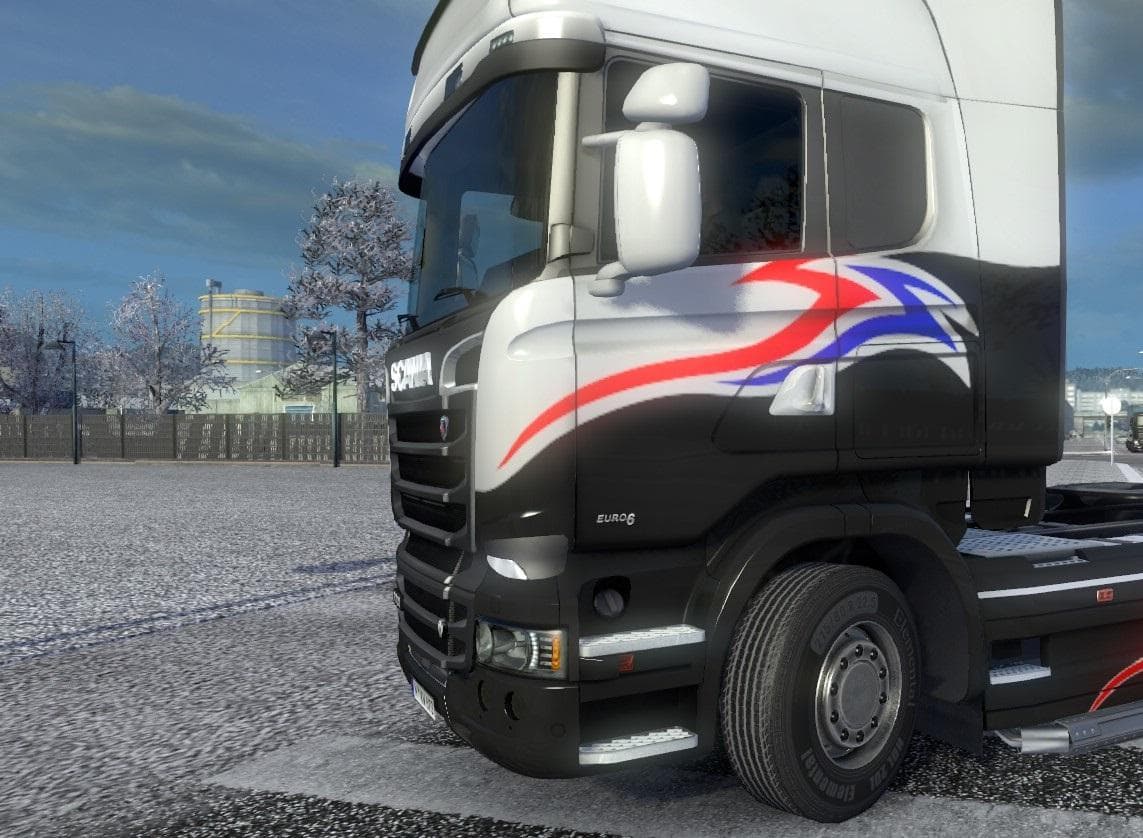
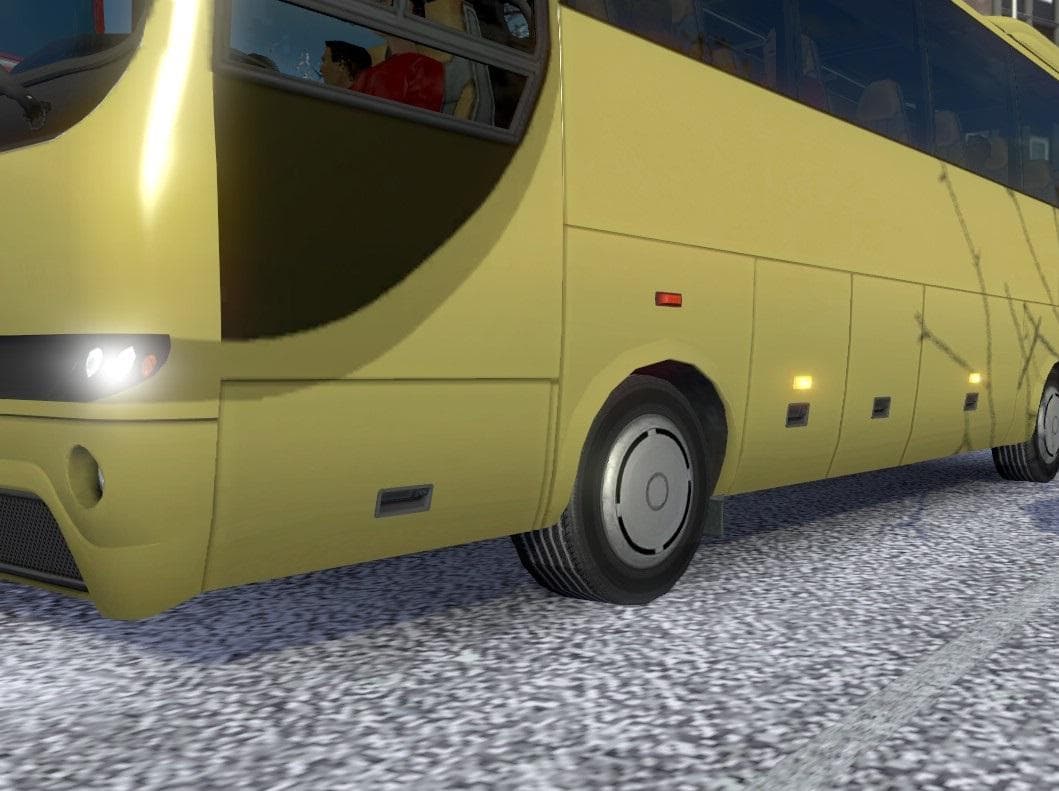
FROSTY WINTER TIRES is a parts mod for Euro Truck Simulator 2 that alters tire textures for trucks, trailers, and AI vehicles. Designed to be used with winter m
The Frosty Winter Tires mod replaces the standard tire textures on trucks, trailers, and AI vehicles with ones designed for a winter setting. It's intended to complement other winter-themed mods, such as Frosty by Grimes, helping create a more immersive cold-weather atmosphere in Euro Truck Simulator 2. Since it changes default tire appearances, it fits into the parts category where players can customize various truck elements through the tuning menu.
Parts mods like this one generally add or alter visual components to enhance the look of vehicles without affecting gameplay mechanics. In ETS2, parts modifications can be quite specific, often targeting certain truck brands or models. Frosty Winter Tires modifies tires universally across different vehicle types, making it a straightforward addition for anyone looking to enhance the visual experience during snowy or icy conditions in the game.
When using multiple mods that adjust vehicle textures or parts, load order matters to avoid conflicts. Typically, texture-changing mods like this one should be loaded after any base parts mods but before any mods that overhaul overall vehicle models or skins. This helps ensure the winter tire textures display correctly on all applicable trucks and trailers without being overwritten.
This mod is suited for players who enjoy seasonal immersion or run winter-themed setups with compatible weather and environment mods. It doesn't impact performance but adds an extra layer of detail that can make driving through snowy regions feel more authentic. Those who use winter maps or snow-heavy locations such as Scandinavia or northern Europe might find these tires particularly fitting.
How to install
1. Download the file(s) from the original source linked above. 2. Drop them into `Documents/Euro Truck Simulator 2/mod/`. 3. Enable in Mod Manager and restart the game.
After the mod loads, save your game inside a safe area (parking lot or service) before deciding whether to keep it. If the game refuses to load with the mod enabled, check that all required DLCs are installed and that the supported ETS2 version chips on this page include your installed game patch.
Reviews
No ratings yetNo reviews yet — be the first to rate this mod.





