FRONT WHEELS ROTATION DEGREES
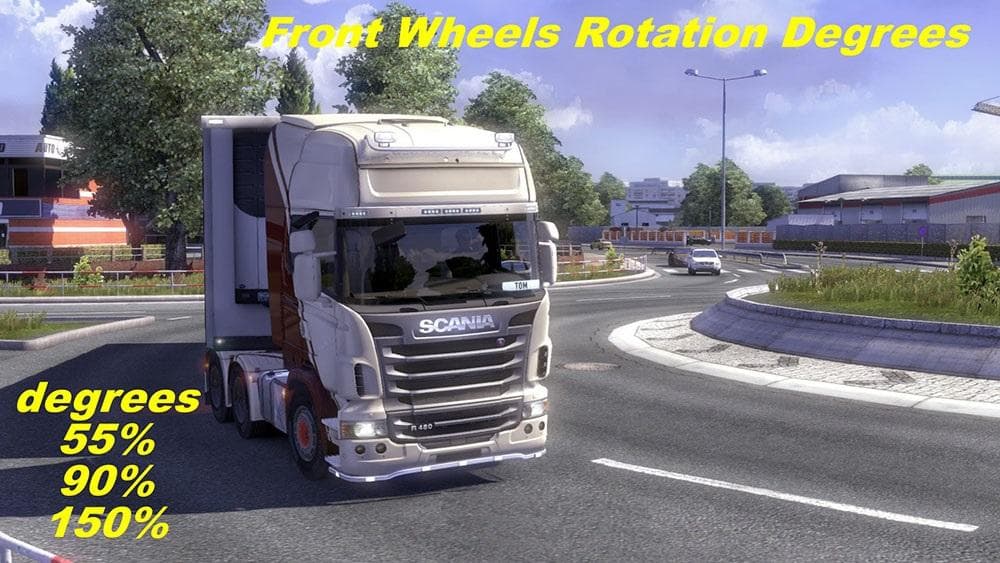
This ETS2 mod by BLiNKT changes the default front wheels rotation degrees to 3 different options: 55%, 90%, and 150%. The mod is categorized under parts, but de
The FRONT WHEELS ROTATION DEGREES mod adjusts how far your truck's front wheels can turn, offering three options beyond the default setting of 35%. These settings include rotations at 55%, 90%, and even up to 150%, which can noticeably change how your vehicle handles tight corners or tricky maneuvers. This kind of mod falls under the parts category, which means you install it through the truck customization menu like other tuning elements such as lights or bull bars.
Mods that alter parts like wheel rotation often cater to players looking for a more tailored driving experience. By increasing the front wheels' turning degrees, you can potentially improve your truck's agility in dense urban environments or challenging road layouts found across many ETS2 maps. It’s a subtle but practical tweak if you want more control without changing your truck's core mechanics drastically.
When adding this mod to your setup, consider that parts mods usually stack well with others, but load order still matters. Since this mod changes a specific parameter related to wheel behavior, placing it after any other mods affecting steering or suspension could help avoid conflicts. Compatibility with various trucks might vary, so testing is advised when running multiple tuning mods simultaneously.
This kind of modification is suited for players who enjoy fine-tuning their vehicles beyond visual upgrades. Whether you're navigating narrow city streets in places like Germany or winding mountain roads in Italy, having more wheel rotation can give you an edge. It's especially useful if you feel restricted by the standard turning radius and want to experiment with handling dynamics.
Overall, FRONT WHEELS ROTATION DEGREES offers a straightforward way to tweak truck steering responsiveness. It’s not about flashy looks but about making small functional changes that impact daily driving scenarios within ETS2.
How to install
1. Download the file(s) from the original source linked above. 2. Drop them into `Documents/Euro Truck Simulator 2/mod/`. 3. Enable in Mod Manager and restart the game.
After the mod loads, save your game inside a safe area (parking lot or service) before deciding whether to keep it. If the game refuses to load with the mod enabled, check that all required DLCs are installed and that the supported ETS2 version chips on this page include your installed game patch.
Reviews
No ratings yetNo reviews yet — be the first to rate this mod.





