FREIGHTLINER CORONADO EDIT
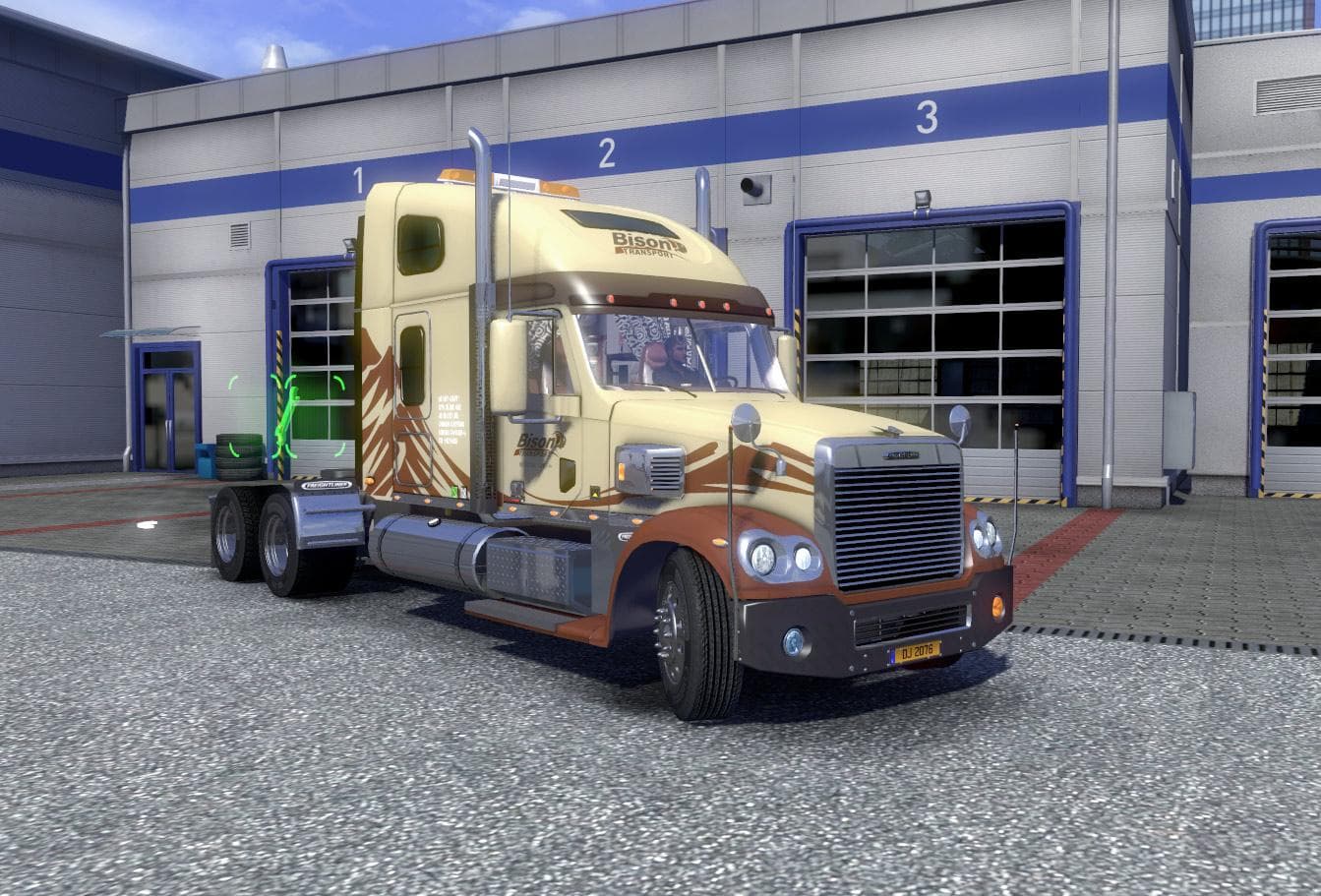
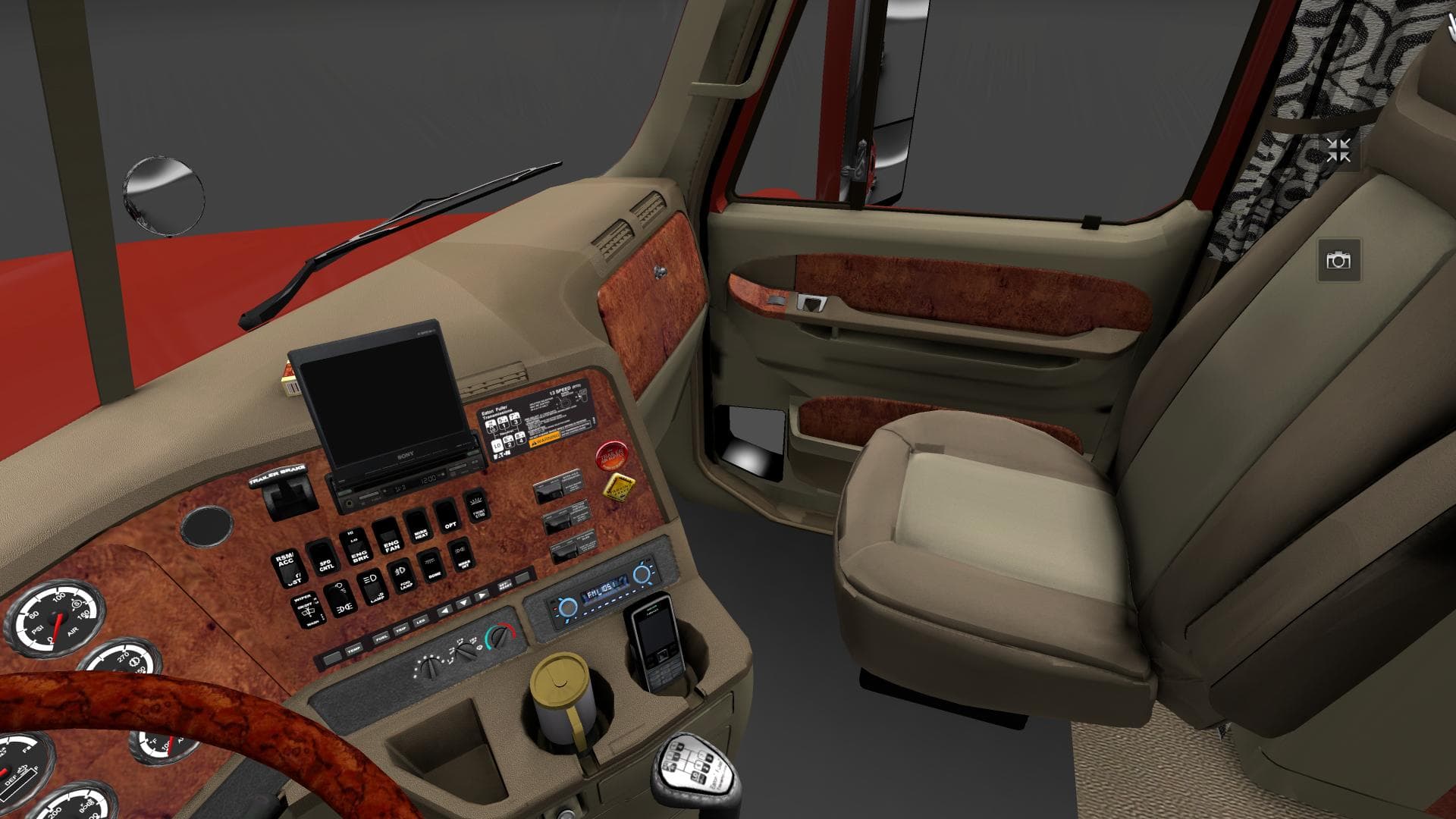
FREIGHTLINER CORONADO EDIT - ETS2 mods download is an ETS2 parts.
The FREIGHTLINER CORONADO EDIT is a parts mod designed for Euro Truck Simulator 2 that focuses on improving and customizing the Freightliner Coronado truck. This kind of mod typically modifies or adds truck accessories such as wheels, lights, or other parts to enhance the vehicle's appearance and functionality in the game. In this case, it specifically addresses certain issues like removing outdated wheels and fixing errors related to the lighthouse part of the truck.
Parts mods like this one are usually accessed through the truck customization menu. They allow players to tailor their vehicles to their preferences by changing components that can influence both aesthetics and gameplay experience. Adjustments in prices and unlock levels are common in these mods, providing a different progression or balance when compared to the base game.
Integrating a parts mod into an existing modded setup requires attention to load order, especially if multiple mods affect the same truck model. Mods that add or change parts should generally be loaded after any large map or gameplay modifications but before any broad texture packs to avoid conflicts. It's also helpful when mods include manifest files for better compatibility with tools like the Mod Manager.
This particular edit includes fixes that remove previous errors, which can improve stability and ensure smoother operation within ETS2. Although details about supported versions aren't specified, users should test compatibility with their current game version and other installed mods.
Players who prefer detailed customization of their Freightliner trucks will find this mod useful. It fits well for those looking to fine-tune their vehicle's look without overhauling the entire model or adding unrelated features. It’s especially relevant for anyone running a collection of brand-specific tuning mods focused on American trucks.
How to install
1. Download the file(s) from the original source linked above. 2. Drop them into `Documents/Euro Truck Simulator 2/mod/`. 3. Enable in Mod Manager and restart the game.
After the mod loads, save your game inside a safe area (parking lot or service) before deciding whether to keep it. If the game refuses to load with the mod enabled, check that all required DLCs are installed and that the supported ETS2 version chips on this page include your installed game patch.
Reviews
No ratings yetNo reviews yet — be the first to rate this mod.





