FIXED PACK FOR RUSSIAN OPEN SPACES V3.0
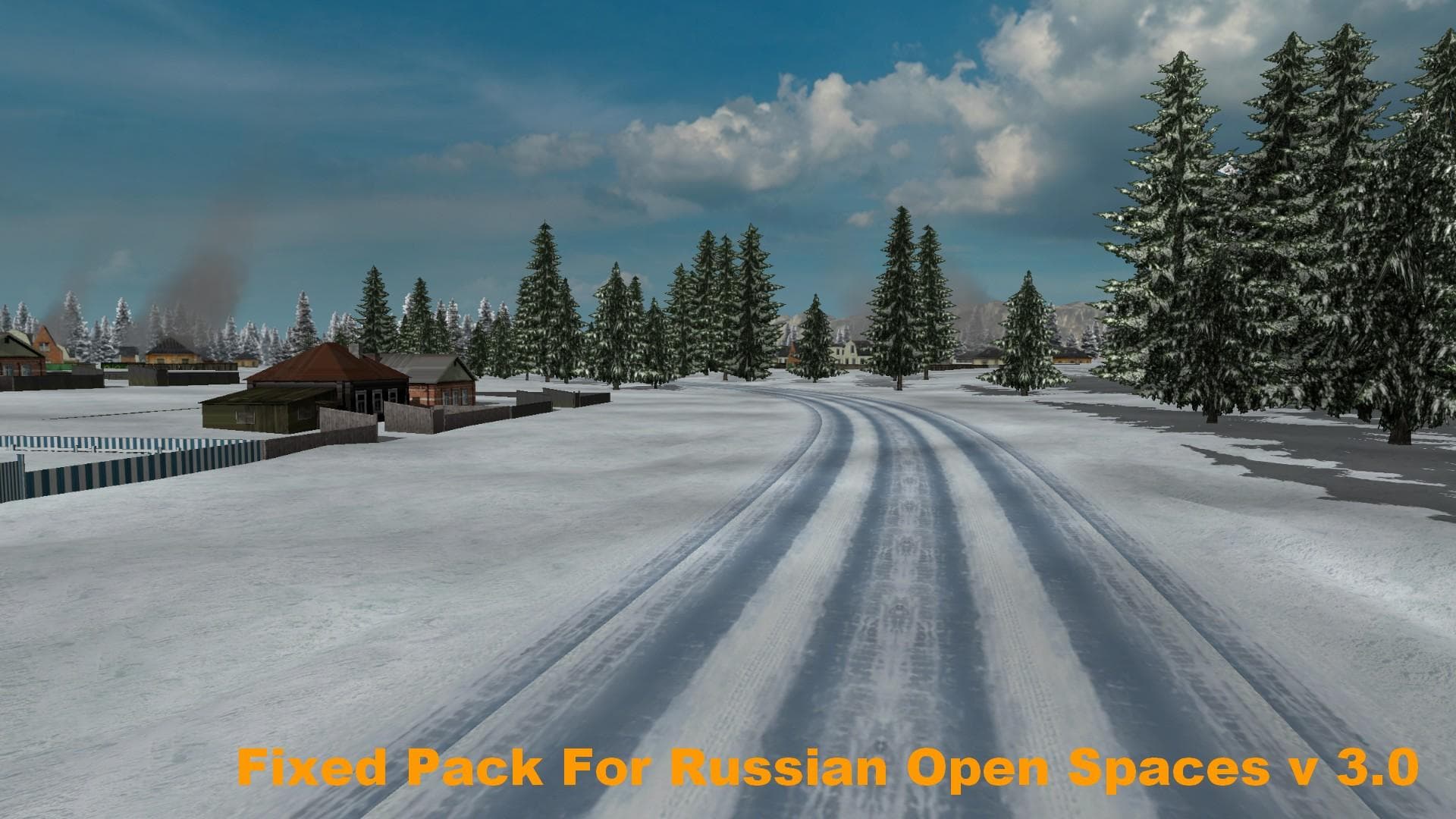
This mod is a Fixed Pack For Russian Open Spaces version 3.0, offering high-speed snow road driving with default sound only. It also includes increased traffic
The FIXED PACK FOR RUSSIAN OPEN SPACES V3.0 is a parts mod designed to enhance the Russian Open Spaces map experience in Euro Truck Simulator 2. It focuses on adjustments that affect driving conditions, such as enabling high speed on snowy roads and increasing traffic density. The mod also keeps the default sound settings active, which means it doesn't override or add new audio but rather disables turn signal sounds included with some maps.
Parts mods like this one typically add or tweak accessories and features related to truck customization, though this pack seems more tailored toward environmental and gameplay fixes within a specific map area rather than adding new truck parts. Mods in the parts category are usually selected through the truck customization menu, but in this case, it works behind the scenes to improve realism and immersion on Russian routes.
When adding mods like this to your setup, it's wise to consider load order since map-related packs often need to load after general map mods for proper effect. Compatibility can vary depending on which version of ETS2 you are running and what other map or sound mods you have installed. Since details about supported versions aren’t provided, testing is recommended before committing to long sessions with this pack active.
This mod fits well for players who enjoy trucking across Russia’s vast landscapes and want tweaks that make winter driving feel less restrictive while keeping traffic levels more lively. Those using Russian Open Spaces maps alongside other large-scale map expansions might find this pack useful for smoothing out some gameplay quirks without major changes to visuals or sounds.
How to install
1. Download the file(s) from the original source linked above. 2. Drop them into `Documents/Euro Truck Simulator 2/mod/`. 3. Enable in Mod Manager and restart the game.
After the mod loads, save your game inside a safe area (parking lot or service) before deciding whether to keep it. If the game refuses to load with the mod enabled, check that all required DLCs are installed and that the supported ETS2 version chips on this page include your installed game patch.
Reviews
No ratings yetNo reviews yet — be the first to rate this mod.





