EXTREME WHEELS SKIN SCANIA RJL
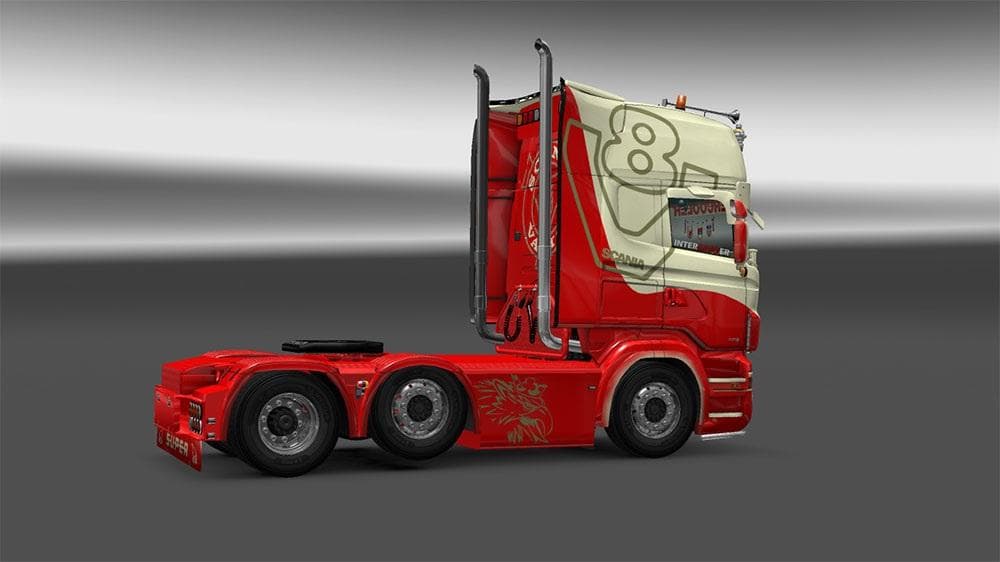
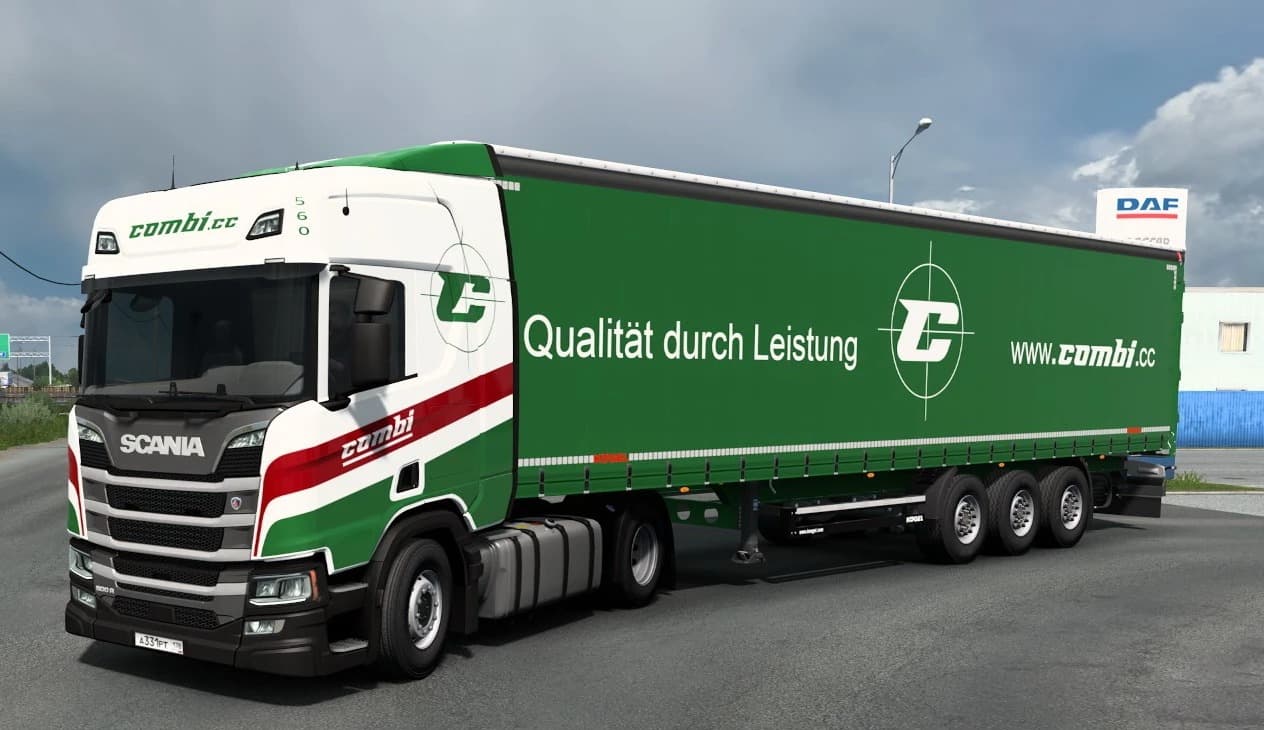
The EXTREME WHEELS SKIN SCANIA RJL mod is a skin for the Scania RJL truck in Euro Truck Simulator 2. Created by Euro truck simulator 2, the skin is 377 KB in si
The EXTREME WHEELS SKIN SCANIA RJL is a paint job mod designed specifically for the Scania RJL model in Euro Truck Simulator 2. It changes the truck's appearance without altering its structure or performance. Skins like this one are applied directly in the game's paint shop, letting you customize your vehicle's look while keeping the original model intact.
Skin mods generally work by repainting existing trucks, trailers, or cabins based on their original designs. This means they rely on the base vehicle they're made for to function properly. When you install a skin, it won't impact gameplay mechanics but will refresh your driving experience with a new aesthetic twist.
In a setup with multiple mods, skins usually load smoothly alongside others as long as there aren't conflicting textures for the same truck model. It's wise to check your load order if you use several skins on one vehicle, since the last loaded skin will be visible in-game. Compatibility issues are rare but can happen if two mods try to modify identical parts simultaneously.
Players who enjoy customizing their trucks' looks without adding new vehicles or heavy modifications will find this kind of mod appealing. It's perfect for those wanting to give their Scania RJL a fresh coat of paint and show respect for the original creator's work while enhancing visual variety during long hauls.
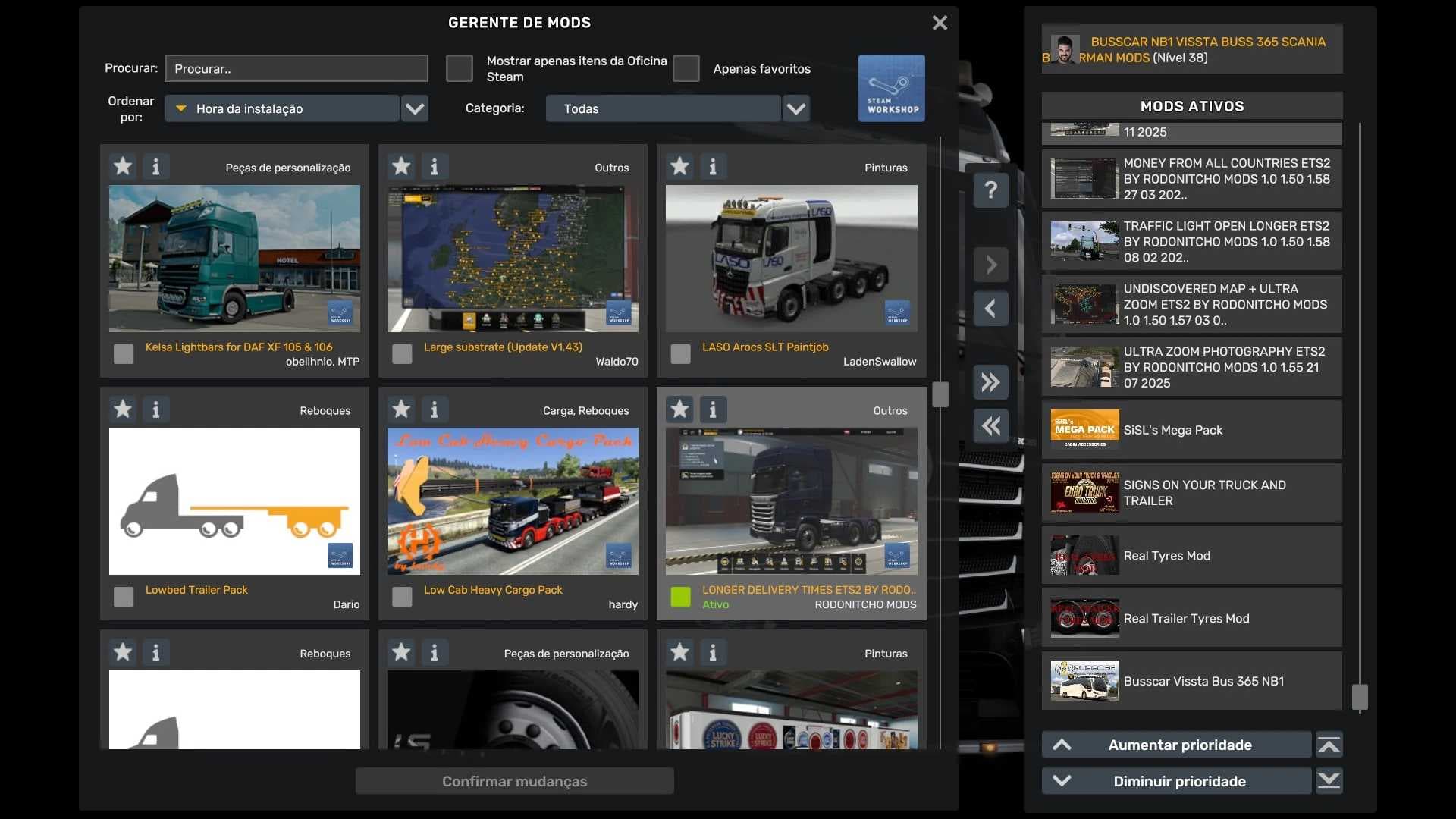
While details such as version support and file size are unknown, installing this skin follows the typical process: place it in your mod folder and activate it via the game’s mod manager before selecting it in the paint shop. This straightforward approach keeps things simple for both newcomers and seasoned ETS2 players.
How to install
1. Download the .scs file. 2. Drop it into `Documents/Euro Truck Simulator 2/mod/`. 3. Enable in Mod Manager. 4. Apply the skin in the truck/trailer paint shop.
After the mod loads, save your game inside a safe area (parking lot or service) before deciding whether to keep it. If the game refuses to load with the mod enabled, check that all required DLCs are installed and that the supported ETS2 version chips on this page include your installed game patch.
Reviews
No ratings yetNo reviews yet — be the first to rate this mod.