DHL skin for Freightliner Classic XL
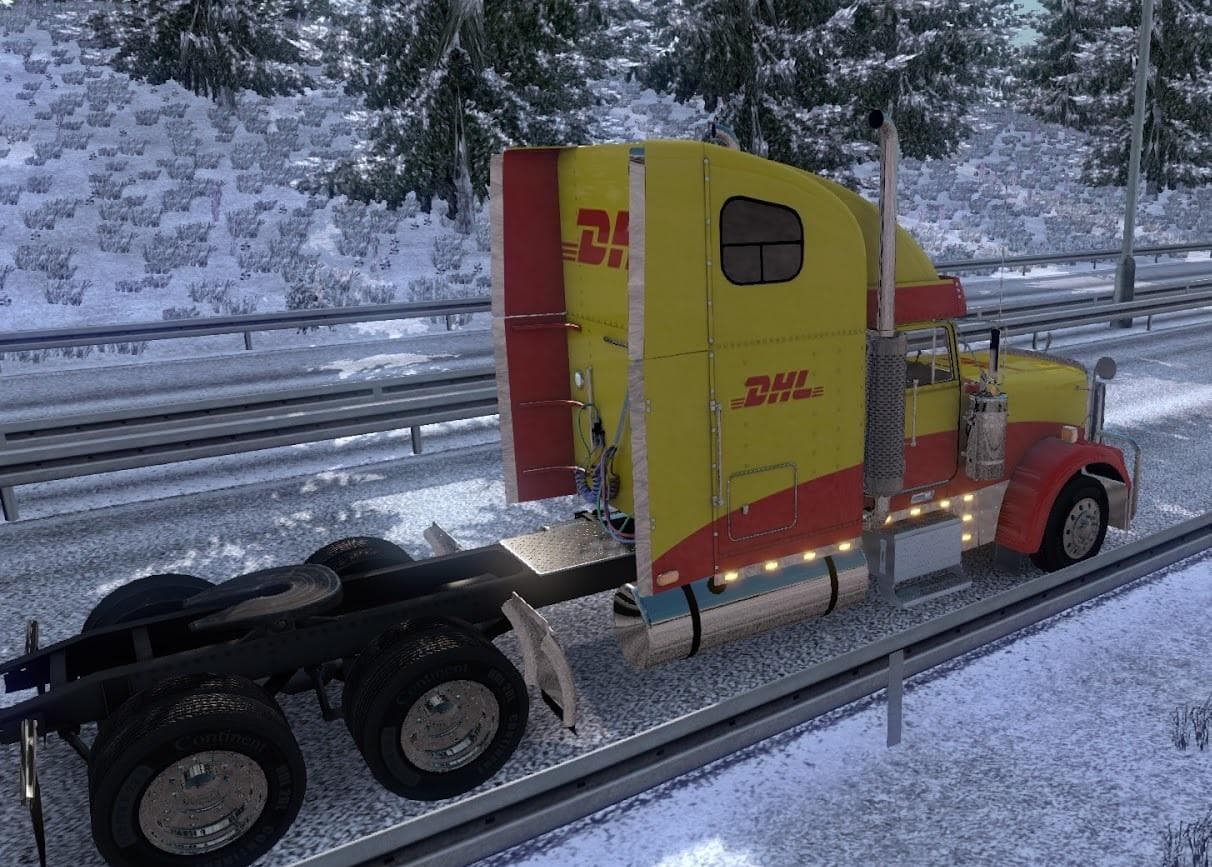
This mod is a DHL skin for the Freightliner Classic XL truck in Euro Truck Simulator 2. It includes manifest files and is created by the Euro Truck Simulator 2
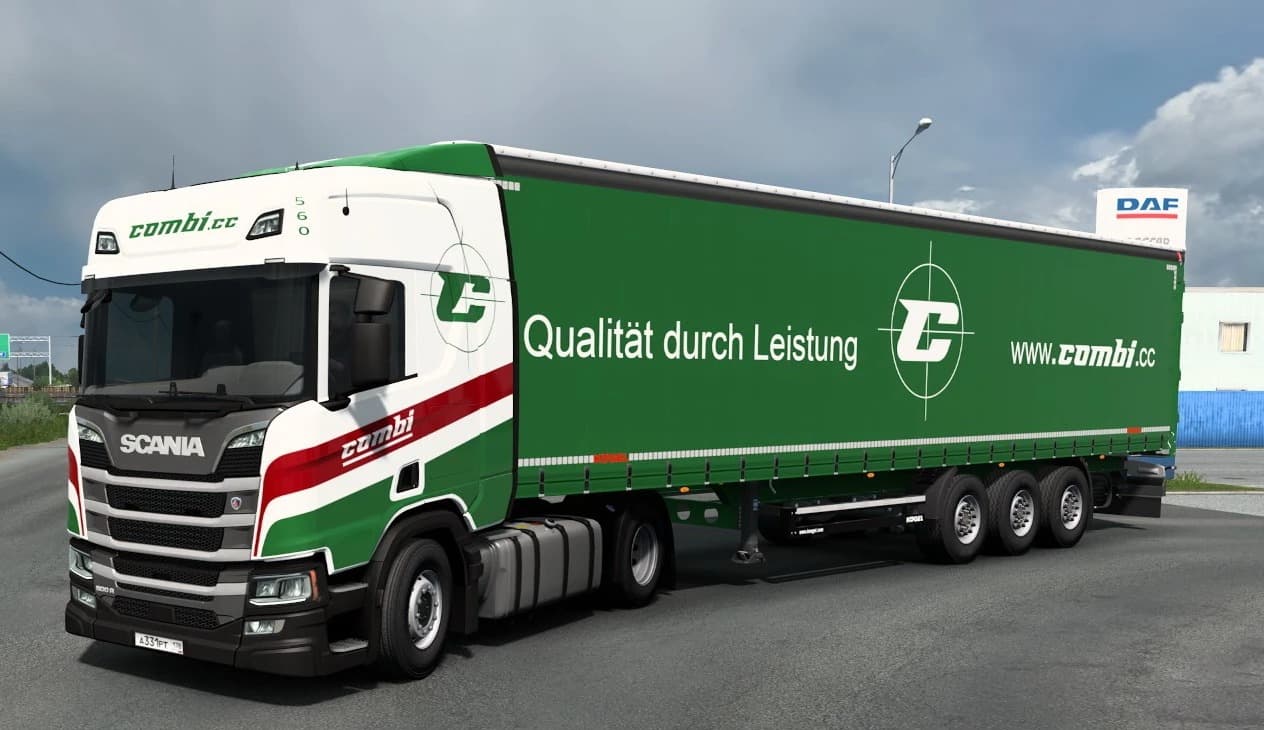
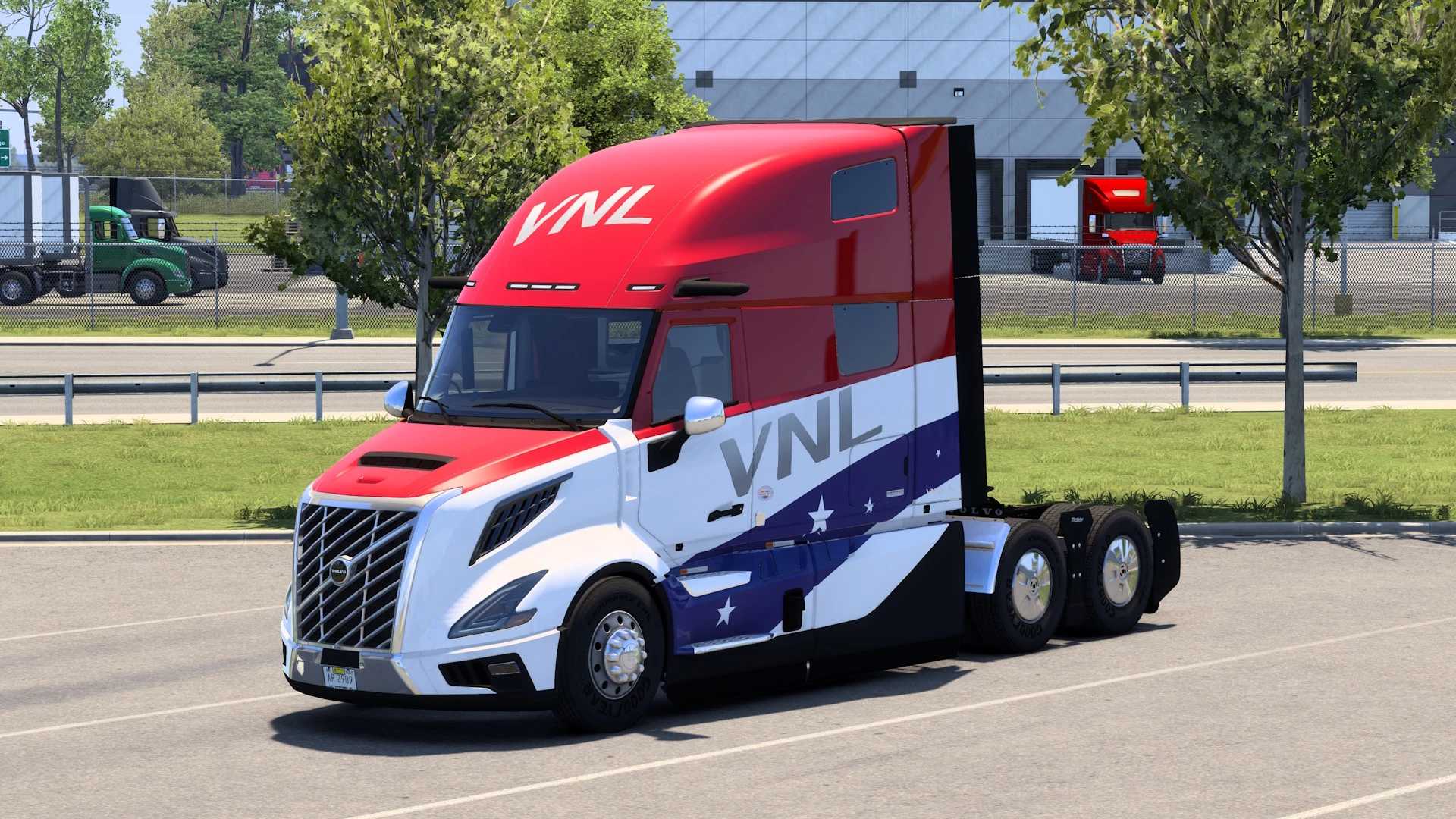
This mod offers a **DHL skin for Freightliner Classic XL**, providing a new paint job that changes the truck's appearance without altering its model or performance. Skins like this one are typically applied through the paint shop in Euro Truck Simulator 2, allowing players to customize their vehicles with different liveries while keeping the base truck intact. This particular skin reflects the branding of DHL, a well-known logistics company, giving your Freightliner Classic XL a distinctive look on the road.
Skin mods function by repainting existing trucks, trailers, or cabins and do not add new models or change game mechanics. They rely on the specific vehicle they were designed for—in this case, the Freightliner Classic XL—and are generally easy to install by placing files in the appropriate mod folder. Since it only affects visuals, it usually plays nicely with other types of mods like sound packs or gameplay tweaks.
When using multiple skins or other cosmetic mods, it's wise to manage your load order carefully. Skins for the same vehicle can conflict if loaded simultaneously, so make sure only one skin is active at a time for each truck model. This helps avoid unexpected graphical glitches or errors during gameplay.
This mod fits well into a **modded setup** focused on enhancing visual variety and immersion without changing core gameplay elements. Players who enjoy representing real-world companies or want more variety in their truck fleet will appreciate adding this DHL skin to their collection. It's especially suitable for those who own and often drive the Freightliner Classic XL and want to give it a fresh and recognizable appearance.
How to install
1. Download the .scs file. 2. Drop it into `Documents/Euro Truck Simulator 2/mod/`. 3. Enable in Mod Manager. 4. Apply the skin in the truck/trailer paint shop.
After the mod loads, save your game inside a safe area (parking lot or service) before deciding whether to keep it. If the game refuses to load with the mod enabled, check that all required DLCs are installed and that the supported ETS2 version chips on this page include your installed game patch.
Reviews
No ratings yetNo reviews yet — be the first to rate this mod.