DAF XF 105 REWORKED V2.0
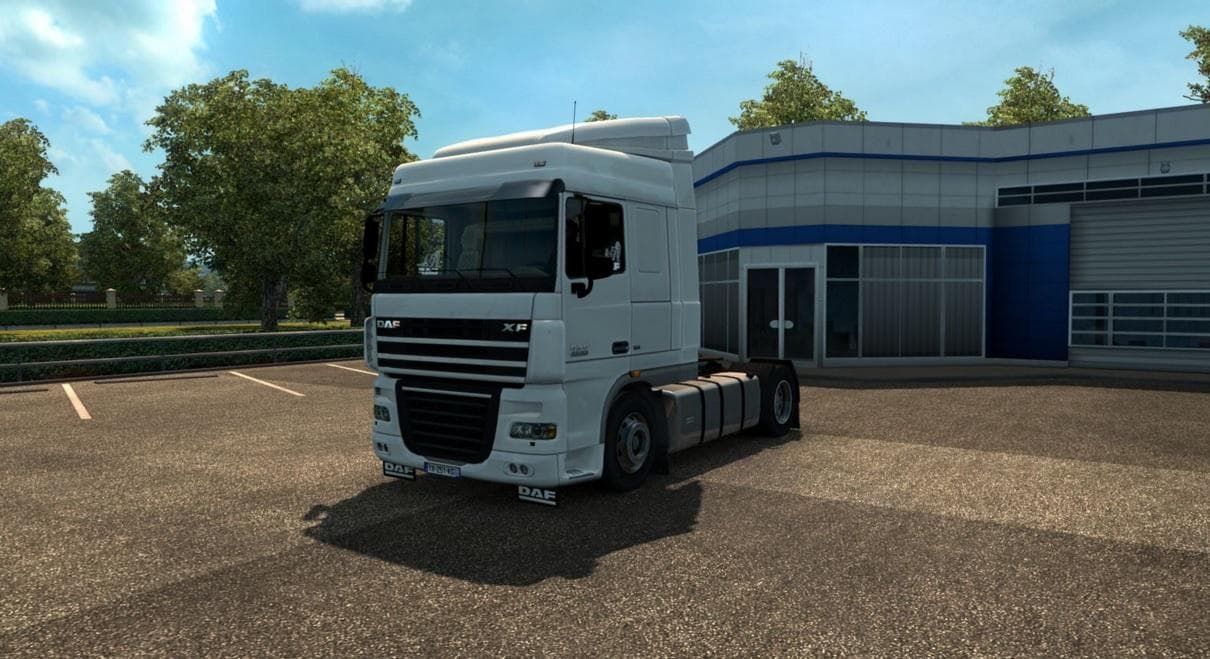
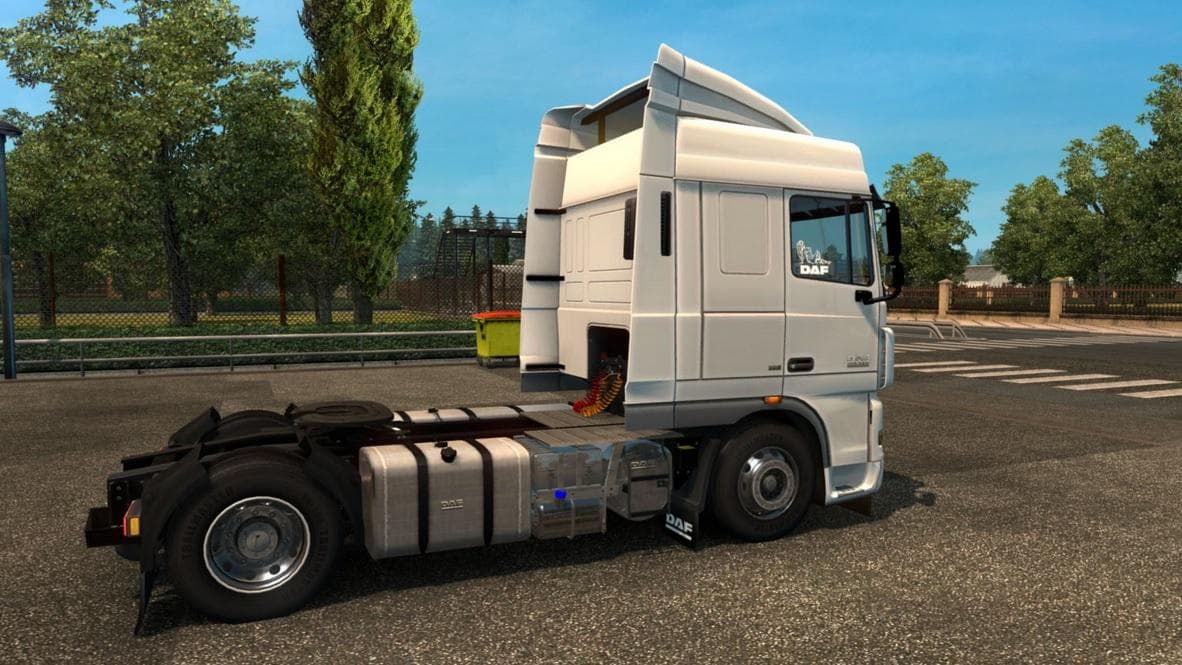
The "DAF XF 105 REWORKED" mod version 2.0 for Euro Truck Simulator 2 adds UK interior and tuning options, along with fixed shadows in the truck model. Credits g
The DAF XF 105 REWORKED V2.0 mod brings updates to the DAF XF 105 truck model, focusing on parts and tuning options available in the customization menu. This version specifically adds a UK interior along with tuning options suited for that design, and it addresses shadow issues present in earlier iterations of the truck model. Mods like this one are designed to enhance the visual and functional aspects of a particular truck brand within Euro Truck Simulator 2.
Parts mods such as this typically allow players to equip their trucks with various accessories including lighting upgrades, exhaust pipes, mirrors, and interior details. These modifications can significantly alter the appearance of your rig and offer more personalization. Since this mod targets a specific DAF model, it slots neatly into setups where players want their trucks to reflect more detailed or region-specific features.
When integrating parts mods like this into a broader modded environment, it's good practice to check compatibility especially if you use other vehicle or parts packs. Load order can affect how these changes appear in-game, so placing parts mods after larger truck model mods generally helps prevent conflicts or overwrites. Given that this update fixes shadows and adds interior elements, its placement could be important for visual consistency.
This mod suits players who enjoy customizing their fleet with attention to detail that reflects real-world regional differences—like the UK-style interior here. It's also useful for those who have been following previous versions of this DAF rework and want improvements without switching to an entirely different truck mod.
For anyone running a heavily modified setup focused on realism or immersion, adding nuanced touches such as updated interiors can make long hauls feel more engaging. While specifics about supported ETS2 versions aren't provided, keeping mods updated alongside your game version will help ensure smooth performance.
How to install
1. Download the file(s) from the original source linked above. 2. Drop them into `Documents/Euro Truck Simulator 2/mod/`. 3. Enable in Mod Manager and restart the game.
After the mod loads, save your game inside a safe area (parking lot or service) before deciding whether to keep it. If the game refuses to load with the mod enabled, check that all required DLCs are installed and that the supported ETS2 version chips on this page include your installed game patch.
Reviews
No ratings yetNo reviews yet — be the first to rate this mod.





