DAF 105 SSC + Schmitz + Flarepack
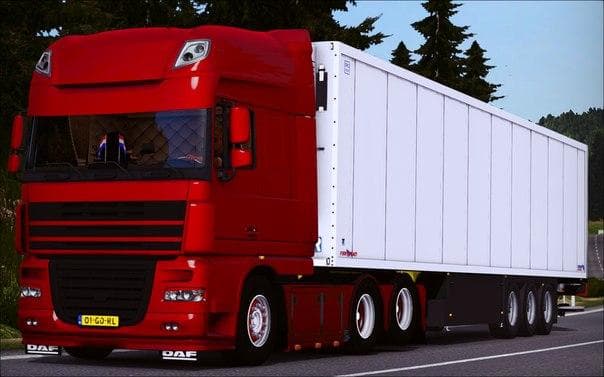
DAF 105 SSC + Schmitz + Flarepack - ETS2 mods download is an ETS2 parts.
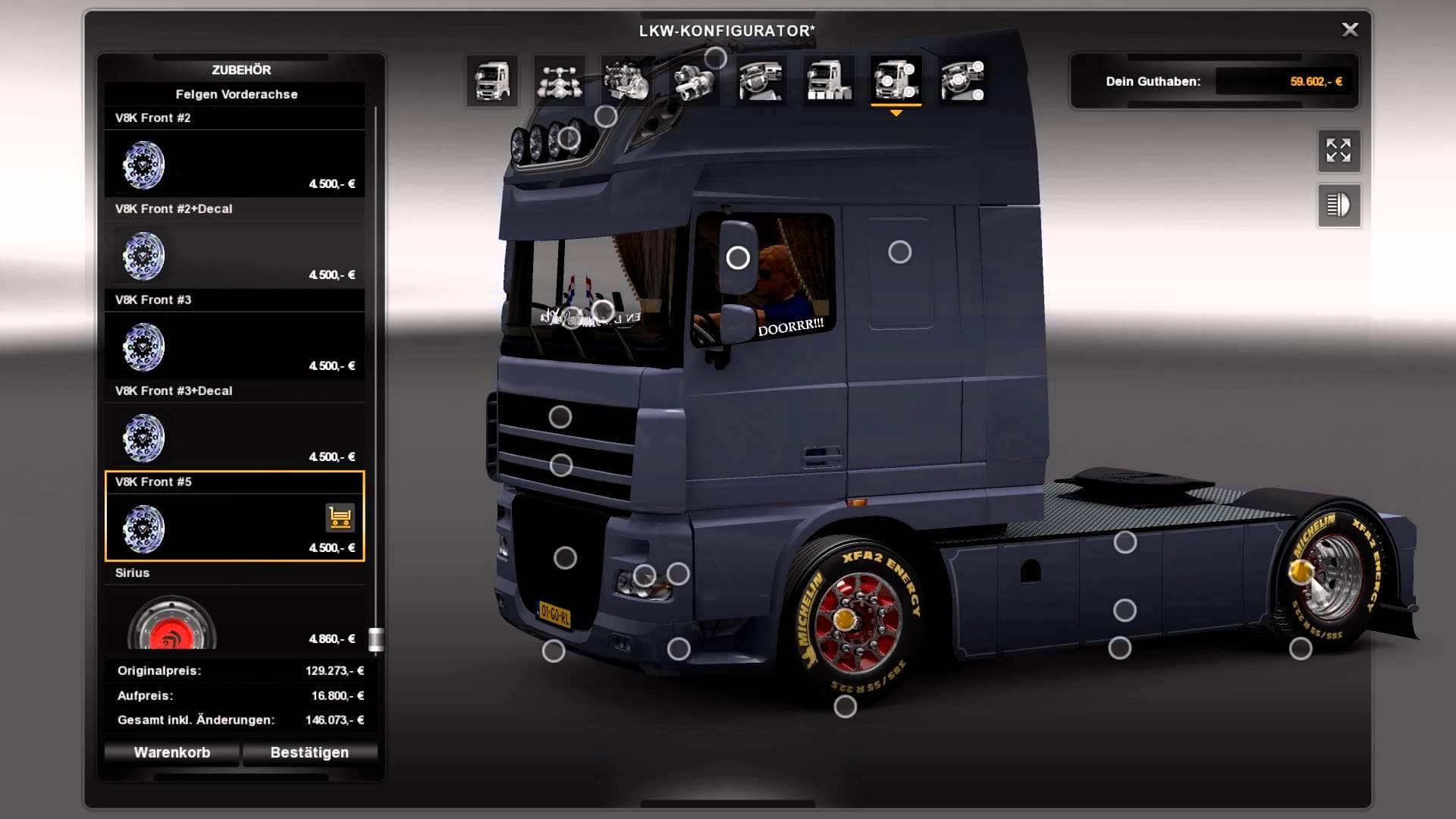
The DAF 105 SSC + Schmitz + Flarepack mod adds a set of parts specifically designed for the DAF 105 SSC truck model. It includes various accessories like lighting options and additional equipment that can be fitted through the truck customization menu. These kinds of parts mods are meant to expand the visual and functional options available for your rig, making it stand out on the road.
Parts mods such as this one typically offer enhancements like bull bars, extra lights, mirrors, and other truck details. They don't change gameplay mechanics but focus on improving the truck's appearance and personalization potential. The inclusion of a Schmitz trailer component suggests some trailer-related upgrades might also be part of this package.
When adding parts mods to your setup, it's good practice to pay attention to load order. Since these mods usually target specific truck models, conflicts with other tuning or paint mods for the same vehicle can occur if not loaded properly. Generally, placing parts mods after broad texture or map mods helps prevent issues.
This mod fits well into a modded ETS2 setup for players who prefer customizing their trucks beyond factory options. If you enjoy tailoring your DAF 105 SSC with detailed accessories or matching trailers, this mod provides additional choices without affecting core gameplay or performance.
Drivers aiming for a more personalized look will find this kind of parts pack useful. It lets you tweak your vehicle’s style with extra lighting and flare components that add character during long hauls across Europe’s varied landscapes.
Since specifics like version support or file size aren’t provided, it's wise to back up existing profiles before installation and check compatibility with other DAF-focused tuning packs in your collection.
How to install
1. Download the file(s) from the original source linked above. 2. Drop them into `Documents/Euro Truck Simulator 2/mod/`. 3. Enable in Mod Manager and restart the game.
After the mod loads, save your game inside a safe area (parking lot or service) before deciding whether to keep it. If the game refuses to load with the mod enabled, check that all required DLCs are installed and that the supported ETS2 version chips on this page include your installed game patch.
Reviews
No ratings yetNo reviews yet — be the first to rate this mod.





