COLOR DASHBOARD FOR IVECO STRALIS 1.22.X
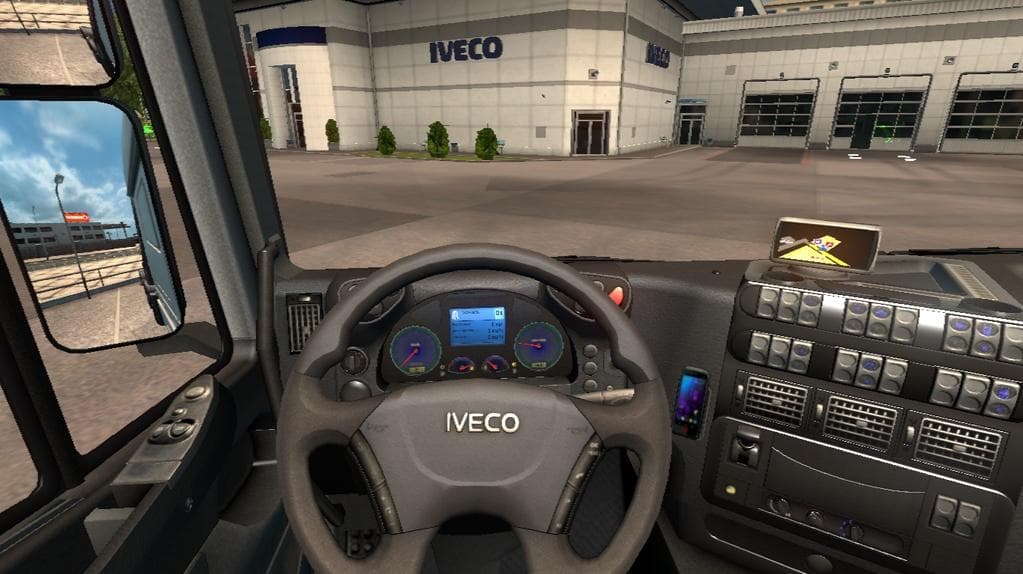
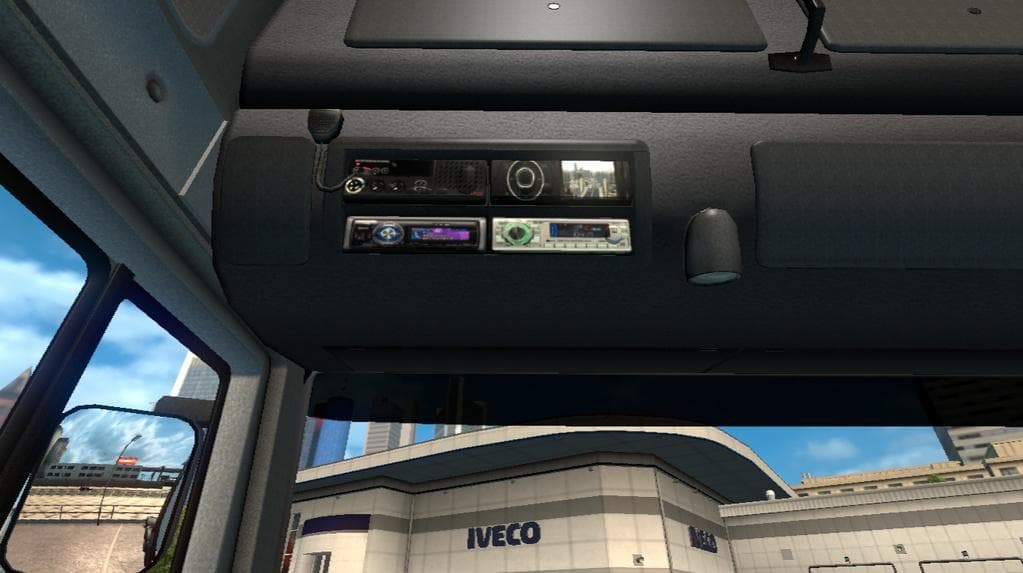
This mod adds a color dashboard for the Iveco Stralis in ETS2 version 1.22. Created by Euro Truck Simulator 2, the file size and update details are unknown.
This mod adds a color dashboard specifically designed for the Iveco Stralis truck in Euro Truck Simulator 2. It's tailored for game version 1.22, aligning with the supported ETS2 update to ensure compatibility without issues. The mod focuses solely on changing the dashboard's appearance, bringing a fresh look to this particular truck model's interior.
Parts mods like this one generally enhance the customization options available within the truck configuration menu. They allow players to modify or replace existing interior elements such as dashboards, mirrors, and other accessories to personalize their driving experience. Since it targets only the Iveco Stralis, it won't affect other trucks or broader gameplay elements.
When integrating parts mods into a setup that includes multiple vehicle customizations, it's wise to consider load order. Interior mods often need to load after general tuning or skin mods to avoid conflicts. Although specifics aren't provided here, users usually manage these through their mod manager by positioning this kind of mod accordingly.
Truck enthusiasts who prefer driving an Iveco Stralis and want a subtle but distinct change inside their cab might find this color dashboard mod appealing. It fits well with setups emphasizing detailed interiors or those focusing on brand-specific enhancements. Players aiming for a cohesive look across parts and skins may combine this with other Iveco-focused mods.
Installation follows typical steps for parts modifications: place the file in the ETS2 mod folder and activate it via the in-game mod manager. Because it's designed for version 1.22, using it with significantly different ETS2 versions could lead to issues, so matching game and mod versions is recommended.
How to install
1. Download the file(s) from the original source linked above. 2. Drop them into `Documents/Euro Truck Simulator 2/mod/`. 3. Enable in Mod Manager and restart the game.
After the mod loads, save your game inside a safe area (parking lot or service) before deciding whether to keep it. If the game refuses to load with the mod enabled, check that all required DLCs are installed and that the supported ETS2 version chips on this page include your installed game patch.
Reviews
No ratings yetNo reviews yet — be the first to rate this mod.





