BULLBAR W100
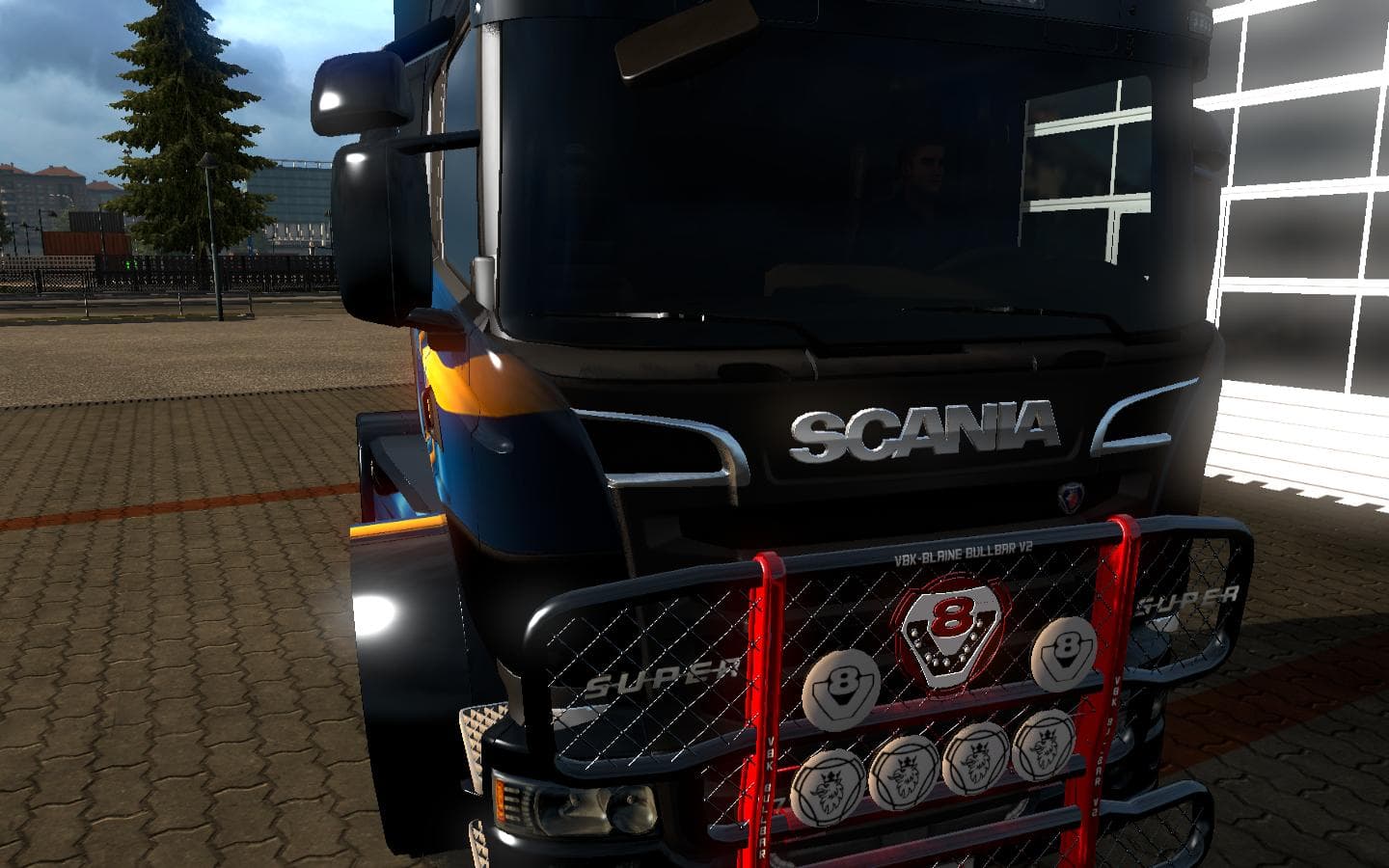
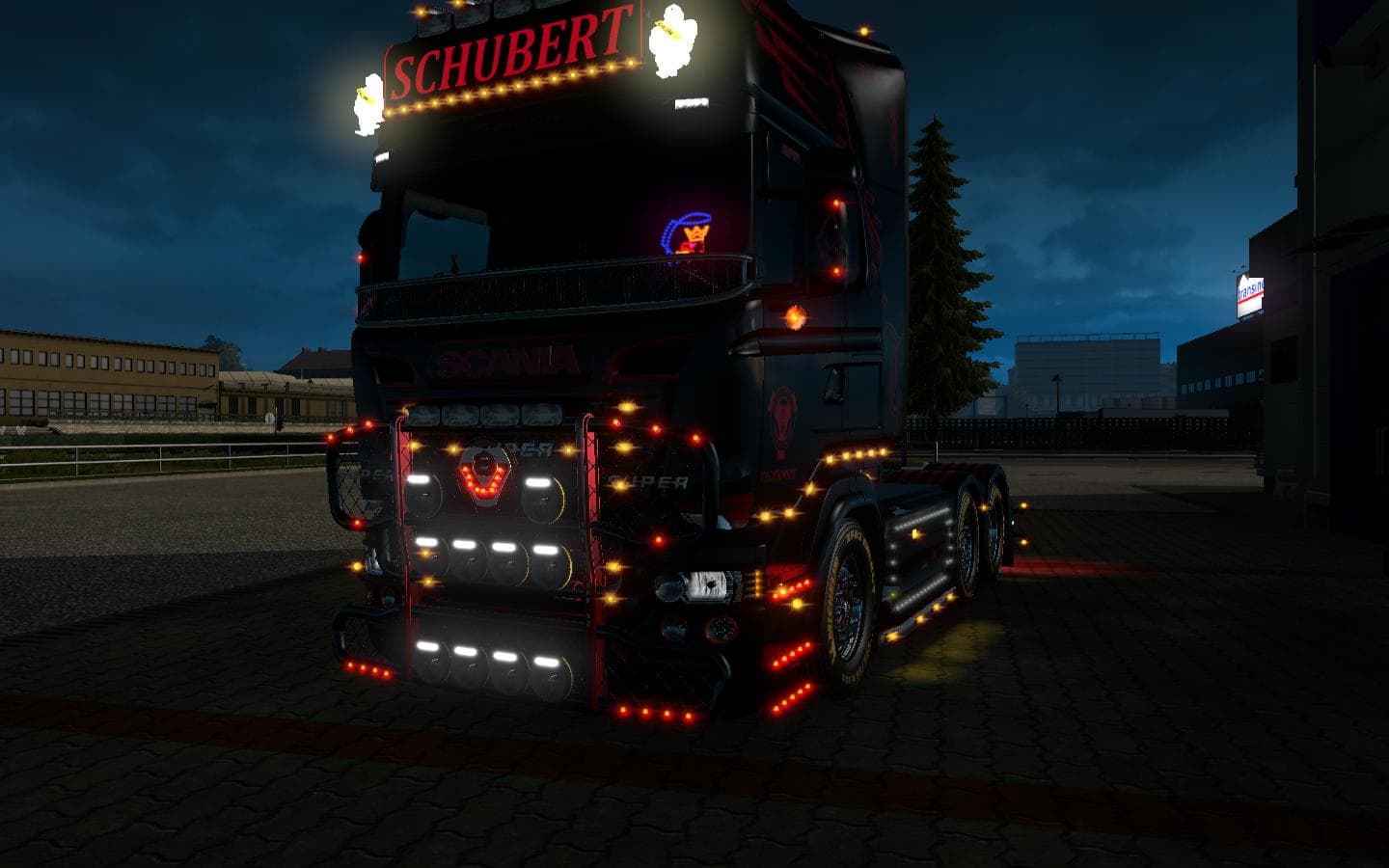
BULLBAR W100 is an ETS2 parts.
The BULLBAR W100 mod adds a bullbar accessory that fits into the 1075 slot on all trucks. This type of mod falls under parts and tuning, which means it gives you additional customization options for your truck's exterior through the in-game truck configuration menu. Bullbars like this one are common upgrades for players wanting to enhance their truck's front look or add a bit of ruggedness without changing the core model.
Parts mods such as bullbars, lights, exhausts, and mirrors typically target specific slots available on trucks. Since this mod works universally across all trucks by using a standard slot, it integrates well with a variety of builds and setups. Players running multiple mods can usually include this without worrying about conflicts related to model-specific parts.
When adding parts mods to your setup, it's worth considering load order especially if you have several custom accessories targeting the same slot. Usually, the game loads mods in alphabetical order unless managed by a mod manager. Conflicts can occur if two mods try to replace or occupy the same part slot on the same vehicle, so testing is advised if combining multiple parts modifications.
This bullbar would appeal to those who like customizing their trucks beyond paint jobs and trailers. It suits players looking for subtle visual enhancements or who want their rig to appear more functional or sturdy on roads across Europe or even in America with map mods installed. Given its compatibility with all trucks, it’s a flexible option that fits many playstyles.
If you’re exploring parts upgrades and enjoy personalizing every aspect of your cab’s appearance, BULLBAR W100 offers an easy way to add that classic bullbar look without limiting your choice of truck brand or model.
How to install
1. Download the file(s) from the original source linked above. 2. Drop them into `Documents/Euro Truck Simulator 2/mod/`. 3. Enable in Mod Manager and restart the game.
After the mod loads, save your game inside a safe area (parking lot or service) before deciding whether to keep it. If the game refuses to load with the mod enabled, check that all required DLCs are installed and that the supported ETS2 version chips on this page include your installed game patch.
Reviews
No ratings yetNo reviews yet — be the first to rate this mod.





