Build Your Own Rims v2
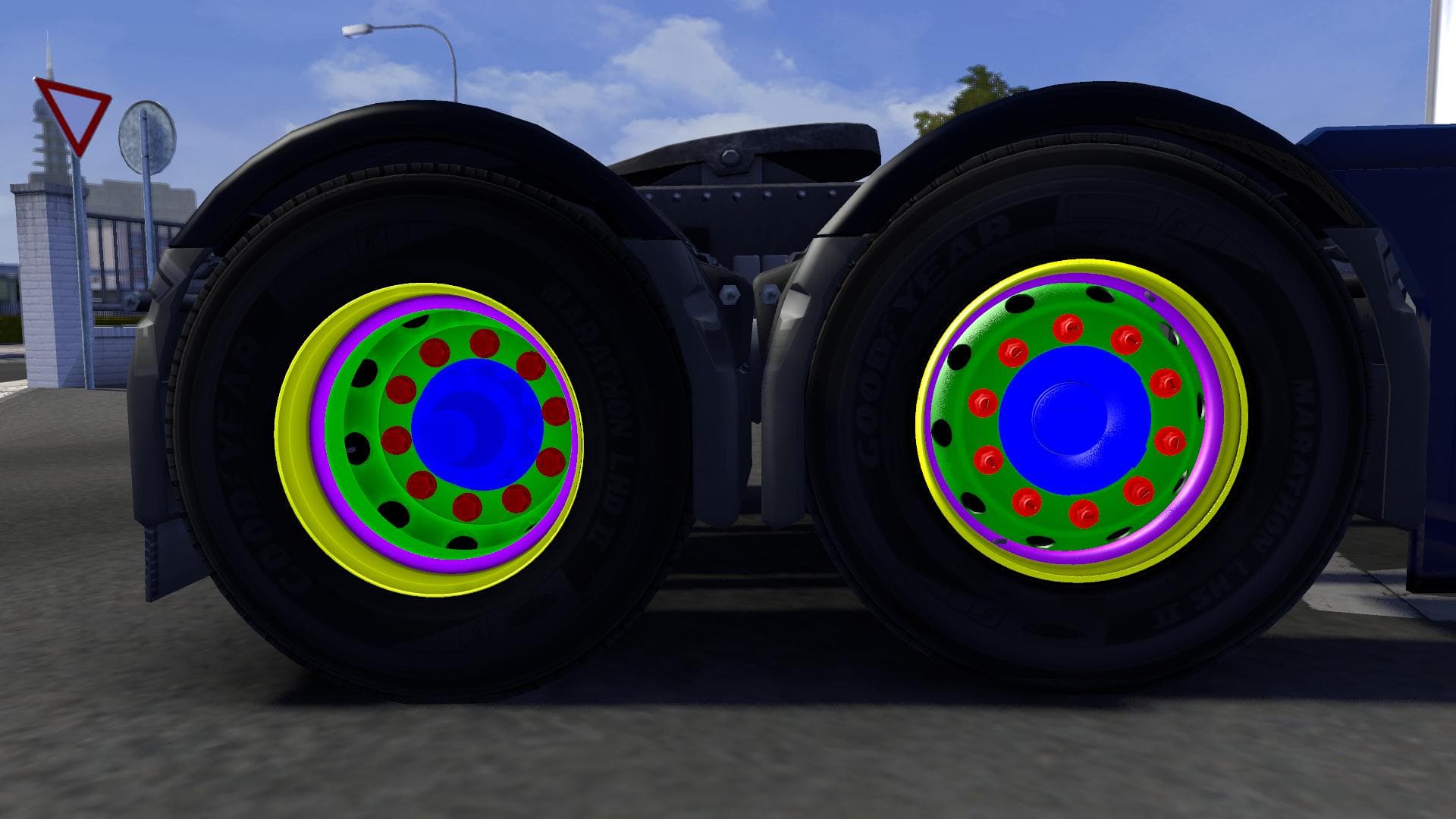
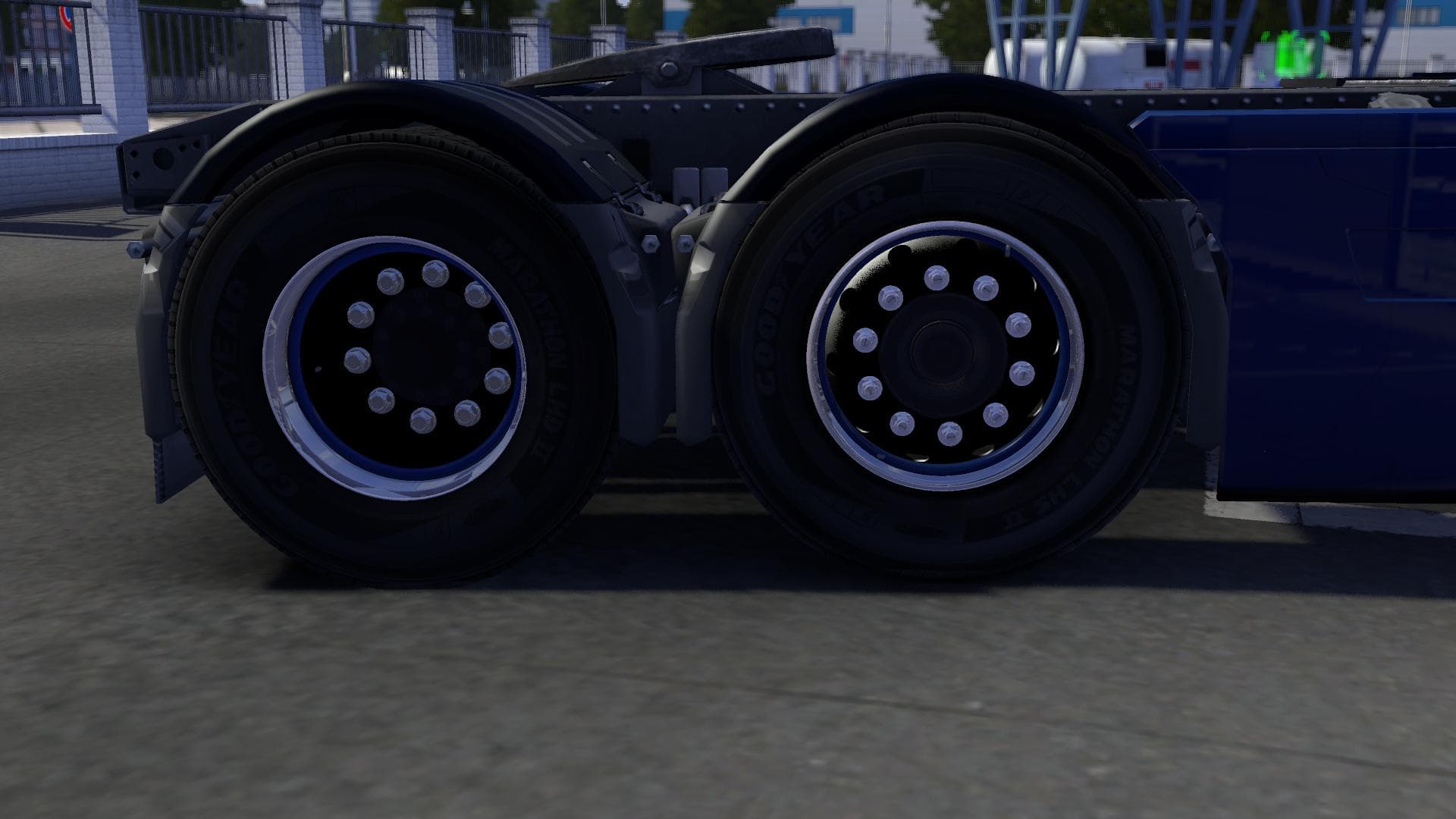
Build Your Own Rims v2 is a parts mod for ETS2 that provides 22 archives for creating custom rims. The creator, mod version, supported game versions, file size,
Build Your Own Rims v2 is a parts mod for Euro Truck Simulator 2 that lets you customize your truck's wheels by creating unique rims. Instead of being limited to preset designs, this mod offers several archives that can be combined to design rims tailored to your style. It gives more control over the look of your truck's wheels, which is a neat way to personalize your vehicle beyond the standard options.
Parts mods like this one typically add new accessories or customizable components accessible in the truck customization menu. They often focus on specific brands or models but can also offer general enhancements such as new lights, mirrors, or in this case, wheel rims. This kind of mod fits naturally into a setup where you want deeper customization without altering core gameplay.
Since Build Your Own Rims v2 uses multiple archives to provide its features, managing load order might be necessary if you run other parts mods affecting rims or wheels. Generally, these mods should load after any heavy map or gameplay mods but before skin packs that might override visuals. Compatibility is usually straightforward unless another mod changes wheel configurations extensively.
Players who enjoy tweaking their trucks’ appearance and those looking for more granular control over their vehicle’s look will find this mod useful. It’s especially handy if you like matching your rig’s style with specific themes or want to stand out on the road with custom rim designs that reflect personal taste.
Like many parts mods in ETS2, installation involves placing the archives into the mod folder and enabling them through the game’s mod manager. Because it adds parts rather than changing gameplay mechanics, it’s less likely to conflict with other types of mods but always check descriptions when mixing many parts packs together.
How to install
1. Download the file(s) from the original source linked above. 2. Drop them into `Documents/Euro Truck Simulator 2/mod/`. 3. Enable in Mod Manager and restart the game.
After the mod loads, save your game inside a safe area (parking lot or service) before deciding whether to keep it. If the game refuses to load with the mod enabled, check that all required DLCs are installed and that the supported ETS2 version chips on this page include your installed game patch.
Reviews
No ratings yetNo reviews yet — be the first to rate this mod.





