Brighter Realistic Flares v3
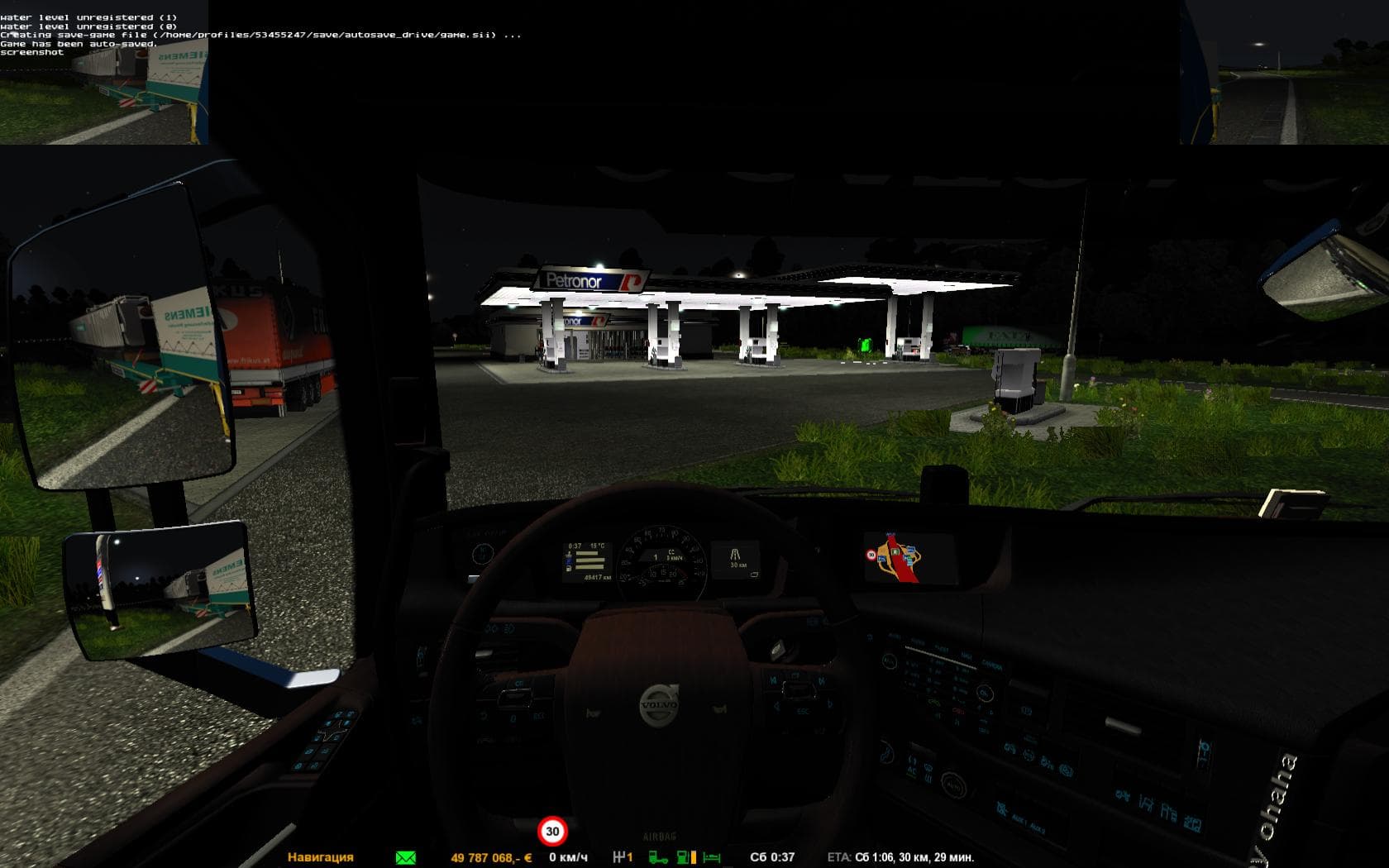
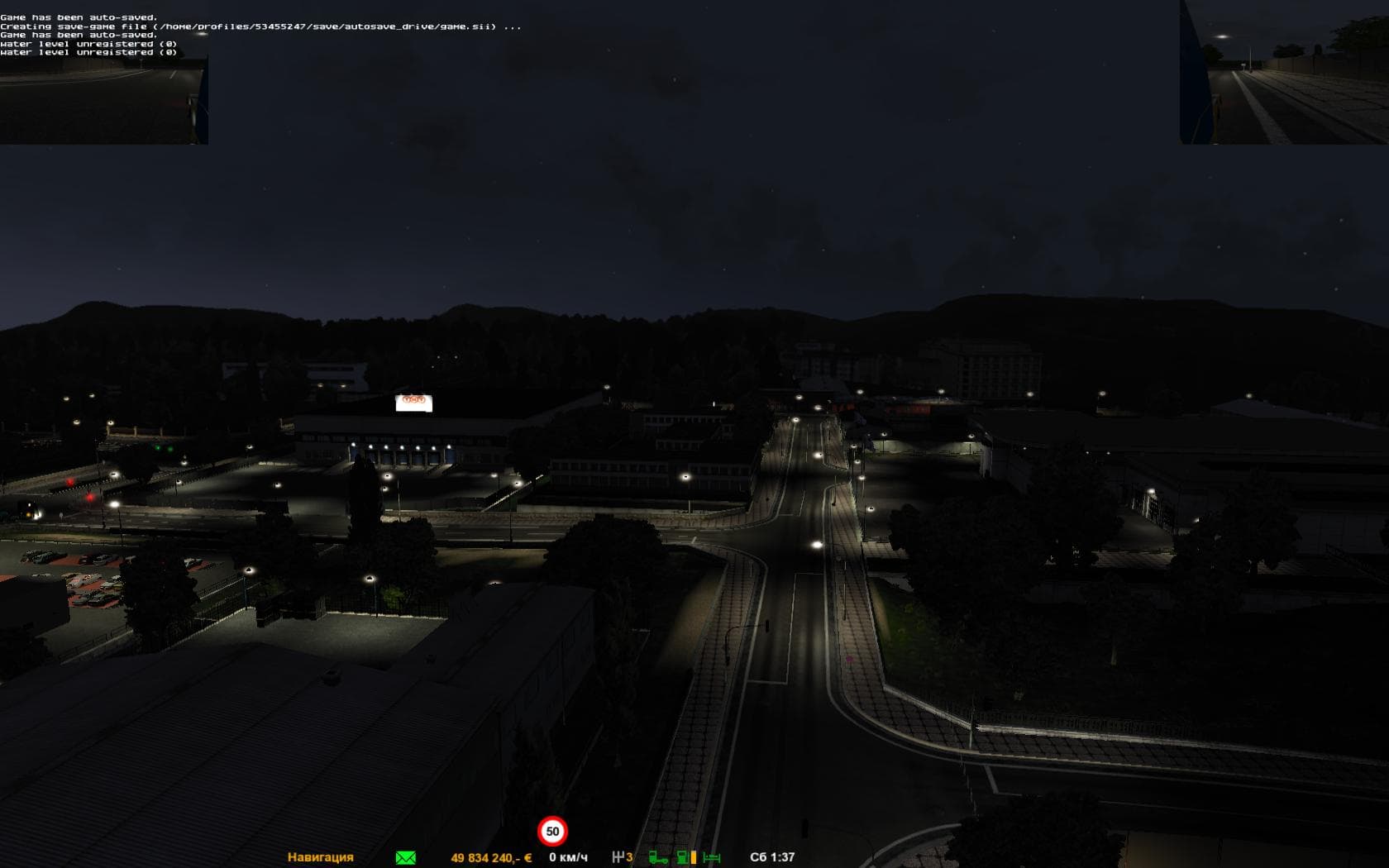
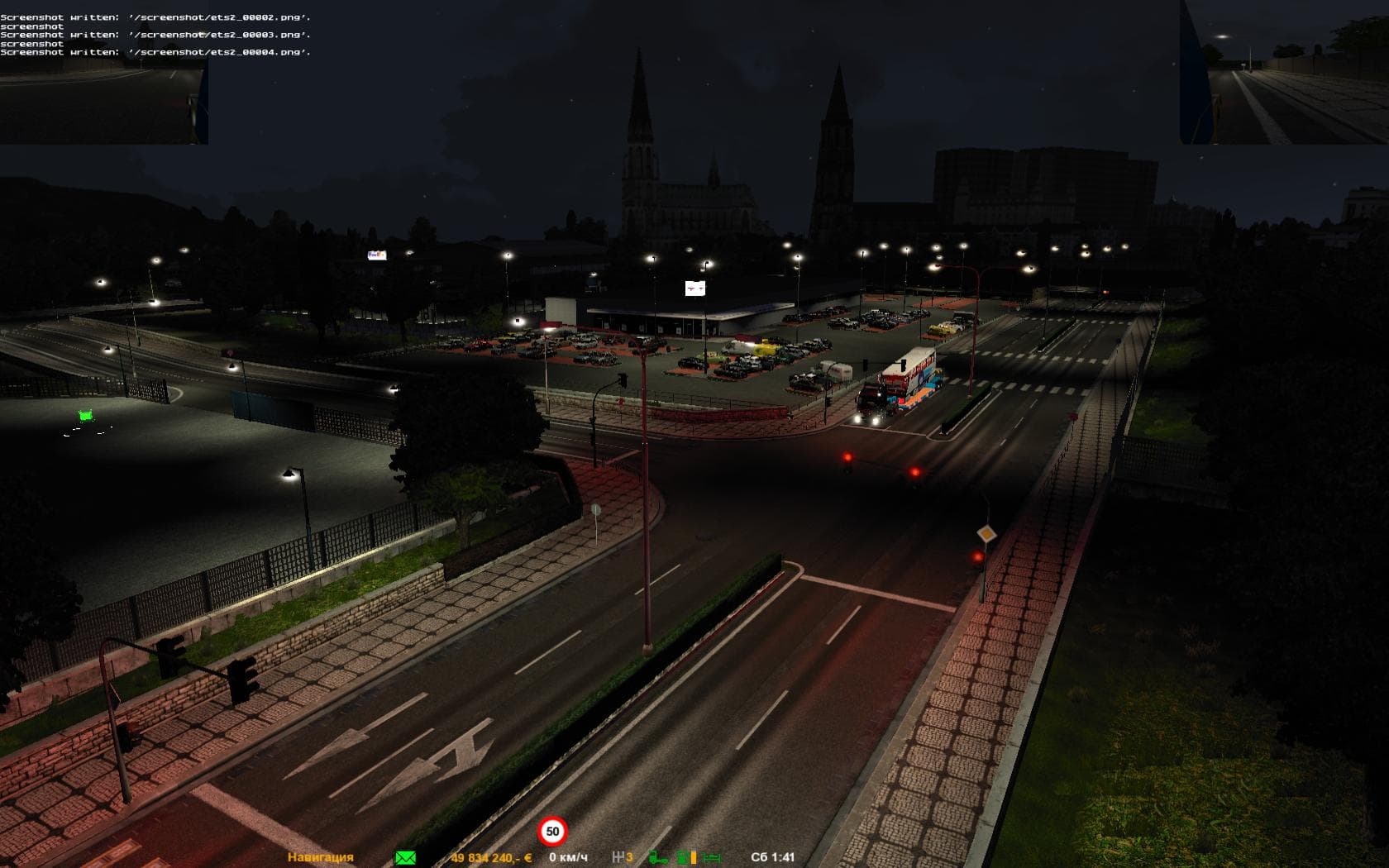
Brighter Realistic Flares v3 - ETS2 mods download is an ETS2 parts.
Brighter Realistic Flares v3 is a parts mod designed to enhance the lighting effects on vehicles within Euro Truck Simulator 2. This kind of mod typically modifies or adds accessories like lights, improving visual details that can affect how your truck and other traffic appear during night driving or in low visibility conditions. Parts mods like this one are applied through the truck customization menu, allowing players to tailor their rigs with specific components that suit their preferences or improve immersion.
In ETS2, lighting mods can make a noticeable difference by refining how light sources behave in-game. With brighter flares, you might see clearer and more realistic illumination from vehicle lights, which could address issues like faint or ghostly light effects seen on traffic cars. This enhances the nighttime atmosphere and can reduce distractions caused by less convincing light behavior in standard game visuals.
When adding parts mods such as brighter flares, it’s useful to consider how they fit into your existing mod setup. Compatibility depends largely on whether other mods alter lighting or vehicle parts as well; load order should prioritize core gameplay mods before visual tweaks like parts enhancements. Since this mod targets vehicle lights specifically, it usually integrates smoothly alongside map expansions and traffic AI modifications without conflict.
Drivers who spend a lot of time navigating night routes or prefer improved lighting realism would appreciate Brighter Realistic Flares v3. It’s particularly suitable for those who use multiple visual enhancement mods and want their convoy or traffic vehicles to exhibit more natural light dynamics. While details about supported versions are unknown, these types of parts mods generally work across various ETS2 releases if installed properly.
How to install
1. Download the file(s) from the original source linked above. 2. Drop them into `Documents/Euro Truck Simulator 2/mod/`. 3. Enable in Mod Manager and restart the game.
After the mod loads, save your game inside a safe area (parking lot or service) before deciding whether to keep it. If the game refuses to load with the mod enabled, check that all required DLCs are installed and that the supported ETS2 version chips on this page include your installed game patch.
Reviews
No ratings yetNo reviews yet — be the first to rate this mod.





