Brighter Headlights of traffic
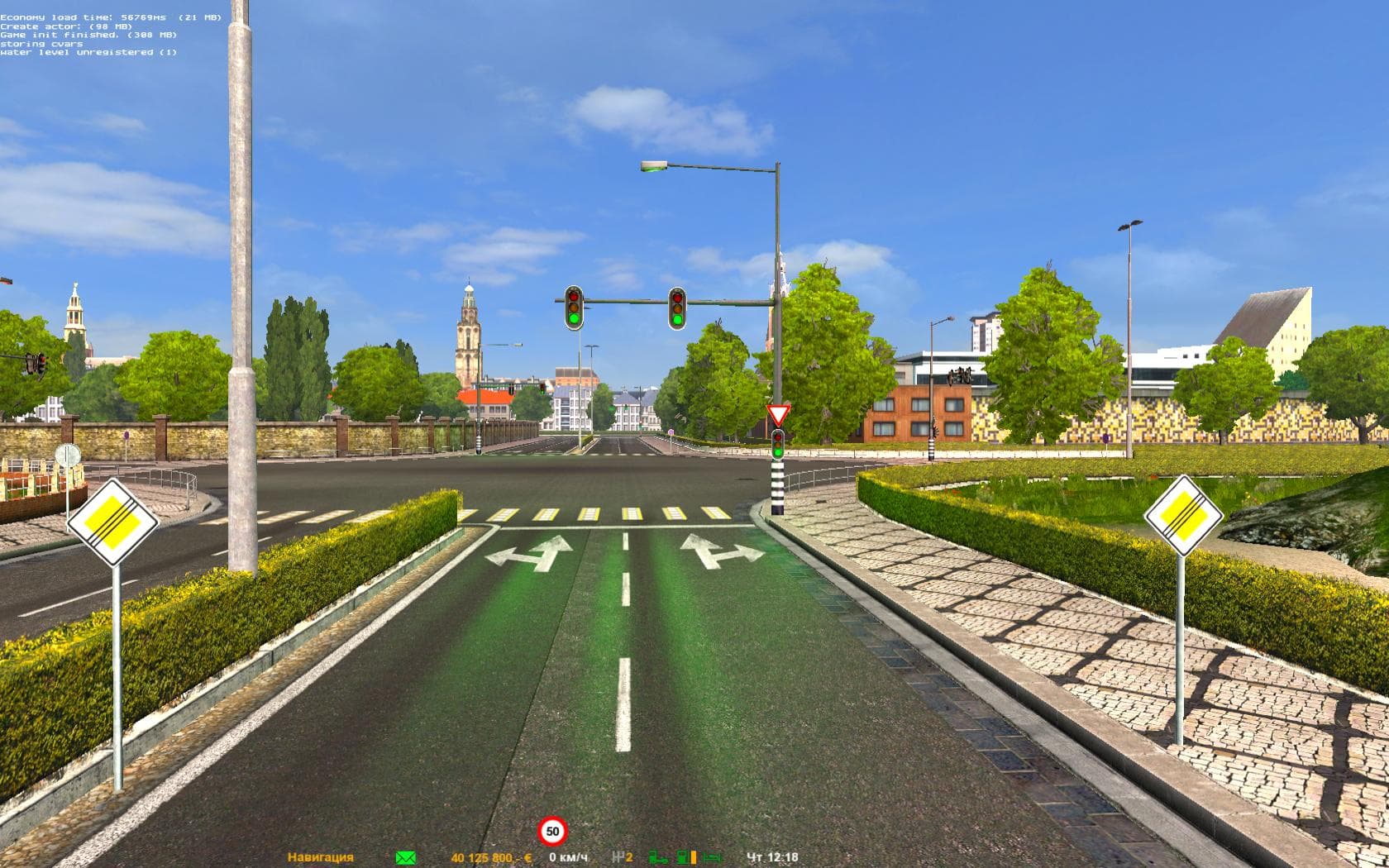
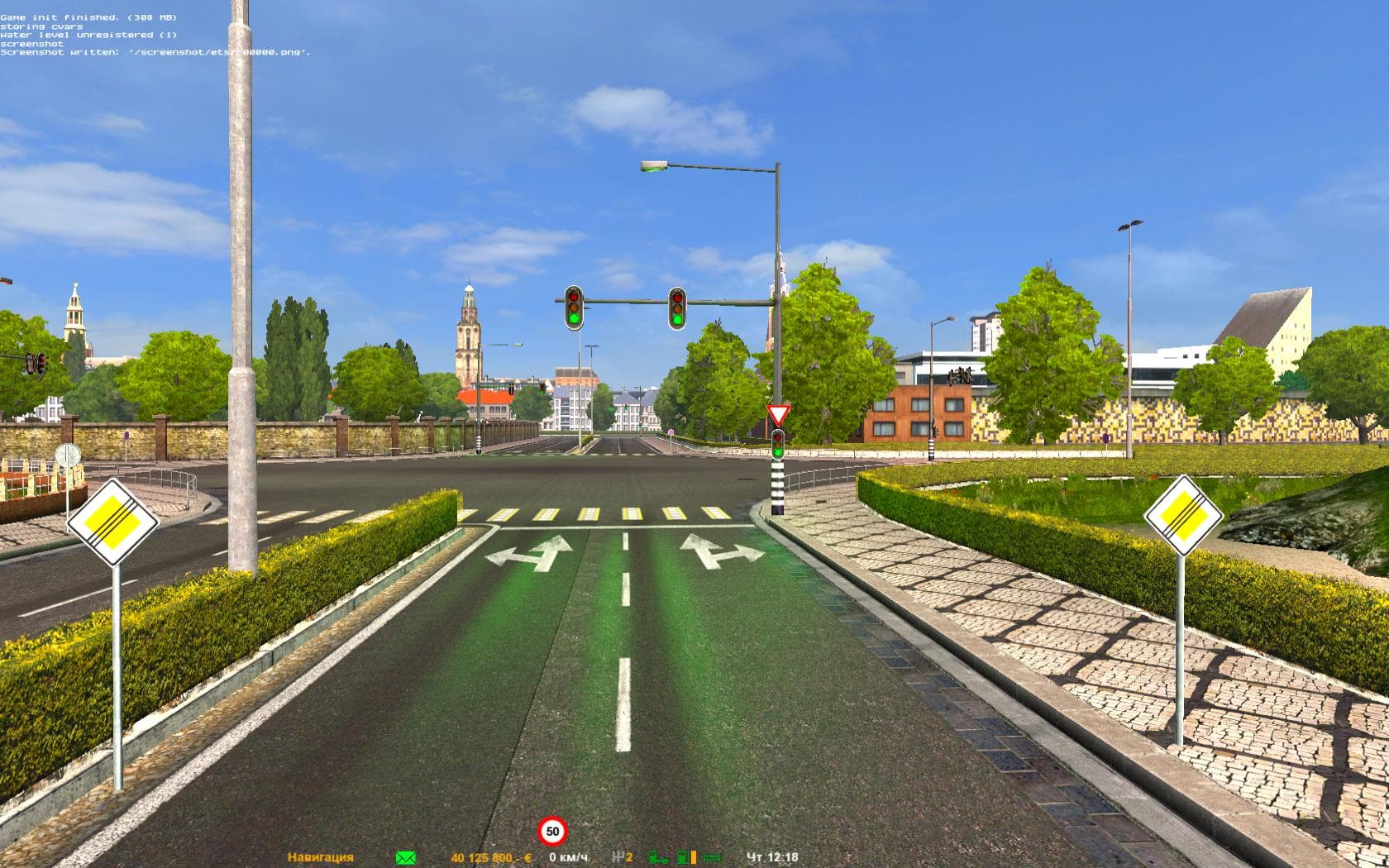
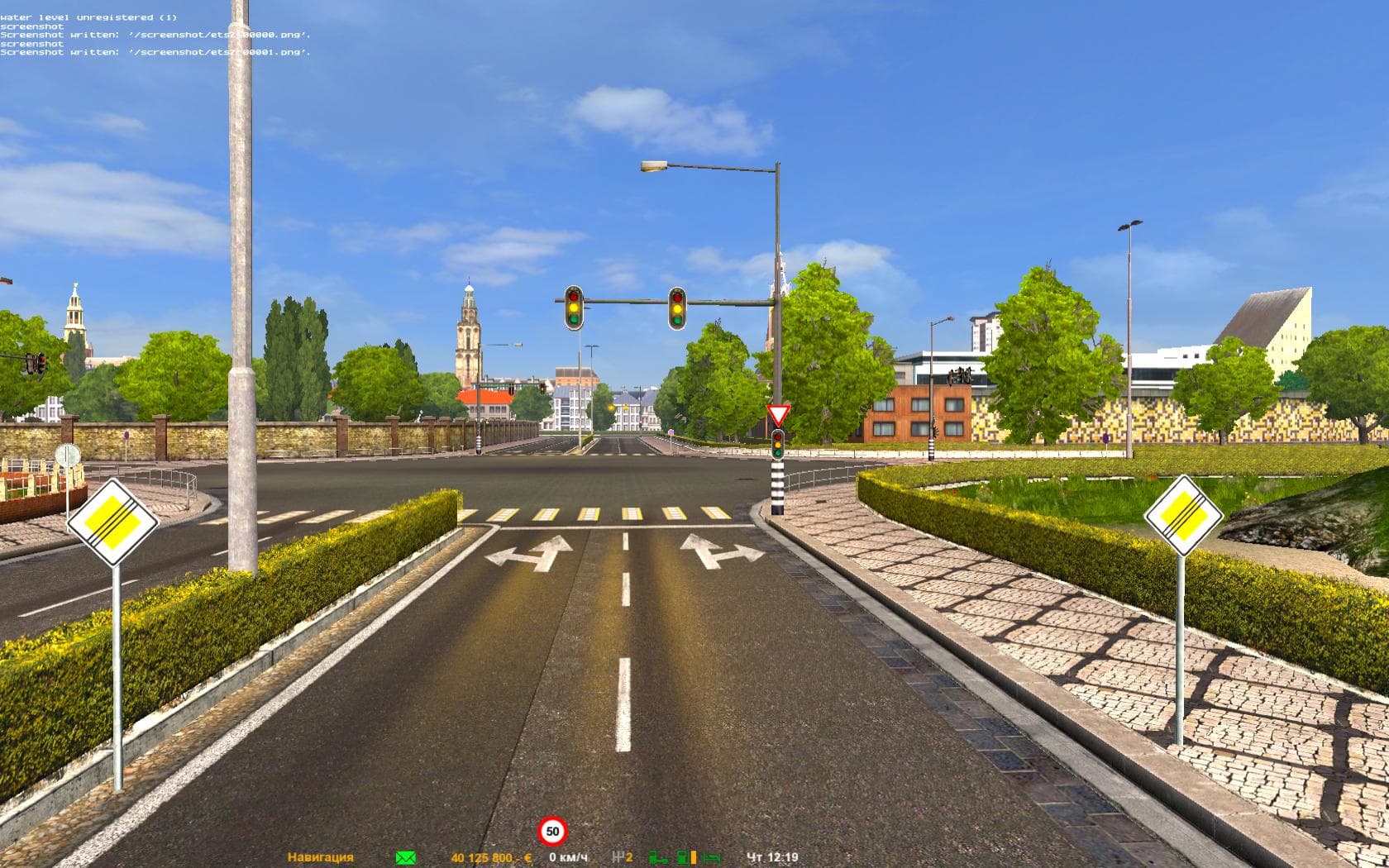
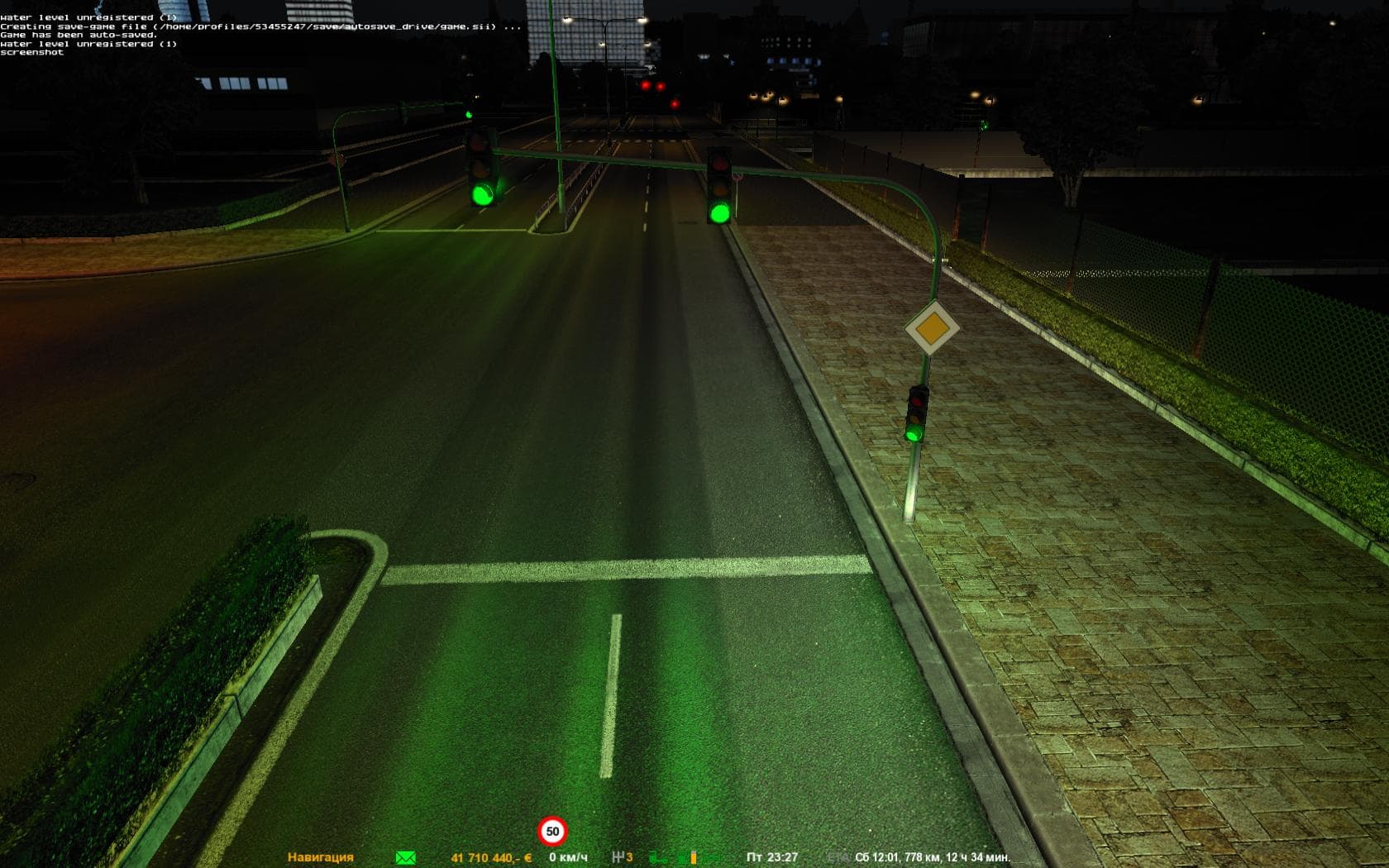
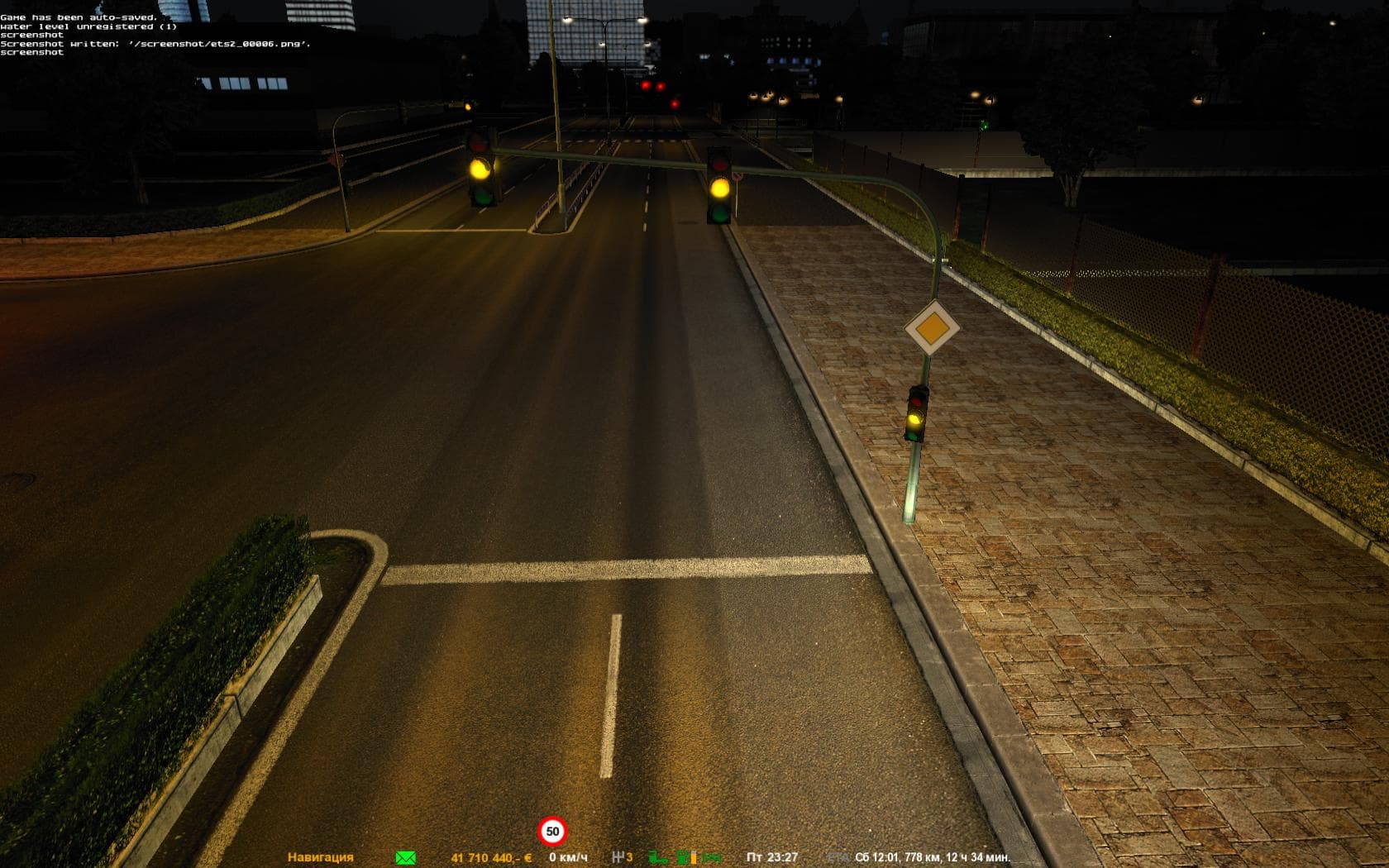
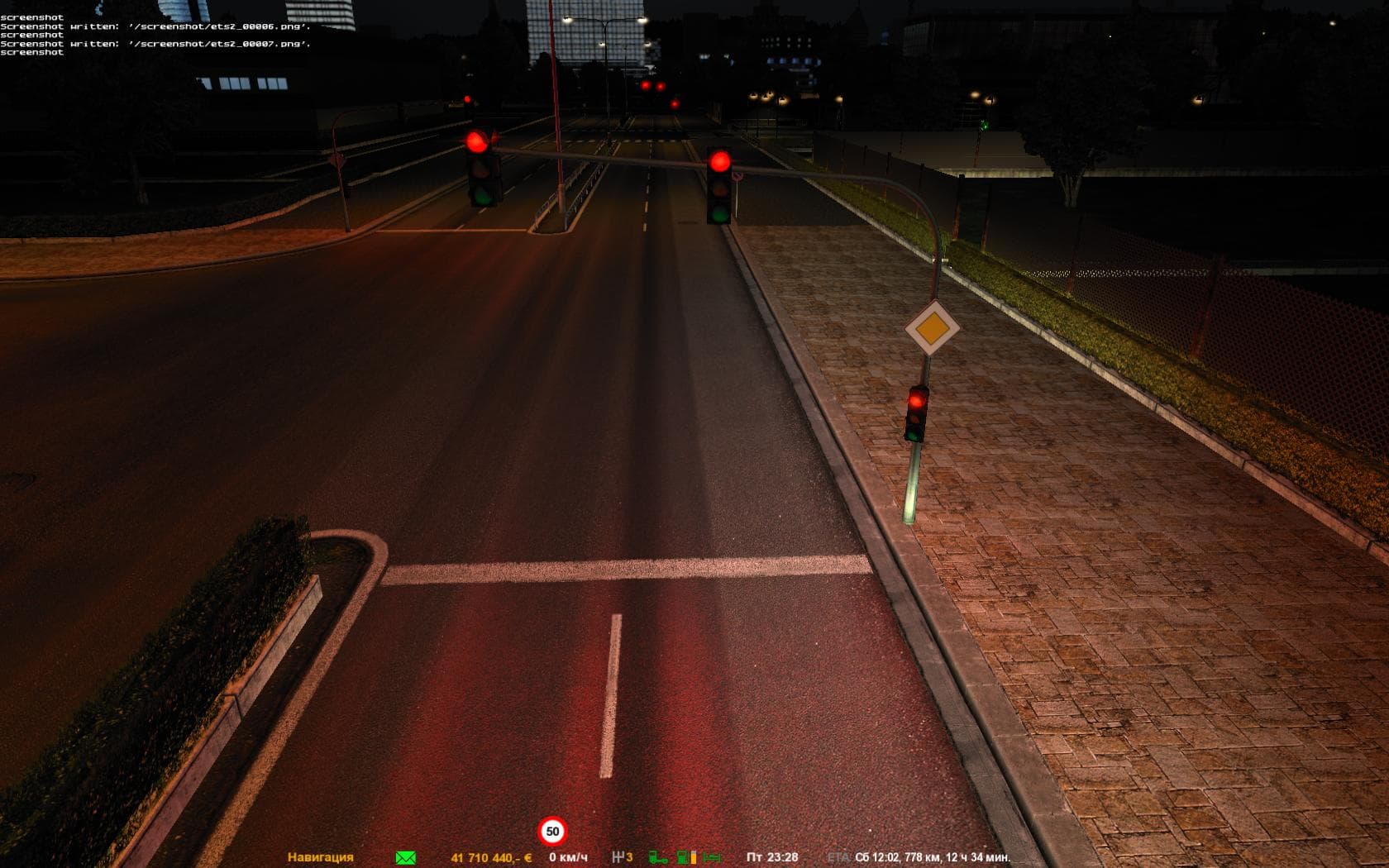
Brighter Headlights of traffic - ETS2 mods download is an ETS2 parts.
The Brighter Headlights of traffic mod enhances the lighting effects of AI vehicles in Euro Truck Simulator 2, particularly addressing how their headlights appear during night driving. Instead of faint or ghostly lights that can be hard to discern, this mod improves the visibility and realism of traffic car headlights. This type of parts mod typically alters specific vehicle features—in this case, lighting components—through the truck customization menu or by modifying game assets related to AI traffic models.
Parts mods like this one add or adjust vehicle accessories and details such as lights, bull bars, or mirrors. While many focus on player trucks, some target AI vehicles to enhance overall immersion. By brightening traffic headlights, it helps reduce confusion during nighttime driving and improves visual clarity on roads populated with other cars. This contributes to a more natural driving experience without affecting gameplay balance.
Integrating this mod into a setup with other parts or graphics mods should be done carefully. Since it modifies AI traffic vehicle lighting rather than player truck parts directly, it generally has fewer conflicts but still benefits from being loaded after any broad texture or visual overhaul mods affecting traffic models. Keeping track of load order ensures that the brighter headlight effect remains active and doesn’t get overwritten by other changes.
Players who often drive at night and value improved road visibility will appreciate what this mod brings. It’s especially useful for those running comprehensive visual enhancement packs who want consistent lighting across all vehicles, not just their own truck. If you find that traffic headlights seem too dim or ghostlike in your game, this mod offers a straightforward fix that blends well into most setups.
How to install
1. Download the file(s) from the original source linked above. 2. Drop them into `Documents/Euro Truck Simulator 2/mod/`. 3. Enable in Mod Manager and restart the game.
After the mod loads, save your game inside a safe area (parking lot or service) before deciding whether to keep it. If the game refuses to load with the mod enabled, check that all required DLCs are installed and that the supported ETS2 version chips on this page include your installed game patch.
Reviews
No ratings yetNo reviews yet — be the first to rate this mod.





